














Summary:
Mario and Luigi have always been the kind of duo who can turn a simple walk into a full-blown adventure, and their music tends to do the same thing. Now the soundtrack for Mario & Luigi: Brothership is available inside Nintendo Music, meaning Switch Online members can pull up the album on a phone and let it run while commuting, working, or just zoning out on the couch. It’s a small update on paper, but it lands in a fun spot: Nintendo Music is growing into a place where newer Switch soundtracks sit alongside older classics, and Brothership feels like it belongs in that mix. We get a full album experience instead of a handful of teaser tracks, and that changes how we listen. Suddenly it’s not just “play the catchy one” – it’s “pick a mood,” build a playlist, and let the score do what it was designed to do: carry energy, tension, and a little bit of goofiness from start to finish. If you’ve been curious about what Nintendo Music actually offers, this is an easy entry point because the premise is simple. Download the app on iOS or Android, sign in with a Nintendo account tied to an active Nintendo Switch Online membership, and press play. From there, it’s all about how you want to use it: background vibes, nostalgia sessions, or a carefully curated playlist that makes your day feel like you’re starring in your own lighthearted RPG.
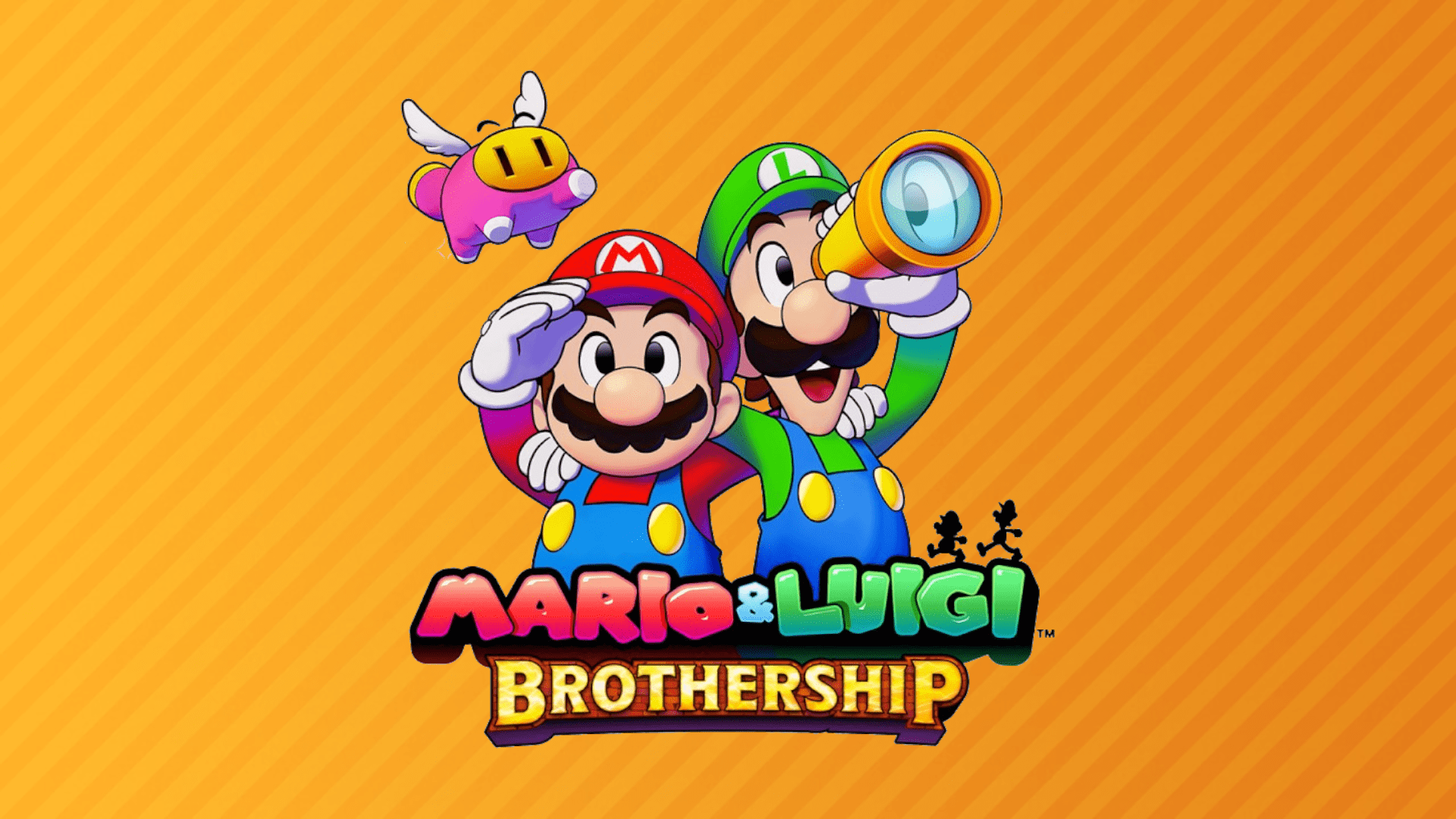
Mario & Luigi: Brothership arrives on Nintendo Music
When a soundtrack shows up on a music app, it can feel like a quiet little “oh nice” moment. Then you hit play, and suddenly it’s doing real work in your day. Mario & Luigi: Brothership joining Nintendo Music is one of those updates that’s easy to underestimate until you remember how these games use music: it’s not wallpaper, it’s personality. The playful themes, the travel-ready energy, and the occasional “something weird is about to happen” tension are part of what makes the series click. Having the album available in Nintendo Music also makes the soundtrack easier to enjoy outside the game, without needing to boot up a console or bounce between random uploads. It’s the kind of addition that fits the app’s whole vibe – a growing library of Nintendo soundtracks you can pull up whenever you want, like a digital shelf of musical comfort food. And yes, it’s perfectly normal if one track turns into an hour of “one more song” listening.
What Nintendo Music is and who can use it
Nintendo Music is built for a very specific feeling: you know that moment when a game’s theme gets stuck in your head, but in a good way? That’s the entire pitch. It’s a smart-device app where Nintendo Switch Online members can listen to music from certain Nintendo games, using a simple interface designed around albums and playlists rather than messy, scattered collections. The practical part matters too. We’re not talking about a separate paid music subscription layered on top of everything else. Access is tied to Nintendo Switch Online, so if you already keep that membership active for online play or other benefits, the app slots into your routine without extra hoops. It also means Nintendo can keep adding albums over time, turning the app into something you check regularly, like opening the fridge to see what’s new – except the leftovers are bangers from Mario, Zelda, Splatoon, and now Brothership.
Nintendo Switch Online membership access explained
The key requirement is straightforward: Nintendo Music access is included with an active Nintendo Switch Online membership. That matters because it sets expectations right away. If you can’t get in, it’s usually not because the app is “broken,” it’s because the account you signed in with doesn’t currently have an eligible membership attached. Think of it like a ticket at the door – the app is the venue, Switch Online is your entry pass. Once that membership is active, Nintendo Music becomes another perk you can actually use day-to-day, even when your Switch is in sleep mode across the room. This setup also keeps the experience consistent across devices. Sign in with the Nintendo account linked to the membership, and you’re in the same ecosystem you already use for Nintendo services. No weird extra profiles, no separate login maze, just the same account that already knows who you are.
Where to get the app on iOS and Android
Nintendo Music is available on both iOS and Android, so the “where do we download it?” part is refreshingly simple. On iPhone and iPad, it lives on the Apple App Store. On Android phones and tablets, it’s on Google Play. The important detail is that downloading is not the same thing as accessing. You can install the app first, but you’ll still need to sign in and have an active Nintendo Switch Online membership to actually use it. That’s not a trick, it’s just how Nintendo gates the service. If you’re setting it up on a new phone, it helps to treat it like any other Nintendo account service: make sure you’re using the correct email, confirm the membership is active, and then you’re good to go. Once it’s working, it’s the kind of app you can leave on your home screen and open whenever you need a quick mood lift.
What’s included in the Brothership soundtrack drop
The big question with any soundtrack addition is simple: did we get the real deal, or a tiny sampler? With Mario & Luigi: Brothership, the drop is generous. We’re talking about a full soundtrack experience that’s meant to be listened to across different moods, not just the obvious “main theme” highlights. That matters because RPG soundtracks are built like a toolbox. You’ve got upbeat travel music, quirky character themes, calmer tracks for downtime, and battle pieces that feel like they’re trying to convince your heart to do push-ups. When Nintendo Music adds an album like this, it’s basically handing you that toolbox and saying, “Pick what fits your day.” If you’re the type who likes background music while working, you can lean into calmer tracks. If you want energy, you can jump straight to the punchier pieces. Either way, it’s a soundtrack that can live with you outside the game, which is exactly the point.
Track count and total runtime
Numbers aren’t everything, but they help paint a clear picture. The Mario & Luigi: Brothership soundtrack on Nintendo Music includes 94 tracks with a total runtime of about 3 hours and 49 minutes. That’s not a quick playlist you finish before your coffee cools down. It’s a “put it on and let it carry the afternoon” kind of album. The size also hints at variety. A soundtrack this long usually means we’re getting a wide spread of themes and situations rather than repeating the same handful of melodies. For listeners, it means you can build playlists without everything sounding identical. For fans of the series, it means the musical identity of Brothership is preserved in a way that feels complete, not trimmed down. And if you’re new to the game, it’s honestly a fun way to get curious – the music can sell you on the vibe before you even touch a controller.
Highlights and moods we can expect
Mario & Luigi soundtracks tend to balance charm and momentum, like a cartoon that still knows when to hit the emotional beats. Brothership follows that tradition, so we can expect a mix of upbeat, bouncy tracks alongside more focused pieces that support battles or story moments. Even without naming every track one-by-one, the experience is familiar in the best way: playful melodies that feel like they’re winking at you, rhythms that push you forward, and occasional calmer tracks that let the world breathe. If you’ve ever noticed how a good game soundtrack can make a simple menu feel like a tiny stage show, you know what we’re talking about. The best approach is to listen in clusters. Start with a handful of tracks, favorite what clicks, and then circle back later. It’s like meeting a big cast of characters – you don’t need to remember everyone immediately, you just need a few standouts to get attached.
How to listen without losing your place
Listening to game music is a bit different from listening to a typical pop album. You’re not always chasing lyrics or a chorus. Sometimes you want a track to stay in the background while you work, and sometimes you want a specific theme because it scratches a very particular itch. Nintendo Music is designed for that kind of listening, where you might hop between albums, make a personal playlist, and come back later without feeling lost. The trick is to treat the app like your own little soundtrack cabinet. If you’re enjoying Brothership, save the tracks that hit you immediately, then build from there. Over time, you’ll end up with a playlist that matches your actual life: commute music, focus music, “I need motivation to clean the kitchen” music, and “I want to feel like I’m about to win a boss fight” music. The app becomes more useful the more you shape it around your habits.
Playlists, favorites, and smart organization
Playlists are where Nintendo Music stops being “a library” and starts being personal. Instead of scrolling through a long album every time, you can create a set that fits what you’re doing right now. Maybe you pull together energetic Brothership tracks for workouts, or calmer ones for reading. Favorites are equally important because they act like bookmarks. The moment you hear a theme that clicks, save it. That way you’re not stuck thinking, “Wait, what was that one track with the goofy trumpet line?” later. If you share your phone with family members, playlists also help avoid musical chaos. Everyone can have their own go-to set without stepping on each other’s toes. And if you’re trying to explore the album properly, playlists can act like a listening plan: start with “first impressions,” then make another for “battle energy,” then another for “chill.” It’s organized fun, which is basically the best kind.
Extended playback and loop-friendly listening
Game music is often written to loop, because in a game you might stay in a location for five minutes or fifty. That’s why extended playback options matter. When a track is designed to cycle smoothly, an extension feature can turn it into perfect background music without the constant stop-start feeling. With Brothership, that’s especially handy if you’re using the soundtrack as focus music. Instead of switching tracks every couple of minutes, you can let one theme run longer and keep your brain in the zone. It’s like choosing a good candle scent – you don’t want to keep swapping it out, you want it to quietly do its job. The same applies to chill sessions. Put on a calmer track, extend it, and suddenly you’ve got a steady atmosphere while you cook, read, or answer emails you’ve been avoiding like they’re mini-bosses.
When extended tracks actually help
Extended playback is most useful when your goal is consistency, not variety. If you’re working, studying, or trying to calm your mind after a long day, switching tracks too often can pull you out of the moment. In those situations, extending a track you already like is the smoothest move. It’s also great for routines. If you always do a 20-minute walk, extending a single upbeat Brothership theme can become your “start moving” trigger, like an audio version of tying your shoes. On the flip side, if you’re actively exploring the soundtrack, extension can get in the way because you’ll hear the same piece longer than you need. The sweet spot is using it intentionally: extend when you want a stable vibe, skip extension when you’re on a discovery mission. Either way, it’s a practical tool that matches how game music was built to function in the first place.
Why Nintendo keeps expanding the Music library
Nintendo Music updates make sense when you think about how people actually engage with Nintendo franchises. Games come out, fans fall in love with a world, and the music becomes part of the memory. Adding more soundtracks keeps that connection active between releases. It also gives Nintendo a simple reason to bring people back to the app regularly. New album drops are like little events, and they don’t require a massive marketing campaign to matter. For players, it’s a steady drip of nostalgia and discovery. For Nintendo, it strengthens the value of the Switch Online ecosystem by adding a perk you can use daily, even if you’re not gaming every day. Brothership is a good example of that strategy in action: it’s a Switch soundtrack people recognize, it’s recent enough to feel current, and it’s big enough to feel like a meaningful addition rather than a token upload. The result is a library that slowly becomes part of your routine.
Best ways to discover new music inside the app
If you open Nintendo Music and only ever listen to one album, you’re basically walking into a candy store and buying the same chocolate bar every time. Delicious, sure, but there’s a whole wall of options. The easiest way to discover new music is to follow your own taste. If you like upbeat Brothership tracks, try other Nintendo soundtracks known for playful melodies and energetic rhythms. If you prefer calmer, atmospheric pieces, use the app’s library to find albums that lean into quieter moods. Another smart approach is to explore by familiarity first. Pick franchises you already like, favorite a handful of tracks, and then branch outward. Over time, your favorites list becomes a map of your taste. And here’s a simple trick: when you’re not sure what to play, start Brothership, then let curiosity guide you. If a track feels like “travel music,” chase that feeling across other soundtracks. Discovery in a music app should feel like wandering, not homework.
Tips for families and shared devices
Shared devices can turn any app into a tiny battlefield of preferences. One person wants upbeat themes, another wants calm music, and someone always seems to hit play at maximum volume like they’re announcing a royal arrival. Nintendo Music can fit into family life if you set a few basic habits. First, keep playlists separate and clearly named, so nobody has to scroll through someone else’s “boss battle bangers” when they just want relaxing tracks. Second, use favorites like a personal shortcut, because it reduces the chance of accidental changes to shared playlists. Third, keep an eye on notifications and sign-in details if multiple Nintendo accounts are used on the same device. It’s much easier when everyone knows which account is active, especially because access is tied to Switch Online membership. The goal is simple: make it easy for everyone to listen without friction, and suddenly the soundtrack becomes background joy instead of another reason to argue.
Troubleshooting common issues fast
When Nintendo Music doesn’t work the way you expect, most problems come down to a few usual suspects. The first is account mismatch: you might be signed into a Nintendo account that doesn’t have an active Nintendo Switch Online membership. The second is connection issues, because streaming and loading libraries rely on stable internet. The third is app updates, since mobile apps can behave oddly when they’re behind the latest version. A quick practical routine helps: confirm you’re logged into the correct Nintendo account, verify the membership is active, update the app, and then restart it. If you’re on a shared device, double-check that someone didn’t switch accounts without realizing it. Also, don’t underestimate the simplest fix in tech history: closing and reopening the app. It’s not glamorous, but it works often enough to deserve respect. Once everything is sorted, the experience should feel smooth – open, pick an album like Brothership, and let it run.
What to watch for next in Nintendo Music updates
The most exciting part of Nintendo Music is that it’s not a static library. Updates keep arriving, and each addition changes what the app feels like day-to-day. If Brothership is your kind of soundtrack, it’s worth checking the app regularly to see what’s new, because the library can grow in directions you might not expect. Sometimes updates focus on iconic classics, sometimes they spotlight newer Switch releases, and sometimes they surprise you with something that makes you think, “Wait, that’s in here now?” The smartest mindset is to treat Nintendo Music like a living collection. You don’t need to obsess over every update, but it’s worth peeking in now and then, especially if you use the app as a daily music source. Over time, your playlists can evolve alongside the library. Brothership being added is a reminder that Nintendo is serious about building this out, and that’s good news for anyone who likes having game music on tap without extra hassle.
Conclusion
Mario & Luigi: Brothership arriving on Nintendo Music is one of those updates that feels simple but ends up being surprisingly useful. We get a full soundtrack experience that’s easy to access on iOS and Android, as long as the Nintendo account you sign in with has an active Nintendo Switch Online membership. With 94 tracks and nearly four hours of music, it’s an album you can explore slowly, favorite the standouts, and shape into playlists that match your actual day. The app’s listening tools also make sense for game music, especially when you want a steady mood instead of constant track switching. If you’re already a Switch Online member, this is an easy perk to use more often than you might expect. And if Brothership is your entry point, it’s a strong one, because it shows exactly what Nintendo Music can be: a growing library of soundtracks that can live with you beyond the console.
FAQs
- Do we need Nintendo Switch Online to use Nintendo Music?
- Yes. Access to Nintendo Music is included with an active Nintendo Switch Online membership, and you’ll need to sign in with the Nintendo account tied to that membership.
- Is Nintendo Music available on both iPhone and Android phones?
- Yes. Nintendo Music is available on iOS through the Apple App Store and on Android through Google Play.
- How many tracks are included for Mario & Luigi: Brothership on Nintendo Music?
- The Brothership soundtrack includes 94 tracks, with a total runtime of about 3 hours and 49 minutes.
- What’s the easiest way to find the Brothership album in the app?
- Search for “Mario & Luigi: Brothership” in Nintendo Music, or use Nintendo’s official share page that opens the playlist inside the app.
- If the app won’t let us listen, what should we check first?
- Confirm you’re signed into the correct Nintendo account, verify the Switch Online membership is active, update the app, and restart it. Account mismatch is one of the most common causes.
Sources
- Nintendo Music app for Nintendo Switch Online, Nintendo, accessed January 14, 2026
- All tracks – Mario & Luigi: Brothership (Nintendo Music), Nintendo Music Share, accessed January 14, 2026
- Nintendo Music’s latest update adds Mario & Luigi soundtrack, includes 94 songs, Nintendo Life, January 13, 2026
- Mario & Luigi: Brothership soundtrack is now streaming on Nintendo Music, RPG Site, January 13, 2026
- Nintendo Music (App Store listing), Apple App Store, accessed January 14, 2026
- Nintendo Music (Google Play listing), Google Play, accessed January 14, 2026