














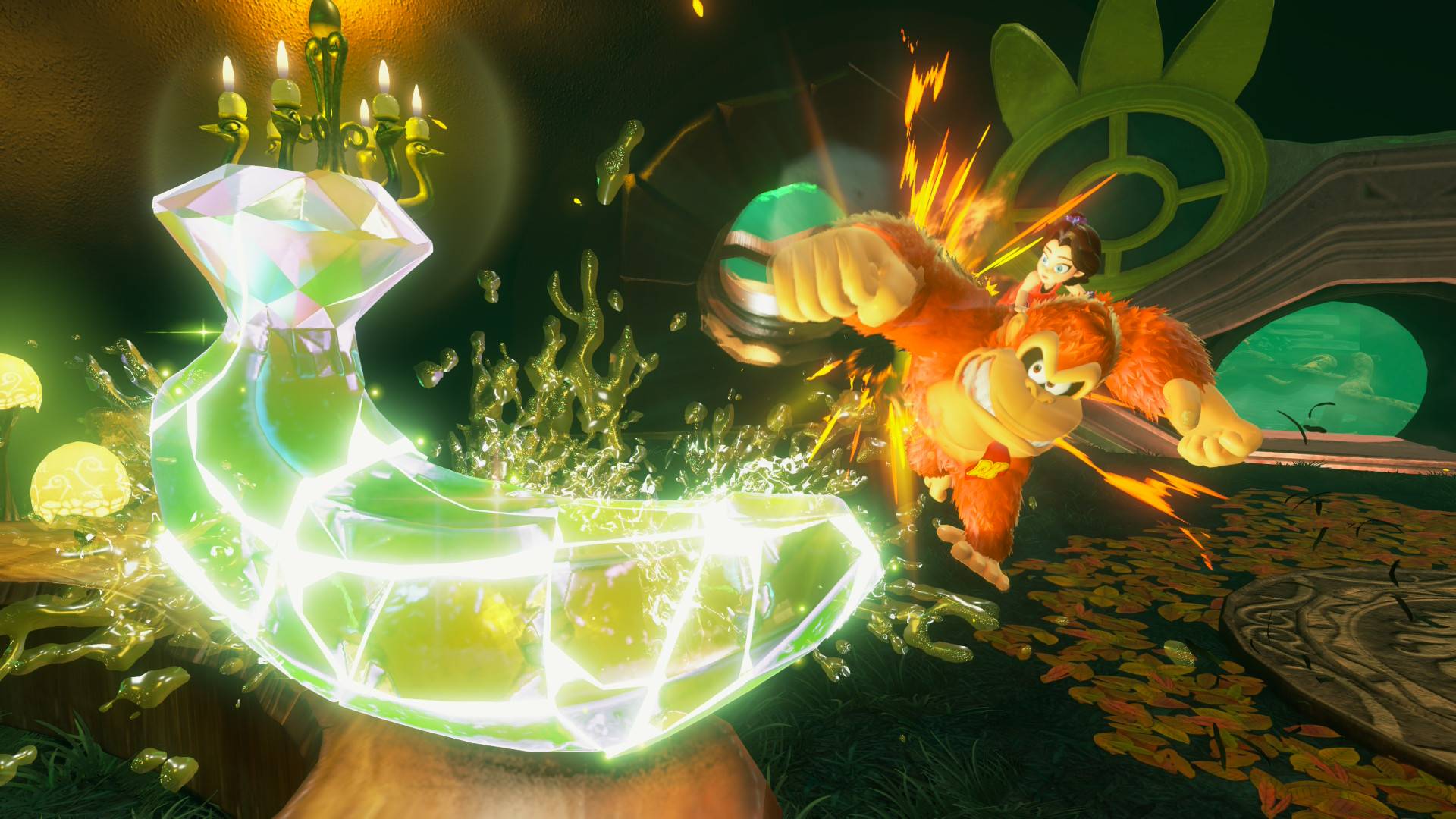
Summary:
Donkey Kong Bananza has moved up to Ver. 3.2.0 on February 24, 2026, and Nintendo’s official wording is short and sweet: “Several issues have been addressed to improve the gameplay experience.” That’s it. No bullet list of fixes, no long breakdown, and no dramatic “we squashed 97 bugs” victory lap. If you’ve ever installed a patch like this and wondered whether anything actually changed, you’re not alone. The trick is understanding what this kind of note usually signals, and what you can realistically take away from it without making stuff up.
We’re going to keep it practical. We’ll walk through how to confirm your current version, how to update the game in a couple of reliable ways, and what to try if the download gets stubborn. Then we’ll talk about why vague notes exist in the first place, what categories of fixes they often cover, and why you might feel the difference in tiny moments rather than in a flashy new feature. Finally, we’ll run through a few quick “after patch” habits that help you avoid glitches, plus the best way to report a problem if something still feels off. It’s the kind of checklist you can skim, follow, and get back to smashing stuff with confidence.
What Donkey Kong Bananza Ver. 3.2.0 actually says
Ver. 3.2.0 is officially listed as released on February 24, 2026, and the entire note boils down to a single line: several issues were addressed to improve the gameplay experience. That kind of message can feel like someone handed you a wrapped gift box and forgot to put the gift inside. Still, it’s meaningful in its own way because it tells us Nintendo shipped a maintenance update rather than a feature drop. In plain terms, we’re not being told to expect new modes, new settings, or a surprise menu option. We’re being told Nintendo found problems worth fixing, pushed the build forward, and wants everyone on the latest version. If you play regularly, these patches often land like a quiet tune-up, the kind that doesn’t change the car’s paint color but makes the engine purr a little cleaner. The absence of detail also means we should avoid guessing specific fixes, but we can still talk about what you can do right now: update, confirm, and keep your play sessions smooth.
How to check your installed version on Switch 2
Before you update anything, it helps to know what you’re currently running, because half of “is this working?” is just confirming you’re looking at the same build as everyone else. On Switch 2, you can check a game’s version right from the HOME Menu without even launching it. Highlight Donkey Kong Bananza, press the + or – button, and you’ll see the current version number displayed under the game’s title. This is the easiest sanity check there is, and it saves you from chasing ghosts like “my game feels different” when you’re still on an older build. It’s also useful if you share the console with family, roommates, or that one friend who swears they never touch your system and somehow always does. Once you confirm you’re below Ver. 3.2.0, you’ll know an update is genuinely pending, not just rumored, not just mentioned online, but actually relevant to your console.
The simplest ways to update, without overthinking it
Updating Donkey Kong Bananza can be as hands-off or as hands-on as you want, and both approaches are valid. If your Switch 2 is connected to the internet and auto-updates are enabled, the system can download and install the update automatically, which is perfect if you want the patch to quietly handle itself in the background. If you prefer doing it manually, you can trigger it from the game’s options by selecting the software on the HOME Menu, pressing + or -, choosing Software Update, and then selecting Over the Internet. Manual updating is great when you’re about to play and don’t want surprises like a download starting at the exact second you were ready to jump in. Either way, Nintendo’s own guidance emphasizes that your save data remains available after downloading the update, which is the reassurance most people want before they press any button that looks remotely official. Think of it like locking the door before bed: it takes two seconds, and you sleep better.
When auto-updates fail, and the fastest way to nudge them
Auto-updates are convenient until they decide to take a nap, and then they’re conveniently nowhere to be found. If you expected Ver. 3.2.0 to appear automatically but it hasn’t, the quickest nudge is to manually check for the update through the Software Update menu and force the console to look “right now” instead of “whenever it feels like it.” Another practical step is to confirm the console is actually online and has enough free storage, because updates can fail silently when space is tight. A restart can also help when a system has been in a long sleep cycle and background processes get a little too relaxed. None of this is glamorous, but it’s the kind of boring fix that works often enough to be worth trying first. The goal is simple: get the download to start, let it finish, confirm the version number changed, and then you’re back in the game without a troubleshooting marathon that eats your evening.
What “several issues addressed” usually points to in real life
When patch notes are vague, it’s usually because the fixes are either small, numerous, sensitive, or all three at once. Small fixes might include edge-case bugs that only happen when very specific conditions line up, like a particular sequence of actions, a certain menu setting, or a rare interaction that most players will never hit. Numerous fixes might be minor tweaks across different systems that don’t deserve separate bullets because the list would be long without being exciting. Sensitive fixes can be things like exploits, unintended skips, or loopholes that developers don’t want to spotlight with a big neon sign. In other words, “several issues” can mean the game is being tightened up around the edges, not remodeled from the foundation up. The best way to read this line is as maintenance: Nintendo found rough spots, smoothed them, and shipped the update so fewer players run into those rough spots later. It’s like patching tiny holes in a boat before they become the reason you’re suddenly very familiar with cold water.
Stability fixes, crashes, and those weird one-off softlocks
One common target for maintenance updates is stability, because even a rare crash becomes a big deal when enough people play long enough. A crash can be obvious, like the game closing unexpectedly, but it can also be subtle, like a freeze that forces a restart or a moment where the game stops responding even though the console is still fine. Softlocks can be even sneakier, because the game might keep running while progress is blocked by a trigger that didn’t fire correctly. The reason we talk about these in general terms is simple: Nintendo didn’t list specifics for Ver. 3.2.0, so we shouldn’t pretend we know exactly what got fixed. Still, it’s fair to say stability patches are often designed to reduce the odds of unpleasant surprises during longer sessions. If you’ve ever been on a good run and had the game cut the music mid-song, you know why stability work matters. It’s not flashy, but it protects your time, which is the most valuable resource in any game.
Progression and triggers: why small fixes can feel huge
Progression bugs are the kind that can make you feel personally targeted, like the game watched you having fun and chose violence. These issues often involve conditions that unlock events, rewards, or transitions, and when they misfire, you can end up repeating tasks, missing a reward, or wondering if you misunderstood what the game wanted. Even a small trigger adjustment can have a big emotional impact because it turns “this is broken” into “oh, it just works now.” With vague patch notes, we can’t point to a particular mission or area and say it was corrected in Ver. 3.2.0, but we can explain why developers prioritize this category. Games built around movement, interactions, and layered systems can create unexpected combinations players will find naturally. Fixing those awkward corners often means fewer moments where you feel stuck and more moments where the game responds cleanly to what you’re doing. It’s like a stagehand quietly fixing a prop backstage so the show doesn’t stumble in front of the audience.
Performance and “feel”: why a patch can seem invisible but still help
Some updates don’t announce themselves with a banner, but you still notice them in how the game feels minute to minute. That can mean fewer stutters in busy moments, smoother transitions between areas, or tiny timing improvements that make actions feel more responsive. The key is that these changes can be hard to describe unless you compare before and after side by side, and most of us aren’t out here running controlled experiments like we’re in a lab coat. With Ver. 3.2.0, we only know Nintendo says the gameplay experience is improved, which is broad enough to include these invisible quality tweaks. If you update and everything looks “the same,” that can still be a win, because the best performance fixes are often the ones that stop problems before you ever notice them. It’s like fixing a squeaky door hinge: you don’t throw a party for it, but you appreciate the silence every time you walk through.
Smart habits after patching: quick checks that save headaches
After you update, it’s worth doing a few quick checks that take less time than making a snack, and they can prevent the “why is this acting weird?” spiral later. First, confirm the version number actually reads Ver. 3.2.0, because downloads can fail or pause without an obvious warning. Next, fully close and reopen the game once if you updated while it was running or suspended, because a clean restart ensures the new build is actually loaded. If you use any system-level settings that affect downloads or sleep behavior, make sure they’re not preventing updates from completing in the future. Also, if you play with any specific options in the game, glance through them briefly, not because we expect Ver. 3.2.0 to change settings, but because it’s a fast way to ground yourself and feel confident everything is in order. These habits are the gaming equivalent of checking your pockets for keys before you leave the house. It’s a small routine, but it keeps your day from turning into a comedy of errors.
How to report bugs so they don’t live rent-free in your save file
If you run into an issue after updating, the most helpful thing you can do is describe it in a way that someone else can reproduce. That means noting what you were doing right before it happened, what you expected to happen, what actually happened, and whether it occurred more than once. If you can narrow it down to a consistent trigger, that’s gold, because developers can’t fix what they can’t reliably observe. It also helps to include your game version, your system context, and any relevant settings you changed, because a bug that appears under one configuration might never show up under another. Nintendo’s support pages are often the starting point for official troubleshooting, and they can point you toward the right place to report or resolve issues. The mindset here is simple: we’re not venting into the void, we’re leaving a trail of breadcrumbs that leads directly to the problem. It’s detective work, but with more bananas and fewer trench coats.
Looking back at Ver. 3.1.0 for context, and what changed since
Ver. 3.1.0, released January 21, 2026, gives useful context because it shows the kind of updates Nintendo has been shipping for Donkey Kong Bananza. That patch added Polish as a supported language and also included the familiar “several other issues” line, which tells you Nintendo has been mixing small feature additions with maintenance work. Compared to that, Ver. 3.2.0 reads like a cleaner maintenance patch, where the message is entirely focused on improving the gameplay experience without calling out a specific new feature. That doesn’t make it less important, because maintenance is often what keeps long-term play enjoyable, especially for people who put real hours into a game. It also reinforces a pattern: when Nintendo wants you to know about a big change, they usually say so. When they don’t, it’s often because the fix is behind the scenes, spread across multiple small areas, or aimed at rare scenarios that don’t make for thrilling bullet points. If you like your games smooth and predictable, these are the updates that quietly earn your gratitude.
What to expect from future updates when notes stay vague
If Nintendo continues the pattern of short patch notes, the best expectation to hold is simple: updates may arrive that mostly focus on stability, fixes, and small quality adjustments rather than headline features. That doesn’t mean every patch will be tiny forever, because earlier version history shows that feature additions and content-related changes can happen when needed. It just means you shouldn’t assume every version bump comes with new toys in the menu. The smart approach is to check the official update history when a new version drops, install the update, and then judge the impact by your own play experience rather than by rumors. If you notice fewer hiccups, fewer oddities, and fewer moments where you mutter “that was… strange,” then the patch did its job. And if you don’t notice anything at all, that can still be a positive outcome, because a stable game often feels boring in the best way. Future updates will tell their own story, but for Ver. 3.2.0, the story is straightforward: maintenance, polish, and keeping the ride smooth.
Conclusion
Donkey Kong Bananza Ver. 3.2.0 is the definition of a quiet update: Nintendo confirms it’s live as of February 24, 2026, and says several issues were addressed to improve the gameplay experience, without listing specifics. The best move is to treat it like a routine tune-up. Check your version, update through the HOME Menu, confirm you’re on Ver. 3.2.0, and restart the game once so the new build is fully in place. From there, focus on what matters: how the game feels during your sessions, whether rough moments you noticed before still appear, and whether everything runs smoothly. If something still seems off, write down clear reproduction steps and use official support channels as your first stop. Sometimes the biggest quality improvements are the ones you barely notice, because they quietly remove the annoyances that used to interrupt the fun.
FAQs
- What are the official patch notes for Donkey Kong Bananza Ver. 3.2.0?
- Nintendo’s official note for Ver. 3.2.0 (released February 24, 2026) says: “Several issues have been addressed to improve the gameplay experience.”
- How do we check which version of Donkey Kong Bananza is installed?
- On the HOME Menu, highlight the game and press the + or – button. The current version number is shown under the game title.
- What’s the quickest way to manually install the update on Switch 2?
- Select the game icon on the HOME Menu, press + or -, choose Software Update, then select Over the Internet to force the update check and download.
- Will updating delete save data?
- Nintendo’s support guidance states save data will still be available for use after downloading the update.
- Why are the patch notes so vague?
- When notes only mention “several issues,” it usually indicates maintenance work where details aren’t listed publicly. The safest takeaway is that it’s a general improvement update rather than a feature-focused one.
Sources
- How to Update Donkey Kong Bananza, Nintendo Support, February 24, 2026
- Donkey Kong Bananza Has Been Updated To Version 3.2.0, Nintendo Life, February 24, 2026
- Donkey Kong Bananza 3.2.0 update out now, patch notes, Nintendo Everything, February 24, 2026
- Donkey Kong Bananza updated to Version 3.2.0, My Nintendo News, February 25, 2026