














Summary:
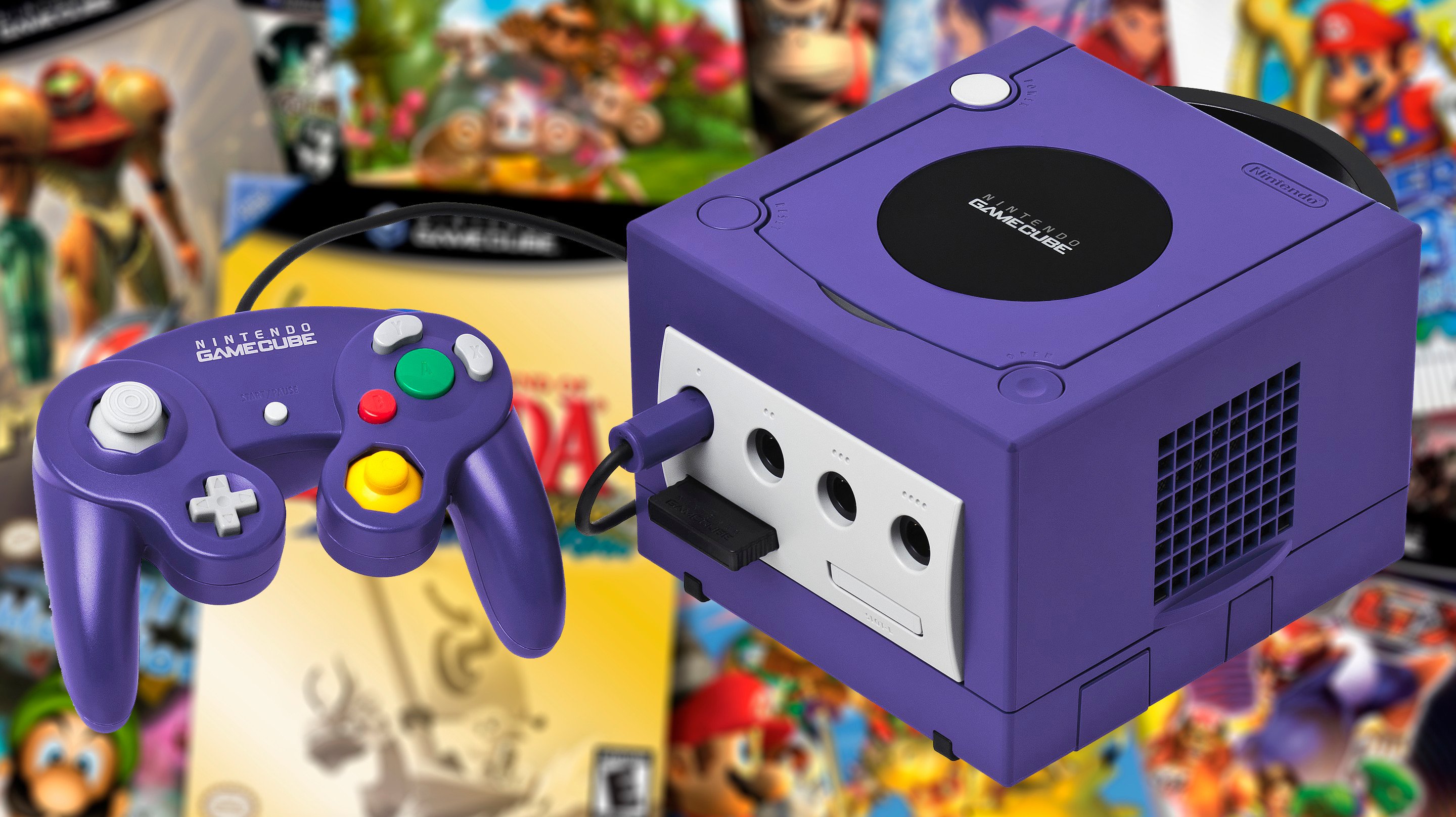
Something interesting has been happening with the GameCube Nintendo Classics app lately: players are reporting that the controls feel more responsive after a recent update. The big headline is input lag, that tiny but maddening delay between what your hands do and what the game does back. For slower adventures you might shrug and adjust, but for a game like F-Zero GX, that delay sticks out like a squeaky shopping cart wheel. When you are racing at absurd speeds and making constant micro-corrections, even a small buffer can make the whole experience feel “off,” like the machine is arguing with you instead of listening.
Reports point to the latest update, which arrived around the time Wario World was added to the GameCube lineup, as the turning point. Multiple players have said they noticed the improvement quickly, sometimes as early as the title screen menu responsiveness. Others are also talking about changes across several titles, with a common theme: it feels snappier, and it feels closer to what they remember from original hardware. At the same time, not every game is being described the same way, and some players still feel a lingering delay in The Legend of Zelda: The Wind Waker. That split is useful, because it reminds us input lag is rarely a single culprit. It can come from the app, the console, the controller, the TV, or the whole chain working together like a relay team where one runner forgot their shoes.
We are going to break down what input lag actually means in plain English, why fast games expose it so brutally, how to test what you are feeling without buying special equipment, and which settings usually make the biggest difference. Most importantly, we will keep it grounded in what is being reported right now, and what that suggests about Nintendo’s willingness to keep polishing Nintendo Classics over time.
What changed in the latest GameCube Nintendo Classics update
The simplest way to describe what players are reporting is this: the GameCube Nintendo Classics app feels more responsive after its most recent update. There is no need to pretend this came with a fireworks show or a giant in-app banner screaming “latency fixed,” because it did not. Instead, the change has been noticed the way you notice a door that finally stops sticking – you push, and it just opens. Reports tie the timing to the update that arrived alongside the addition of Wario World, and the most common “before and after” comparison shows up in fast-response moments like menu navigation and quick steering inputs.
What matters here is the pattern, not one single quote. Multiple people have independently described the same kind of improvement, and that consistency is why this story has legs. We are still talking about perception, not a lab report, but perception is exactly what input lag attacks. If the game feels like it is trailing your thumbs by a beat, you notice it immediately. If that beat shrinks, you also notice, and that is what has been happening for a chunk of players.
Input lag explained without the tech headache
Input lag is the delay between an input and the visible result on screen. Press a button, tilt a stick, pull a trigger – then wait a fraction of a second before the action shows up. That fraction sounds tiny, but your brain is basically a timing machine. It is constantly predicting what should happen next, and it gets annoyed when the prediction is wrong. That annoyance can feel like floaty steering, late jumps, missed parries, or that weird sensation that you are steering a boat with a rubber band instead of a wheel.
The tricky part is that input lag is rarely just one thing. It can be introduced by the app’s processing, the console’s output pipeline, the controller connection, and the display’s own image processing. Sometimes it is additive, like stacking small books until you suddenly have a tower. This is why two people can play the same game and have wildly different reactions. One person is on a low-lag monitor with game mode enabled, the other is on a TV doing extra smoothing and upscaling, and both swear they are describing the “real” experience. They are, for their own setup.
Why F-Zero GX makes every millisecond obvious
F-Zero GX is the kind of game that tattles on latency. It does not politely ignore it, it points at it and laughs. The reason is speed and frequency of correction. At high velocity, you are constantly making micro-adjustments, nudging the stick left and right, feathering turns, and reacting to bumps, boosts, and traffic. If the response is delayed, those micro-adjustments land late, and then you overcorrect, and then you correct the overcorrection. It becomes a chain reaction that feels like driving on ice while wearing socks.
There is also the reality that racing games build trust. You want to believe the machine will do what you tell it the moment you tell it. When that trust is broken, even slightly, your confidence drops, and your lap times follow. That is why so many people bring up F-Zero GX in this conversation. It is not just a popular GameCube title, it is a stress test for responsiveness. If players are saying F-Zero GX feels better now, that is a meaningful signal because the game is brutally sensitive to control delay.
Why The Wind Waker can feel sluggish even when nothing is “broken”
The Legend of Zelda: The Wind Waker is a different beast. It is not asking you to hit 60 tiny steering corrections every few seconds. It is asking you to move Link, swing a sword, roll, and navigate spaces where animation and timing windows matter in a more forgiving way. That does not mean input lag does not matter, it just means the sensation can be different. A small delay can feel like “weight” or “float” rather than outright unplayability. You might start walking a hair later than expected, or combat might feel slightly buffered.
Another wrinkle is that some games already have intentional animation timing and input buffering baked in. That can make the baseline feel different from a racer, even on original hardware. So when players describe Wind Waker as still feeling “off” compared to other titles, it is not automatically proof that nothing changed. It could mean the remaining delay is more noticeable in that specific game’s movement and animation rhythm, or that the improvement is smaller there than in other titles. Either way, it is a useful comparison point, because it shows this is not a one-size-fits-all experience.
What players are reporting after the update
The shared thread across recent chatter is that control response feels improved across the GameCube Nintendo Classics lineup, with the loudest reactions coming from people revisiting previously complained-about titles. The most repeated claim is reduced input delay, often described as “hugely reduced” or “noticeably better,” and sometimes spotted instantly in menus. That is not the kind of detail people usually invent for fun, because menus are boring. Nobody wakes up excited to praise a title screen. So when the title screen becomes a talking point, it usually means the improvement is easy to feel.
At the same time, the conversation also includes a healthy reality check. Some players still describe lingering delay in Wind Waker, and others frame the change as an upgrade from “not great” to “ok” rather than a magical return to perfect GameCube purity. That framing is helpful because it matches how these fixes often land in the real world. Latency improvements can be incremental, and even a small improvement can transform how a game feels for the person holding the controller.
F-Zero GX impressions from the community
F-Zero GX is where a lot of people have planted their flag. Players revisiting the game after the update have described it as noticeably better, sometimes to the point where any remaining delay is hard to notice during normal racing. That kind of statement is big because it implies the change is not subtle for everyone. If a racing game goes from “I can feel something is off” to “this plays like I remember,” that is the difference between dabbling for five minutes and actually doing a full Grand Prix run.
It is also worth noting what people are not saying. The chatter is not focused on visual tweaks or new features. It is focused on feel. That is the heart of input lag. It is not a screenshot problem, it is a muscle memory problem. For F-Zero GX fans, muscle memory is sacred. If the app update is restoring that sense of direct control, it is doing something that matters more than any filter or border setting ever could.
Wind Waker and the rest of the library: what seems improved
Wind Waker has been mentioned in two different ways. Some reports suggest it feels improved compared to launch, while others still describe it as the outlier that does not benefit as much as the rest. That split might sound messy, but it actually makes sense. Different setups can exaggerate or hide the remaining delay, and the game’s own movement and animation cadence can make small latency feel bigger. In other words, Wind Waker can be the canary in the coal mine, still singing even after the air quality improves.
Across other games in the lineup, the tone has generally been positive, with players pointing to a broader improvement rather than a single title getting special treatment. That is the encouraging part. If the update is improving the underlying responsiveness of the app rather than applying one-off tweaks per game, it suggests Nintendo is actively smoothing the foundation. For anyone paying for Nintendo Switch Online + Expansion Pack, that kind of behind-the-scenes polish is the difference between a novelty library and something you actually return to.
How to tell if the delay is the app or your setup
Before blaming the app, it helps to remember that your setup can be a secret villain. TVs are especially guilty here, because many ship with processing features turned on by default. Those features can make movies look “nicer” in a showroom, but they can also add delay that games absolutely hate. If one person says the update fixed everything and another says they still feel lag, both can be right, because they might be playing through totally different display pipelines.
The goal is to separate “system-level delay” from “display-level delay” as best as we can without turning the living room into a science lab. The good news is we can do a lot with simple observation. We can also compare handheld play versus docked play, because handheld removes the TV from the equation. If handheld feels crisp and docked feels mushy, the TV is the first suspect, not the app.
A simple couch test anyone can do
Here is the easiest sanity check: pick a repeated action with a clear visual cue, then do it in a controlled way. In F-Zero GX, use quick left-right stick taps while paused on a menu cursor and watch how tightly the cursor follows your rhythm. In Wind Waker, stand still and tap a direction repeatedly, watching how consistently Link starts moving. Do the same test handheld and docked. If handheld feels tighter, the display chain is likely adding delay.
Next, try the same action with your TV set to game mode if it has one. Game mode usually disables extra processing like motion smoothing and heavy post-processing. If the feel improves immediately, you have your answer. It is not glamorous, but it is effective, like checking if your car’s handbrake is still on before booking a mechanic. Finally, repeat the test after rebooting the app once, just to rule out any odd state. If the difference is consistent across repeated tries, you have a real signal to work with.
A quick camera test for people who like numbers
If you want something more measurable, you can do a basic camera test with a smartphone that can record high frame rate video. Record your hands and the screen at the same time while you press a button that triggers a clear on-screen change, like a menu movement or a distinct animation start. Then scrub through the video frame by frame and count how many frames pass between the press and the on-screen response. It is not perfect, but it is far more objective than vibes.
The trick is consistency. Use the same action, the same camera position, and the same lighting so you can clearly see the button press and the screen. Test handheld and docked, and test with and without TV game mode. Even if the numbers are not lab-grade, the comparison will be. If docked adds extra frames over handheld, the TV is adding delay. If both improve after the update compared to older recordings or older memory, that points back to the app update doing real work.
Settings that commonly add or remove lag
Once we accept that input lag is a chain, the fix becomes “shorten the chain.” The most impactful fixes tend to be boring, which is honestly on-brand for latency problems. We are not talking about secret cheat codes. We are talking about display modes, connection methods, and making sure nothing in the pipeline is trying to be too clever. The goal is to get the signal from console to screen as directly as possible.
It is also worth doing these tweaks even if the update has improved the app. Why? Because improvements stack in a good way too. If the app got faster and your TV gets out of the way, you get the best possible version of the experience. That is when F-Zero GX feels like it is reading your mind again, which is exactly how a good racer should feel.
TV and monitor tweaks that usually move the needle
Start with game mode. If your TV has it, turn it on. If it has multiple HDMI modes, make sure the input your console uses is configured for low-latency gaming. Then disable motion smoothing, frame interpolation, and any “cinema enhancement” style features. They are great for soap operas and terrible for steering at 1,200 kilometers per hour. Also watch out for audio settings. Some TVs introduce delay when doing fancy audio processing, and that can sometimes interact with video timing in weird ways.
If your TV has a setting that references low-latency or “instant game response,” enable it. If you are using a capture device, try removing it and connecting directly to the TV, because capture chains can add delay too. Finally, if your TV supports it, keep the signal path simple. The less post-processing happening, the more likely you are to feel the benefit of any improvements Nintendo has made in the app itself.
Controller and console choices that help
Controllers matter, mostly because connection stability and polling behavior can influence feel. If you have the option to use an official controller method that is known for low-latency behavior, it is worth trying, especially for a game as sensitive as F-Zero GX. Also consider your play mode. Handheld can feel different because the display is integrated and the pipeline is shorter. If you want the cleanest comparison point for whether the update helped, handheld testing is a useful baseline.
Another practical tip is to reduce wireless noise where possible. Keep the console docked in a spot with a clear line to your controller, avoid burying the dock behind a stack of devices, and keep potential interference sources reasonable. It sounds silly until you have lived it. Wireless problems do not always show up as obvious dropouts. Sometimes they show up as subtle inconsistency, and inconsistency is the fastest way to make a game feel “wrong,” even if average latency is not terrible.
What this update signals for Nintendo Classics going forward
The most encouraging part of this situation is not just that people think input lag feels reduced. It is that the change appears to have arrived through routine app updates, suggesting Nintendo is willing to keep polishing the Nintendo Classics experience after launch. That matters because the value of these libraries is long-term. People subscribe for the steady drip of additions, sure, but they stay when the library becomes a reliable place to play, not a place to “check in” and then bounce.
It also sets expectations in a good way. If improvements are happening now, it becomes reasonable to expect future updates to keep smoothing the edges, especially as more GameCube titles arrive and more players stress-test different genres. Racing games and fighters are the harshest judges, and if those start feeling better, that is a strong sign the foundation is improving. For anyone who cares about responsive retro play, this is the kind of quiet win that actually changes habits. Suddenly, the GameCube app is not just a curiosity. It becomes a go-to option.
Conclusion
Players have been reporting that the latest GameCube Nintendo Classics app update has reduced input lag, with F-Zero GX getting the most enthusiastic “this feels better” reactions. That makes sense, because GX is a sensitivity test disguised as a racing game, and it punishes even small delays. At the same time, not everyone is describing the same results in every title, with Wind Waker still being a common “it’s improved, but…” conversation point. That mix does not weaken the story, it strengthens it, because it reflects how latency really behaves across different games and different setups.
The smartest takeaway is to treat this as both a positive sign from Nintendo and a reminder to check your own display chain. If handheld feels great and docked feels sluggish, your TV settings are probably the real boss fight. If both feel better after the update, then Nintendo’s ongoing tuning is doing its job. Either way, this is the kind of improvement that matters, because it changes how willing we are to actually play these classics, not just admire them for existing.
FAQs
- What is input lag, and why do we notice it so much in retro games?
- Input lag is the delay between your button press or stick movement and the on-screen response. We notice it more in older games because their controls are often designed to feel immediate, and our muscle memory expects that snap.
- Which GameCube Nintendo Classics title is most sensitive to input delay?
- F-Zero GX is one of the most sensitive because the pace is extremely fast and you constantly make micro-corrections. Even small delay can make steering feel unstable.
- Did Nintendo officially confirm an input lag fix in the latest update?
- The discussion is driven by player reports and comparisons after the update. Official confirmation has not been the centerpiece of the reporting, so we should treat this as community-observed improvement.
- How can we quickly tell if the lag is coming from the TV instead of the app?
- Compare handheld versus docked and toggle your TV’s game mode. If docked feels worse and game mode improves it, the TV’s processing is a major source of delay.
- What is the easiest setup change that often reduces delay right away?
- Turning on TV game mode and disabling motion smoothing or extra picture processing is the most common instant improvement. It shortens the display pipeline and makes controls feel tighter.
Sources
- Nintendo Switch Online Has Reportedly Improved Input Lag In GameCube Classics Via Recent Update, TwistedVoxel, December 17, 2025
- GameCube: Nintendo Classics’ latest update appears to have improved input lag for Zelda: The Wind Waker, GoNintendo, December 16, 2025
- Nintendo may have fixed its Switch 2 GameCube emulator, benefiting the Zelda game Wind Waker, NotebookCheck.net, December 16, 2025
- Switch 2 Nintendo Switch Online GameCube analysis shows latency issues, Nintendo Everything, July 12, 2025