














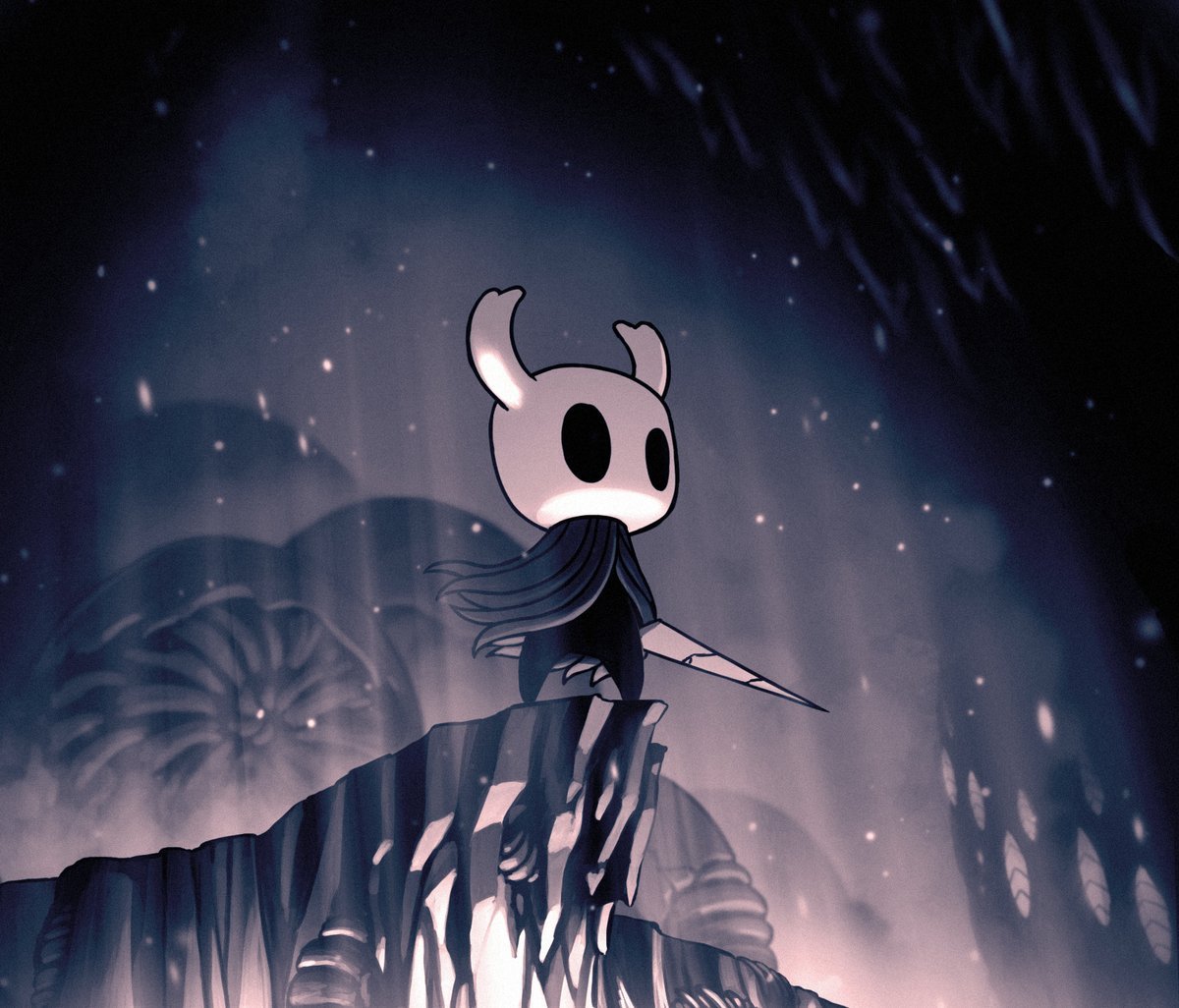
Summary:
Hollow Knight has always been the kind of game that feels sharp when everything is clicking – your jumps land cleanly, your dashes feel intentional, and every near-miss makes your heart do that little double tap. Now Team Cherry is giving that feeling a boost on Nintendo Switch 2 with a free upgrade pack that improves resolution and framerate, delivered through the eShop. The big headline is simple: if you already own Hollow Knight, you do not need to buy it again to benefit from the Nintendo Switch 2 Edition. You grab the upgrade pack, and the Switch 2 version is ready to go.
What makes this update easy to care about is that it targets the stuff you actually notice while playing. Improved resolution is about clarity – cleaner edges, less softness, and a presentation that holds up better when you’re moving quickly through busy rooms. Improved framerate is about feel – tighter inputs, smoother motion, and fewer moments where the game looks like it’s catching its breath right when you want to react. Team Cherry also points to additional effects, which usually means small presentation upgrades that make the world feel a bit more alive without changing the game’s core identity.
We also get a nice reassurance baked into the announcement: this is an upgrade focused on performance and visuals, not a redesign of the experience. Hallownest is still Hallownest. The map, bosses, routes, and discoveries remain the same, which is good news if you love how the game is tuned. The only real “work” on your end is knowing where to look on the eShop, downloading the upgrade, and confirming you’re running the Switch 2 Edition. After that, it’s back to doing what Hollow Knight does best – pulling you in with atmosphere, challenge, and that irresistible “one more attempt” energy.
Hollow Knight on Switch 2: what just changed
Team Cherry has announced a free upgrade for Hollow Knight on Nintendo Switch 2, aimed at improving resolution and framerate, and it arrives through the eShop as a dedicated upgrade pack. That means we are not talking about a vague promise or a distant roadmap item – it is a practical download you can grab to unlock the Nintendo Switch 2 Edition experience. The timing matters too, because it frames the upgrade as a same-day improvement rather than something that trickles out quietly and leaves people guessing when it will show up. If you have ever updated a game and thought, “Wait, was that it?” this one is easier to understand: the goal is a cleaner image and smoother motion. And in a game where precision platforming and tight combat decisions are basically the whole vibe, those two upgrades can land like a perfectly timed heal in the middle of a boss fight.
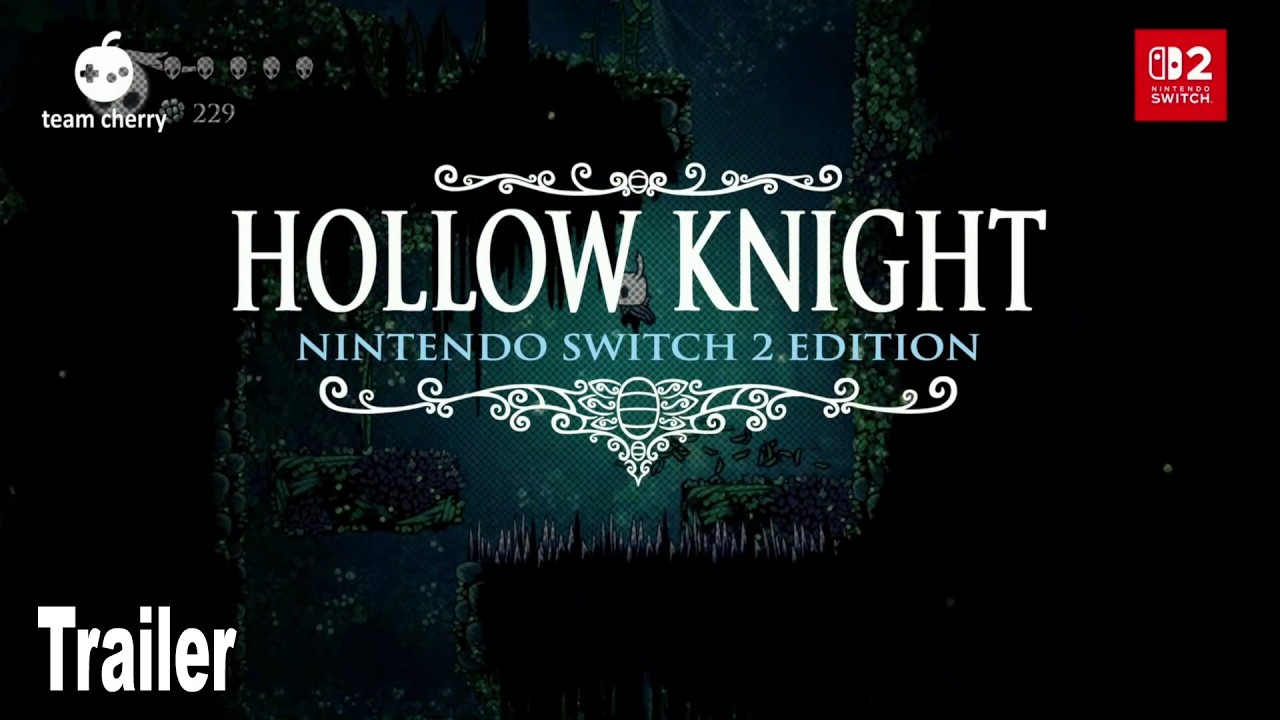
The free upgrade pack: what it is and what it is not
The upgrade pack is a free add-on that enables the Nintendo Switch 2 Edition features for Hollow Knight, and the key word here is free. If you already own the game, the upgrade is not positioned as a paid “deluxe” gate or a second purchase that makes you feel like you are buying the same ticket twice. At the same time, it is also not being framed as new gameplay material, new areas, or fresh story beats – it is about performance and presentation. That distinction is important because expectations can get weird fast, especially with beloved games. Think of it like getting your favorite pair of shoes resoled: the walk feels better, the grip is nicer, but it is still the same pair you already broke in and trusted. We keep the same adventure through Hallownest, but the ride gets a bit smoother and clearer on newer hardware.
How to claim the upgrade on the eShop
Claiming the upgrade is designed to be straightforward: head to the Nintendo eShop on Nintendo Switch 2, find the Hollow Knight Nintendo Switch 2 Edition listing or the associated upgrade pack listing, and download it. The wording around “upgrade pack” matters because it suggests you are grabbing a separate item tied to the Switch 2 Edition rather than relying on a random automatic patch that may or may not flip the right switches. If you are the type who likes certainty, this is good news – you can see the download, confirm it completes, and move on. If you are juggling storage space, it is worth checking your available system memory before starting, because nothing kills excitement like a download that stops to ask you to delete screenshots you swear you will organize someday. Once the upgrade pack is installed, launching the game should route you into the enhanced Switch 2 Edition experience.
Finding the right listing without getting lost in the weeds
When you search on the eShop, aim for language that matches what Nintendo is using in the store: “Hollow Knight – Nintendo Switch 2 Edition” and “upgrade pack” are the phrases that help you land on the right page quickly. This matters because store searches can surface multiple entries, bundles, or regional listings, and it is easy to click the first thing you see and assume it is correct. If you already own Hollow Knight, the eShop should present the upgrade option in a way that makes sense for your account, but it still helps to slow down for a second and confirm you are looking at a Switch 2-specific upgrade path. A good mental trick is to treat it like grabbing the right train: same destination name, different platform. Check the platform label, check the edition name, then download with confidence.
How to confirm the Switch 2 Edition is active
After installation, the simplest confirmation is practical: launch Hollow Knight on Nintendo Switch 2 and verify that you are running the Nintendo Switch 2 Edition version associated with the upgrade. On many systems, you can also check the software information pane from the home menu, which can show version details and installed add-ons. The reason this step matters is psychological as much as technical – you want to know you are actually benefiting from the upgrade, not just hoping you are. If the upgrade pack is installed, we should expect improvements in clarity and motion that are noticeable during movement-heavy sequences, like quick dashes through layered backgrounds or fast combat exchanges where the screen can get busy. In other words, you do not need a lab coat and a clipboard – you just need to play for a few minutes in an area you know well and pay attention to how it looks and feels.
What “improved resolution” looks like in real play
Improved resolution is one of those phrases that can sound abstract until you see it in motion. In practice, it often shows up as a cleaner image – sharper edges on characters and environments, less softness in fine details, and a presentation that holds together better when you are moving quickly. Hollow Knight’s art style helps here because it leans on strong silhouettes, layered backgrounds, and atmospheric lighting, and extra clarity can make those layers feel more intentional rather than slightly blended. You might notice it most in areas with lots of ornate architecture or busy environmental dressing, where the world feels like a hand-inked illustration with the lines snapped into place. It is not about turning Hallownest into a different game – it is about letting the existing art breathe, so the mood lands without your eyes doing extra work to interpret what they are seeing.
What “improved framerate” feels like moment to moment
Framerate improvements are about feel, and Hollow Knight is a feelings-based game in the best way. When movement is smoother, the game reads more cleanly – jumps feel more predictable, dashes feel more responsive, and small adjustments in mid-air feel less like guesswork. Combat benefits too, because enemy patterns become easier to track when animation and motion are fluid, especially in fights where timing windows are tight and mistakes are expensive. If improved resolution is like cleaning your glasses, improved framerate is like walking on a freshly swept floor instead of one covered in tiny pebbles. You can still cross the room either way, but one version makes you less tense while doing it. The end result is that Hollow Knight can feel more “locked in,” which is exactly what you want when you are one hit away from a long walk back to a boss arena.
Extra effects and presentation tweaks: the small wins
Alongside resolution and framerate, the upgrade is described as including additional effects. Even when these changes are subtle, they can be the kind of polish that makes the world feel more vivid – a little more depth in lighting, cleaner particle effects, or atmospheric touches that stand out better thanks to the overall clarity boost. Hollow Knight thrives on mood: drifting spores, shadowy corners, and that quiet tension that makes every new room feel like a question mark. Small presentation upgrades can amplify that mood without changing anything about how the game is designed. It is the difference between hearing a familiar song through a tinny speaker versus a nicer set of headphones. The melody is identical, but you catch details you did not notice before, and the whole experience lands with a bit more punch.
Handheld vs TV play: where the upgrade stands out
One of the most practical questions is where you will notice the Switch 2 Edition improvements the most – handheld play, TV play, or both. Hollow Knight is a game many people bounce between modes with, because it is perfect for a quick run that turns into a two-hour “how is it 1 a.m.” session. Improved resolution can help in both contexts: on a TV, it can reduce softness and make the image look more stable; in handheld, it can help fine details read cleanly and keep the image feeling crisp during fast movement. Improved framerate is similarly valuable in both modes, because it affects motion and responsiveness more than screen size. The best part is that none of this requires you to change how you play. Whether you are curled up on the couch or posted up at a desk, the upgrade is meant to make the same journey feel a bit more refined.
Why a free upgrade matters for players
Free upgrades are not just nice – they set a tone. When a developer offers a no-cost path to better performance on new hardware, it tells players, “We respect your purchase, and we want you to have the best version available on the device you own.” That matters for a game like Hollow Knight, which has a long tail of players who return for replays, challenge runs, or that one last stubborn collectible they swore they would ignore. It also matters because it reduces friction. Instead of weighing whether smoother performance is worth paying again, you can just download the upgrade and get back to the good stuff. And honestly, Hollow Knight is hard enough without adding a “Should I rebuy it?” decision on top. This approach keeps the focus where it belongs – on exploration, mastery, and the satisfaction of finally beating the boss that has been bullying you for three evenings straight.
Common hiccups and quick fixes
Even simple upgrades can run into real-world snags, and most of them are boring in the way only technology can be boring. The upgrade pack might not appear immediately in search results, the eShop might take a moment to refresh regional listings, or your system might need a restart to recognize newly installed add-ons cleanly. Storage can also be a silent villain – not because the upgrade is necessarily huge, but because Switch libraries tend to grow like an overflowing closet. If something feels off, the first practical steps are basic but effective: confirm you are signed into the account that owns Hollow Knight, confirm you are browsing on Nintendo Switch 2, and confirm the download completed without errors. Then launch the game again and look for the smoother motion and sharper presentation that the upgrade is meant to deliver.
When the upgrade pack does not show up right away
If the upgrade pack is not showing up, treat it like a signpost problem, not a “the world is ending” problem. Start by searching for the full Switch 2 Edition name rather than only “Hollow Knight,” since broad searches can bury the specific upgrade listing. Next, open the Hollow Knight store page directly if you can, because upgrade options are often presented more clearly there than in general search results. If you still do not see it, check for system updates and restart the console, since storefront caches and account entitlements can sometimes lag behind announcements by a bit. Finally, confirm you are in the right regional store for your account, because listings can roll out in waves. It is not glamorous troubleshooting, but it is effective – like tapping the map in Hollow Knight and realizing you were one room away from the bench the whole time.
A quick checklist before you start
Before you download, it helps to run a quick mental checklist so the process stays painless. Make sure you are on Nintendo Switch 2, signed into the account that owns Hollow Knight, and connected to a stable network, because spotty Wi-Fi turns simple downloads into unnecessary drama. Check your available storage, especially if your system is packed with games, captures, and that one demo you installed “just to try” and never deleted. Then search the eShop for the Switch 2 Edition listing and the upgrade pack wording, download the upgrade, and launch the game right after to confirm it feels smoother. If you want an easy comparison, load into an area you know well and do a quick loop – jump, dash, fight a few enemies, and see how clean the motion looks. When everything is set, you can stop thinking about settings and get back to the real challenge – not panicking when you drop a bunch of Geo in a bad place.
Conclusion
The free Hollow Knight Nintendo Switch 2 upgrade pack is the kind of update that respects your time and your library. It focuses on the improvements that matter most in a precision-heavy game – sharper clarity through improved resolution and a smoother feel through improved framerate – while keeping the experience you already love intact. The delivery method is refreshingly straightforward: grab the upgrade pack from the eShop, launch the game, and enjoy the Switch 2 Edition enhancements without paying again. And while “additional effects” might sound small on paper, mood and presentation are a big part of why Hallownest sticks with people, so even subtle polish can make revisiting familiar areas feel fresh. If you are returning for another run or finally pushing into late-game challenges, this upgrade is like tightening the straps on your backpack before a long hike. Nothing about the path changes, but the journey feels better, and that is exactly the point.
FAQs
- Is the Hollow Knight Nintendo Switch 2 upgrade pack free?
- Yes. Team Cherry has described it as a free upgrade pack available via the eShop for players to use the Nintendo Switch 2 Edition features.
- Do we need to buy Hollow Knight again to get the Switch 2 Edition?
- No. The upgrade is positioned as a free upgrade path for existing owners, delivered through an upgrade pack rather than a second required purchase.
- What changes does the Switch 2 Edition upgrade focus on?
- It focuses on improved resolution and improved framerate, and it is also described as adding additional effects, which points to presentation polish rather than new gameplay.
- Where do we download the upgrade pack?
- You download it from the Nintendo eShop on Nintendo Switch 2 by finding the Switch 2 Edition listing or the related upgrade pack entry and installing it.
- What if the upgrade pack is not showing up in the eShop?
- Try searching using the full Switch 2 Edition name, open the Hollow Knight store page directly, confirm you are on the correct account and region, and restart the console if the storefront has not refreshed yet.
Sources
- Hollow Knight Nintendo Switch 2 edition out later today, My Nintendo News, February 5, 2026
- Hollow Knight Nintendo Switch 2 Edition Out Now, Nintendo Insider, February 5, 2026
- “Upgraded” Hollow Knight edition announced, coming to Nintendo Switch 2, GamesRadar, February 5, 2026
- Hollow Knight – Nintendo Switch 2 Edition, Nintendo, February 5, 2026
- FREE Hollow Knight – Nintendo Switch 2 Edition upgrade now live, 9to5Toys, February 5, 2026