














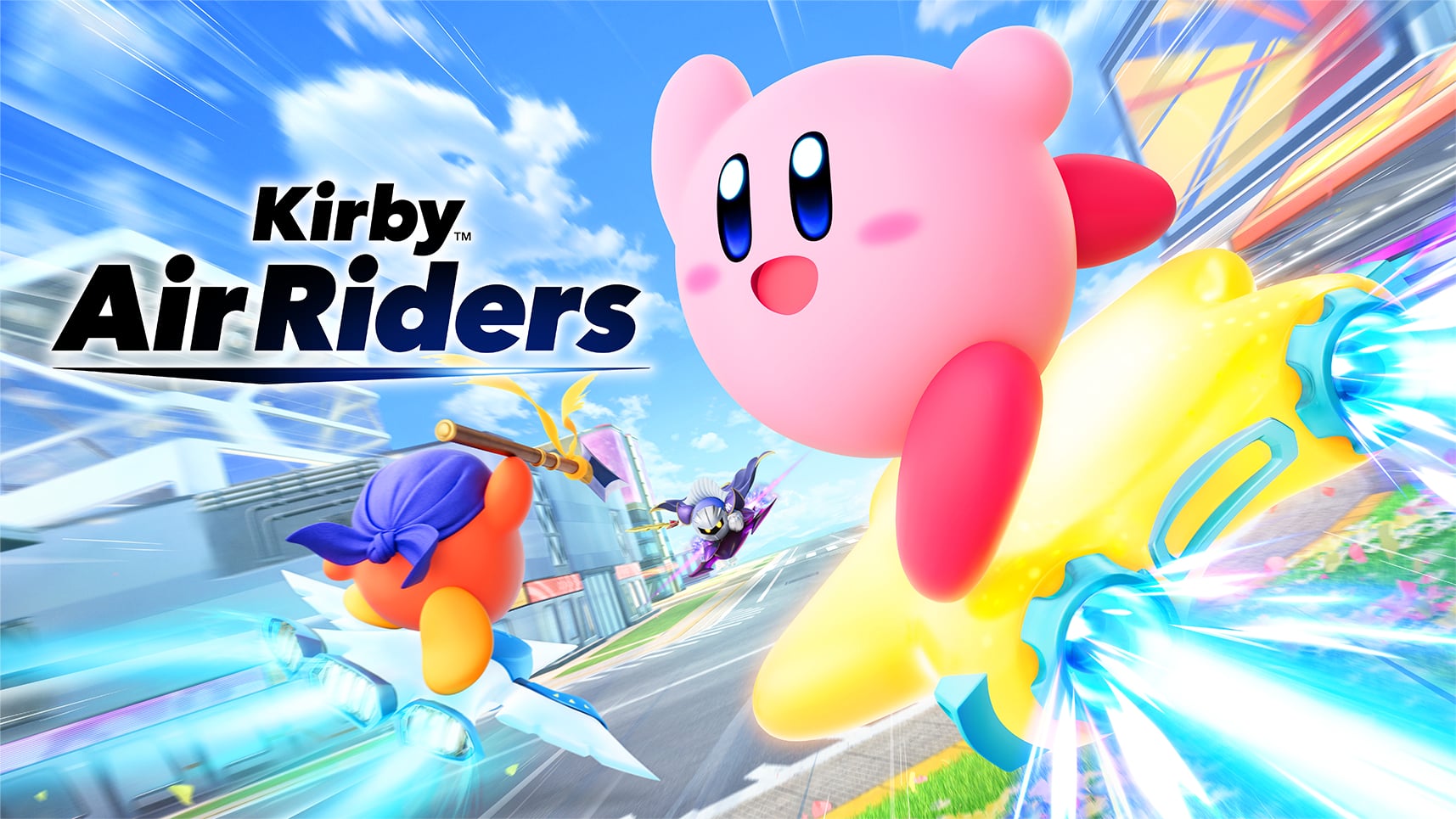
Summary:
Kirby Air Riders has received a new Nintendo Switch 2 update in version 1.3.2, and while this one is not packed with flashy additions, it still carries real value for anyone spending time with the game online or experimenting with different machines in Air Ride. This patch focuses on bug fixes rather than fresh features, but that does not make it minor in the ways that matter most. In fact, some of the issues addressed here touch the exact kind of problems that can quietly wear down a racing game over time – stalled match flow, unintended speed behavior, and small exploits that chip away at fair competition.
The biggest practical fix targets Free Run and Series matches within paddocks, where disconnects or mid-session departures could sometimes stop other players from progressing to the next race or Stadium event. That kind of issue can turn a fun online session into a traffic jam with no green light, so cleaning it up should make multiplayer feel smoother and less frustrating. The update also corrects an odd Hop Star speed interaction tied to Quick Spin landings and removes a Boost Dash trick in Air Ride that let players gain extra speed through slight backward movement right after a match began.
There is also an important warning attached to this release. Version 1.3.2 may not work with some replays from version 1.3.1 and version 1.3.0, and it is not compatible with replays from version 1.2.0 and earlier. For players who care about saving memorable runs, that is the kind of note worth reading twice. You can convert replays to video before updating, but that requires a microSD Express card. So yes, this is a bug-fix patch, but it is one that tidies up multiplayer flow, closes unintended speed issues, and asks players to think ahead before pressing download.
Kirby Air Riders gets a quieter update, but it still matters
Not every update needs fireworks to be worth your attention. Version 1.3.2 for Kirby Air Riders is one of those patches that arrives without a shiny new mode, a surprise rider, or a dramatic rebalance sheet, yet it still does important work under the hood. Racing games live and die by feel. If movement starts behaving strangely, if online sessions get stuck, or if certain machines can gain speed in ways they clearly were not meant to, the whole experience can begin to wobble like a kart with one wheel slightly loose. That is why this patch matters more than its modest size might suggest at first glance. It is focused, practical, and aimed at smoothing out friction points that could pull players out of the fun. In a game built around speed, chaos, and split-second control, even a short list of fixes can have a bigger effect than a longer list of cosmetic extras.
What version 1.3.2 actually changes
The update itself is fairly straightforward. Nintendo has pushed Kirby Air Riders to version 1.3.2, and the official notes make clear that the focus here is bug fixing rather than new additions. The patch addresses a progression issue in Free Run and Series matches inside paddocks, adjusts an unintended speed interaction involving Hop Star and Quick Spin, removes a Boost Dash speed exploit at the start of Air Ride matches, and applies several miscellaneous gameplay fixes. That may sound tidy and technical, but each line speaks to a different part of the game’s foundation. One fix improves session flow, one tightens machine behavior, one protects competitive fairness, and the last acts like a catch-all cleanup pass. It is not flashy, but it is purposeful. Sometimes a patch is less about changing the shape of the game and more about sanding down the rough edges so the shape already there feels better in your hands.
The paddock progression bug was more disruptive than it looked
Among the listed fixes, the paddock issue may be the one with the broadest practical impact. In Free Run and Series matches, other players could sometimes become unable to move on to the next race or Stadium event if someone left or disconnected in the middle of play. That kind of problem is the digital version of everyone arriving at the starting line only to discover the gate will not open. It interrupts momentum, wastes time, and can make online play feel brittle even when the core game is strong. Multiplayer racing thrives on rhythm. You want players hopping from event to event with a sense of motion, not sitting in limbo wondering whether the lobby is broken. By fixing this, the update should make paddock sessions feel more dependable and less vulnerable to one player’s sudden exit or connection trouble. That is the sort of stability improvement players often appreciate most after the fact, because the absence of frustration is easy to feel.
Why stable match flow matters so much in an online racer
Online racing is built on trust. You trust that the next event will load, that the rules will behave consistently, and that a session will not collapse because one participant disappears at the wrong moment. Once that trust weakens, even a colorful and energetic game can start to feel exhausting. Kirby Air Riders is at its best when it feels lively, reactive, and easy to jump into with friends or strangers, so protecting the flow between events is not some tiny housekeeping detail. It is part of what keeps the whole experience inviting. When match progression works smoothly, players stay focused on the race ahead instead of the system around it. That is especially important in a game with a playful identity, because playful games only feel effortless when a lot of invisible systems are doing their jobs correctly in the background.
Hop Star players will notice a more reliable feel
The second major fix focuses on Hop Star and a speed interaction tied to Quick Spin. According to the patch notes, maintained speed could end up higher than expected when jumping and landing through that move. Nintendo also makes a point of clarifying that normal landings or perfect landings from a normal glide have not been changed, which is a useful distinction. That tells players the goal here is not to dull the vehicle or flatten its personality. Instead, the update is trimming away a specific behavior that seems to have pushed performance beyond what was intended. That kind of precision matters. In a racing game, players build muscle memory fast. The moment a machine feels different, they notice. By clearly separating the targeted fix from the standard landing behavior, the patch suggests the team wanted to preserve the machine’s core identity while still correcting the odd edge case that produced excessive speed retention.
The Boost Dash exploit fix helps protect fair starts
Another important change deals with a Boost Dash issue in Air Ride. Before this update, players could increase Boost Dash speed by making a slight, slow backward movement immediately after starting a match. On paper that may sound like a niche trick. In practice, these are exactly the kinds of quirks that can spread quickly once players discover them. One strange movement becomes a whispered shortcut, then a shared clip, then a habit that starts to shape competitive play whether the developers wanted it there or not. Fixing it helps keep opening moments cleaner and more readable. The start of a race should feel like a test of timing, route choice, and execution, not a contest over who knows the oddest little movement exploit. Removing that behavior supports a healthier skill ceiling, because it pushes performance back toward intended mechanics instead of accidental loopholes. Nobody wants a starting line to feel like a secret handshake.
No new content does not mean no value
It is easy to look at a patch with no new content and shrug. No fresh modes, no extra riders, no balancing showcase, no headline feature with a trailer attached. But updates like this often have a longer shelf life than splashier ones because they improve the texture of ordinary play. They are the difference between a game that feels slightly off and one that feels settled. Kirby Air Riders already leans hard into charm, speed, and controlled chaos, so it does not need every update to reinvent the wheel. Sometimes it just needs the wheel to stop wobbling. A bug-fix release can make the everyday experience smoother for far more players than a niche feature ever would. That is particularly true when the fixes touch online flow and movement behavior, which are things players feel constantly, even if they do not always have the language to explain why a session suddenly seems better after an update.
Replay compatibility is the detail players should not ignore
The easiest part of the patch notes to skim may also be the part with the biggest practical consequence for certain players. Nintendo warns that version 1.3.2 may not be compatible with replays from version 1.3.1 and version 1.3.0, and that it is not compatible with replays from version 1.2.0 and earlier. That means anyone who has been holding onto favorite runs, funny moments, or especially strong performances should pause before updating and decide what is worth preserving. Replay warnings can feel like the sort of fine print people promise themselves they will handle later, right up until later disappears. In a game like Kirby Air Riders, where chaotic sessions can produce both bragging-rights performances and wonderfully silly moments, losing replay access can sting more than expected. So while the bug fixes deserve attention, this compatibility note is the practical headline for players who like keeping a personal history of their time with the game.
Why the microSD Express note matters for replay preservation
Nintendo also spells out the path forward for players who want to keep older replays: convert them into video files before downloading the update by using the Record option on the playback settings screen within Cached Data and Data Replay. There is one catch, and it is not a tiny one. A microSD Express card is required to use that function. That requirement turns what might have been a simple reminder into a real decision point. If you already have the necessary storage setup, great, you can archive the runs you care about and move on. If you do not, then the update becomes a small fork in the road. Do you update immediately for the fixes, or do you make sure your favorite clips are secured first? That is why this note matters. It is not just housekeeping. It affects how players choose to manage their memories, highlights, and proof-of-bragging-rights moments before stepping into the newer version.
This patch fits Sakurai’s polished approach to post-launch support
There is also something very on-brand about the shape of this update. Kirby Air Riders has often felt like a game where small mechanical details matter a lot, and that tends to align with Masahiro Sakurai’s broader design reputation. Version 1.3.2 does not try to distract players with noise. It focuses on precision. It cleans up progression problems, reins in unintended speed behavior, and leaves a clear note about replay compatibility. That gives the patch a practical, almost meticulous personality. It feels less like a loud celebration and more like a craftsman returning to tighten a few screws after noticing a rattle. For players, that can be reassuring. It suggests the game is still being treated with care even when the update notes are short. There is a quiet confidence in a patch that says, in effect, we found the weak spots, we fixed them, and now the ride should feel cleaner.
What players can expect after downloading the update
Once version 1.3.2 is installed, most players should not expect a dramatically different game. That is not really the point of this release. What they should expect is a more stable and trustworthy one. Online paddock sessions should be less likely to jam up after a player disconnects. Hop Star behavior should feel more in line with intended speed retention. Air Ride starts should no longer allow that odd backward-movement Boost Dash gain. And as always with miscellaneous gameplay fixes, there may be other small improvements that players notice only gradually over time, like a room that suddenly feels quieter after someone finally fixes the buzzing light. It is a patch built around cleanup rather than reinvention, and that is often exactly what a live game needs. Kirby Air Riders remains the same bright, fast, and playful racer at heart. It just has fewer little gremlins tugging at the steering wheel now.
Conclusion
Kirby Air Riders version 1.3.2 is a small update with a practical mission. It does not try to steal the spotlight with new content, but it does address the kinds of issues that can quietly erode a racing game over time. The fix for stalled progression in paddock matches should make online play smoother, while the Hop Star and Boost Dash changes help tighten movement behavior and protect fairness. Just as important, the replay compatibility warning gives players a clear reason to think before updating, especially if they want to preserve older runs. In other words, this is one of those patches that may look modest in the notes but lands in the right places. For a game built on momentum, that is exactly where a useful update should hit.
FAQs
- What does Kirby Air Riders version 1.3.2 change?
- It fixes a paddock progression issue in Free Run and Series matches, corrects an unintended Hop Star speed interaction, removes a Boost Dash exploit in Air Ride, and includes several miscellaneous gameplay fixes.
- Does update 1.3.2 add any new content to Kirby Air Riders?
- No. This update focuses on bug fixes and gameplay cleanup rather than adding new modes, riders, or balance adjustments.
- Why is the paddock fix important in this update?
- Because players could sometimes get stuck and fail to progress to the next race or Stadium event if someone left or disconnected during play, which could disrupt online sessions.
- Are old Kirby Air Riders replays compatible with version 1.3.2?
- Not always. Version 1.3.2 may not be compatible with replays from version 1.3.1 and version 1.3.0, and it is not compatible with replays from version 1.2.0 and earlier.
- How can players keep older replays before updating?
- They can convert replays into video files using the Record option in the playback settings screen within Cached Data and Data Replay before downloading the update, though this requires a microSD Express card.
Sources
- How to Update Kirby Air Riders, Nintendo Support, March 11, 2026
- How to Update Kirby Air Riders, Nintendo UK Support, March 2026
- Kirby Air Riders Gets A New Update Today, Here Are The Full Patch Notes, Nintendo Life, March 11, 2026