














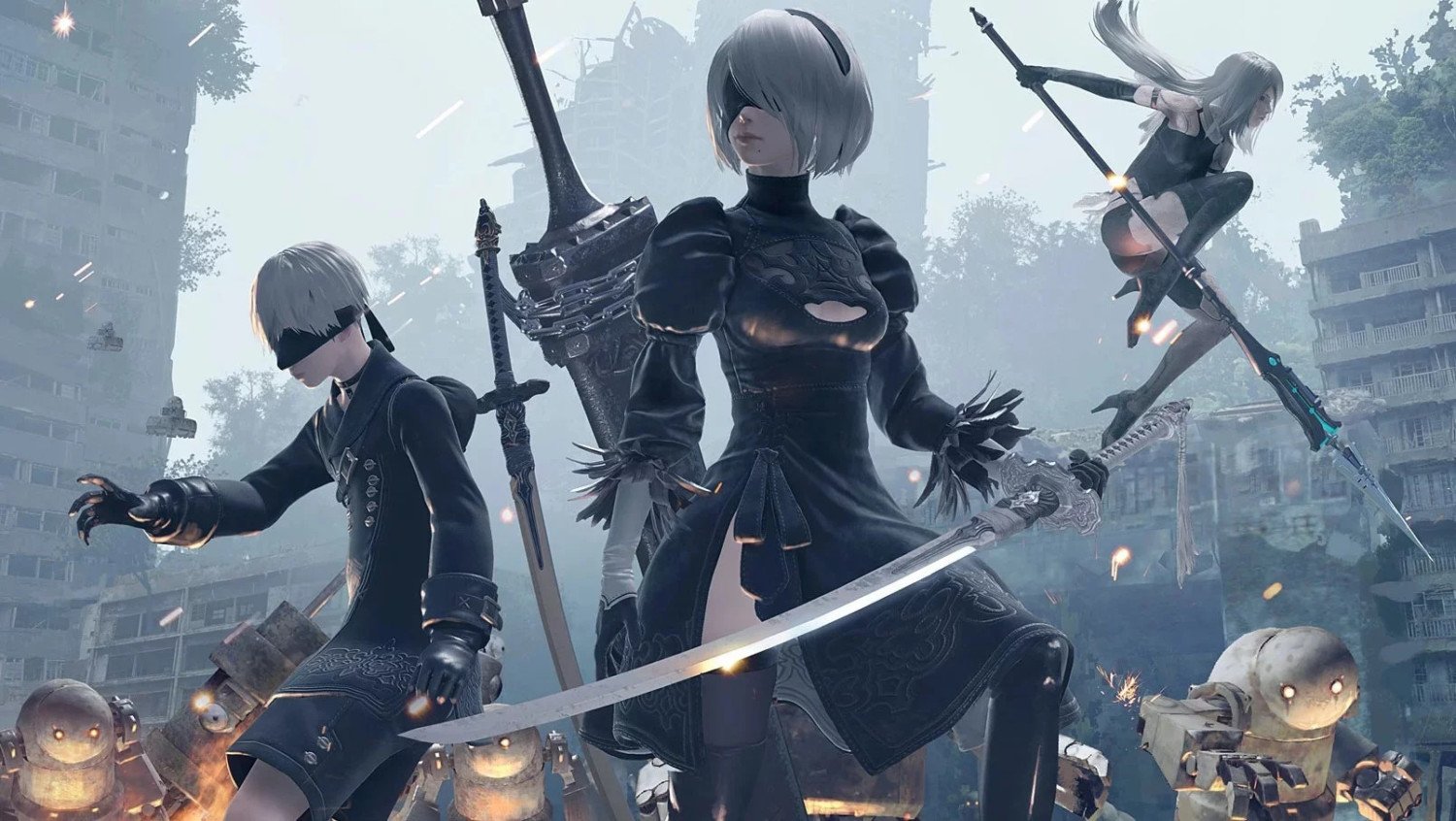
Summary:
NieR Automata has gone from being one of the awkward edge cases on Nintendo Switch 2 to a clear example of how quickly backward compatibility can improve when Nintendo leans on system updates instead of leaving players in the dark. For a while, people who tried to run the beloved action RPG on Switch 2 bumped into vague compatibility problems that Nintendo did not spell out in public patch notes. You could see NieR Automata flagged on Nintendo’s own compatibility resources and you might have heard about issues through player reports, but there was no simple fix you could trigger from the in game menu or a small download in the eShop. With the latest Switch 2 system update, that has finally changed.
Now the game behaves on Switch 2 the way players expect after years on the original Switch, which means you no longer need to worry that your cartridge or digital purchase is somehow faulty. We walks through how this happened at the system level, why NieR Automata was affected in the first place, and how you can use Nintendo’s compatibility tools to double check the status of other games you own. Along the way, we talk about what this says about Nintendo’s broader approach to Switch 2 backward compatibility, when it is worth revisiting older favourites on the new hardware, and why it pays to keep an eye on firmware notes even if they only mention bland stability improvements at first glance.
How Nintendo fixed NieR Automata on Switch 2
NieR Automata did not receive a special new edition or a flashy patch banner inside the eShop. Instead, the turnaround on Switch 2 happened quietly through a system level firmware update. Nintendo rolled out a new version of the Switch 2 software that focused on cleaning up a handful of stubborn problems introduced by earlier updates, and tucked inside those stability tweaks was a fix that finally brought NieR Automata back in line with how it behaves on the original Switch. Rather than asking the developer to ship a separate build, Nintendo adjusted the way their translation style compatibility layer talks to games like NieR Automata when they run on the newer hardware. For players, the end result is simple and much more pleasant. You install the latest system update, restart the console, and NieR Automata now boots and plays as expected instead of throwing up errors or warning labels about unstable behaviour.
The compatibility problems NieR Automata had at Switch 2 launch
When Switch 2 first arrived, most people were relieved to see how many existing Switch games simply worked. Physical cartridges slid in, digital purchases carried over, and the majority of the library behaved as if nothing had changed apart from nicer visuals and shorter loading in some cases. A small minority of games, however, landed in a grey zone where they technically launched but did not meet Nintendo’s standards for stability or functionality. NieR Automata ended up on that list, which meant that anyone checking the official compatibility resources would see it flagged as having issues on Switch 2. Nintendo did not publish a detailed breakdown of what went wrong, and that lack of transparency made the situation feel more confusing for fans who own large libraries. All players could really see was that the game did not pass internal testing on the new hardware and was therefore marked as problematic until Nintendo could investigate and push a fix.
What the latest Switch 2 system update actually changed
The newest Switch 2 firmware does a few visible things, such as dealing with specific error codes around system transfers and fixing a frustrating Bluetooth reconnection problem. Hidden behind those headline notes, though, the update also refreshes how the system handles certain backward compatible games, including NieR Automata. Nintendo’s hybrid approach to compatibility relies on real time translation between the original Switch environment and the new Switch 2 hardware, so small changes in that layer can have surprisingly big effects on individual titles. With this update, NieR Automata has moved from being one of the awkward exceptions to behaving in line with the original Switch version, according to player reports and updated compatibility status. The key point for owners is that you do not need to download anything extra inside the game itself. As long as your Switch 2 is on the new firmware, NieR Automata should now run without the previous system level headaches.
Why NieR Automata is a special case for Switch 2 backward compatibility
NieR Automata has always pushed hardware in interesting ways. On the original Switch, the port already balanced resolution, frame rate and visual detail to keep PlatinumGames’ fast combat feeling responsive enough for handheld and docked play. When you drop a game like that into a new environment that leans on a translation style layer instead of identical hardware, it becomes a good stress test for how smart the compatibility solution really is. Switch 2 does not simply mimic the original system one to one. It translates instructions and manages timing in real time so that older games can still run while taking advantage of new features where possible. That makes NieR Automata a perfect example of how a few low level assumptions about timing or hardware behaviour can cause issues that only show up once many players start trying the game on the new console. Fixing it is less about rewriting the game and more about teaching the system to handle this tricky edge case more gracefully.
How NieR Automata now runs on Switch 2 compared to Switch 1
From a player’s point of view, the most important question is simple. Does NieR Automata feel the same on Switch 2 as it did on Switch 1 now that the firmware has been updated. The good news is that reports suggest the experience is now effectively equivalent, which is exactly what you want when you replay a favourite. The visual settings and frame rate targets remain grounded in what the original port was built to handle, so you should not expect a sudden leap to dramatically higher performance just because you moved to the newer console. What you do get is a smoother path into the game, with the previous compatibility warnings gone and the risk of unexplained system level issues greatly reduced. If anything, the extra horsepower of Switch 2 and its storage improvements may translate into slightly snappier loading and more consistent behaviour around busy scenes, even if the underlying game code has not changed.
How to use Nintendo’s compatibility website to check NieR Automata
Even though NieR Automata is now reported as fixed, it is still smart to make friends with Nintendo’s compatibility tools. Nintendo runs a dedicated online resource that lets you search for individual Switch games and see how they currently fare on Switch 2. To check NieR Automata, you simply visit the site, type the game’s name into the search bar, and look at the status label that appears on its detail page. That label tells you whether the game is fully supported, playable with some caveats, or currently affected by issues that Nintendo is still working through. Because this information is tied to internal testing and player feedback, it can change over time without any fanfare in social media posts. Getting into the habit of checking NieR Automata and other favourites through this official source gives you a quick safety net whenever a new firmware update rolls out or you are thinking about buying something for use on Switch 2.
Why you should recheck older Switch 1 games on Switch 2 regularly
Backward compatibility on Switch 2 is not a static promise that gets locked in on launch day. It behaves more like a living project that evolves as Nintendo refines its translation layer and works with developers to sort out obscure bugs. Games that start life in the “has issues” category can move into fully supported territory later, just like NieR Automata did after the latest update. The reverse can also happen in rare cases, where a new firmware build introduces fresh quirks that the team needs to iron out. That is why it pays to recheck your older games from time to time, especially if you have a large collection or if you rely heavily on physical cartridges that you swap between systems. A quick search on the compatibility site before a weekend marathon, a holiday trip, or a planned replay can save you from awkward surprises and help you decide which games to prioritise on your Switch 2 storage.
What Nintendo’s long term plan for Switch 2 backward compatibility looks like
Looking at how NieR Automata moved from having issues to being treated as a normal, supported title tells us something about Nintendo’s broader strategy. The company has been clear that Switch 2 uses a different hardware design, so traditional plug and play compatibility was never going to happen by default. Instead, Nintendo built a bridge that sits between old software and new electronics, translating calls and managing differences in real time. That approach allows them to tweak behaviour for specific games through system updates, either to remove problems or to add small perks such as faster loading or new system features. It also means they can share their internal findings through official compatibility listings without publishing technical patch notes for every single title. In practical terms, this turns backward compatibility into an ongoing service. Nintendo tests, adjusts and expands support while regularly nudging players to check status pages if something feels off.
Practical steps to make sure NieR Automata works smoothly on your Switch 2
Getting NieR Automata happy on Switch 2 now takes just a few practical steps. First, make sure your console is actually on the latest firmware by heading into the system settings and triggering a manual update check. Even if updates usually download in the background, it is worth forcing a refresh in case your console has been offline or asleep for a while. Once that is done, restart the system instead of jumping straight into a game, since a clean reboot clears out any leftover quirks from earlier sessions. With the new firmware live, launch NieR Automata and pay attention to the initial loading behaviour and menus to confirm that everything looks normal. If something still feels wrong, visit the compatibility website on your phone or computer to double check the current status of the game. As a final safety step, keep an eye on community reports from other players to see if any lingering edge cases are being discussed.
What this fix means for digital owners, physical collectors and new players
The NieR Automata fix lands differently depending on how you build your library. If you are a digital owner, the update is a quiet reassurance that your purchase retains its value across generations without needing a repurchase or a special upgrade path. The game now sits alongside your other Switch titles in the same library, and Switch 2 treats it like a normal part of your backlog rather than a risky experiment. For physical collectors, the change reinforces the idea that a cartridge can outlive specific hardware cycles as long as system updates keep pace. You can keep that box on your shelf with more confidence that it will still be playable on the newer machine. New players benefit too, because they no longer need to wonder whether they are buying into a broken experience when they see NieR Automata on sale. Everyone ends up with a clearer, safer path into a modern classic.
When it makes sense to upgrade to Switch 2 if you love games like NieR Automata
For people who adore games like NieR Automata, backward compatibility was always going to be a big deciding factor in when to move from Switch to Switch 2. Early reports about certain titles struggling on the new hardware may have encouraged some fans to sit on the fence, especially if their favourite experiences lived in that unknown zone. The fact that NieR Automata has now been fixed through a system update is a strong signal that Nintendo is willing to chase down messy edge cases and keep older gems running. If you were holding off because you were afraid of leaving your library behind, this kind of improvement helps tilt the scales toward upgrading. You get access to new Switch 2 releases while trusting that your tried and tested favourites are not stuck in limbo. It also shows that the longer you wait, the more polished the compatibility landscape becomes for complex action RPGs.
NieR Automata, Switch 2 updates and future patches
NieR Automata’s journey on Switch 2 neatly captures both the strengths and the quirks of Nintendo’s modern approach to hardware transitions. On one hand, the game’s early problems served as a reminder that clever translation layers are still built on countless technical assumptions that can trip over unusual designs. On the other hand, the eventual fix proves that those layers can evolve without asking players to buy new versions or juggle multiple SKUs of the same game. Going forward, it is reasonable to expect other problematic titles to receive similar attention as Nintendo continues to refine the platform and gather feedback from the community. For owners, the smartest strategy is simple. Keep your system firmware up to date, keep an eye on official compatibility tools, and treat issues with individual games as bumps in an ongoing road rather than permanent dead ends. If NieR Automata can move from trouble spot to success story, the same is likely true for plenty of other favourites in your collection.
Conclusion
NieR Automata shifting from a problem child to a fully supported Switch 2 game is more than just a single fix for a single title. It is a clear example of how Nintendo is using firmware updates and official compatibility checks to actively manage the bridge between generations. We shows that patience, good communication tools and a willingness to revisit awkward cases can turn early frustrations into long term wins. For players, the message is encouraging. Keep that library close, stay informed about system updates, and do not be afraid to test your favourites again after each new patch. With NieR Automata now behaving properly and a robust compatibility website helping you keep track of changes, playing older Switch games on Switch 2 feels far less risky and much more like the seamless upgrade path many people hoped for.
FAQs
- Do I need a separate patch for NieR Automata on Switch 2
- No separate game patch is required for NieR Automata on Switch 2. The fix arrives as part of the latest system firmware update, so once your console software is fully up to date and you have restarted the system, the game should behave the same way it does on the original Switch without any extra downloads from the eShop.
- How can I check if my copy of NieR Automata is now compatible
- The easiest way is to use Nintendo’s official compatibility website for Switch games on Switch 2. Search for NieR Automata by name and look at the current status label. If it is listed as supported or playable without major issues, you are safe to run it. You can also confirm in practice by launching the game on your updated Switch 2 and checking that it loads and runs normally.
- Will NieR Automata run better on Switch 2 than on the original Switch
- The goal of the current fix is to bring NieR Automata on Switch 2 in line with the original Switch version rather than to introduce dramatic performance upgrades. You may notice small quality of life improvements such as slightly snappier loading and more stable behaviour, but the core visual settings and frame rate targets are still based on the original port.
- What should I do if NieR Automata still has problems after updating
- If you still run into issues, first double check that your Switch 2 firmware is on the latest version and restart the console. Next, revisit Nintendo’s compatibility website to see if the status has changed or if new notes have been added. If problems persist, consider contacting Nintendo support with details and keep an eye on community discussions in case others are seeing the same behaviour.
- Does this fix mean other problematic Switch games will be updated too
- The NieR Automata fix shows that Nintendo is willing to use system updates to address individual backward compatibility problems. While there is no public checklist of future fixes, it is reasonable to expect that other games flagged as having issues can also be improved over time. Watching the compatibility website and firmware notes is the best way to track progress for titles you care about.
Sources
- Nintendo Switch 2 System Update 21.0.1 Fixes Frustrating Bluetooth Issue and More, Wccftech, November 25, 2025
- Nintendo Switch 2 and Switch Update 21.0.1 Out Now, Patch Notes, Nintendo Everything, November 24, 2025
- Compatibility with Nintendo Switch Games, Nintendo UK, June 5, 2025
- Nintendo Launches Switch 2 Backwards Compatibility Search Page, Nintendo Life, November 9, 2025
- Nintendo Switch 2, Wikipedia, accessed November 27, 2025