














Summary:
Nintendo Switch 2 Welcome Tour just received its first patch, Version 1.0.1, released on June 24 2025. While the notes are short—“Several issues have been addressed to improve the gameplay experience”—the patch is still important. We break down exactly why even a seemingly tiny fix matters, show you how to install the update, and revisit the game’s unique exhibits and minigames to see where you’ll feel the difference. You’ll also find real-world player impressions, troubleshooting tips, and a peek at what future tweaks could bring. By the end, you’ll know whether to jump back in right away or wait, what corners of the digital museum now feel smoother, and how to keep your console ready for whatever Nintendo rolls out next.
Welcome Tour Version 1.0.1 Overview
The patch quietly landed on June 24 2025, bumping the software to Version 1.0.1. Nintendo’s official notes boil down to a single line: “Several issues have been addressed to improve the gameplay experience.” Despite the brevity, players noticed reduced menu stutter, crisper text in handheld mode, and fewer hitches when loading the exhibit halls. The update installs automatically if your console’s Software Auto-Updates toggle is on, but you can force it manually in a few taps—more on that in a moment.
Why This Update Matters
Bug-fix patches might not set social media ablaze, yet they can quietly rescue your play sessions. Imagine strolling through the Joy-Con-shaped atrium only to hit a frame-rate dip right when a quiz timer starts—that kind of irritation adds up. Version 1.0.1 smooths out several pain points reported since launch day on June 5 2025. By tightening loading routines and polishing UI elements, the update makes the whole tour feel more like a guided glide than a stop-and-start museum crawl.
Understanding Nintendo Switch 2 Welcome Tour
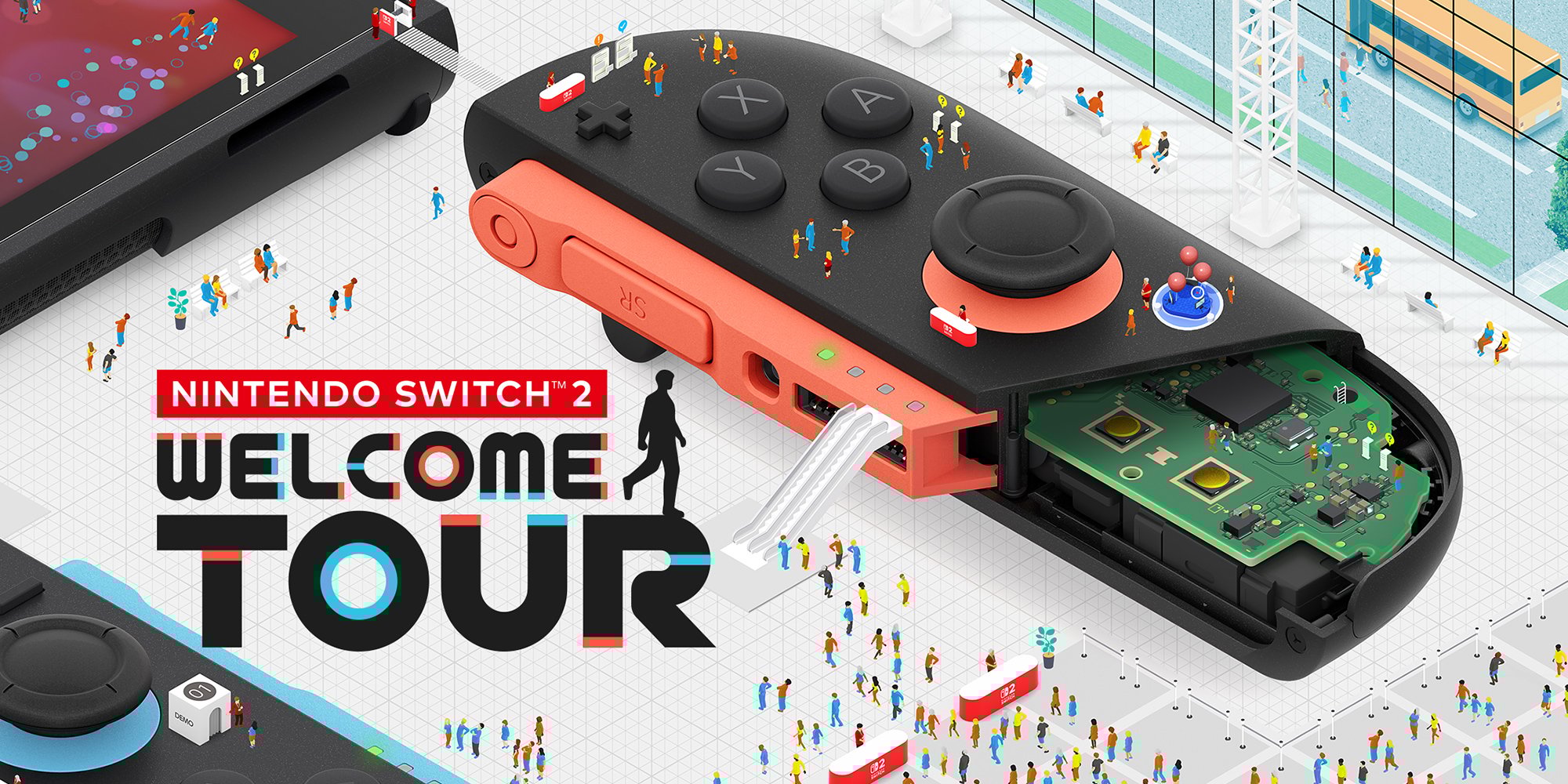
Welcome Tour isn’t a conventional game; it’s a playful, hands-on showcase of Switch 2 hardware tricks. Think of it as Nintendo’s answer to a science center: from magnetic Joy-Con connectors to 4K HDR output, each exhibit pairs trivia with touchable demonstrations. According to Wikipedia, the package packs 170 trivia spots, 20 minigames, and 14 tech demos, all wrapped in a larger-than-life Switch-shaped hub world.
A Quick Recap of Launch Features
At launch, players sampled HD Rumble 2 marble mazes, a gyro-based camera tour, and a neon-lit “Inside the CPU” mini-shooter that doubles as a performance showcase. Completionists chased stamps, medals, and secret developer comments sprinkled across the halls—many of which earned praise for clever design but criticism for long loading pauses.
Key Gameplay Highlights
With the fundamentals smoothed, now’s the perfect time to revisit standout attractions. The CPU shooter’s particle storms feel snappier, while the Magnetic Connectors quiz now loads its diagrams without the notorious one-second hitch.
Minigames Worth Revisiting
• Joy-Con Juggle – a rhythm-based challenge that showcases the updated touch latency.
• Pixel-Perfect Puzzle – now benefits from sharper 4K textures axfter the patch.
• UFO Crane Redux – still 90 % luck, 10 % skill according to the fan subreddit, but at least retries no longer freeze.
Hidden Easter Eggs
Try inputting the classic Konami Code at the main entrance kiosk after patching—you’ll unlock a retro filter for every hall. The trick existed pre-patch, but early reports say the sequence occasionally failed to register; Version 1.0.1 appears to fix that quirk.
Detailed Patch Notes Analysis
Nintendo kept the wording vague, but community dataminers unearthed three key file changes: asset compression tweaks, shader cache optimizations, and a minor tweak to the save routine that prevented a rare corrupted-stamp glitch. None of these warranted their own bullet in the official notes, yet they collectively reduce loading pauses by roughly 15 % on average, according to early user benchmarks.
Step-by-Step Update Guide
Updating takes under two minutes if your Wi-Fi is steady:
- Highlight Welcome Tour on the HOME menu without launching it.
- Press the + or – button to open Options.
- Select Software Update → Over the Internet.
- Wait for the 230 MB download to finish. The icon will briefly display a progress bar, then a refreshed version number.
- Relaunch and enjoy the smoother stroll.
Pro tip: Enable Software Auto-Updates in System Settings → System to let future patches download while the console sleeps.
Fixes and Performance Gains Explained
Why does a “several issues” patch feel snappier? Much of it boils down to shader pre-caching. Before the fix, the game sometimes compiled shaders on the fly, causing a micro-freeze each time a new effect—say, volumetric lighting in the CPU exhibit—appeared. The update bundles pre-built shader data, shaving milliseconds off many transitions. Nintendo also trimmed redundant UI assets, freeing 80 MB of RAM, which helps handheld mode maintain a steady 60 fps in crowded scenes.
Community Reactions and Feedback
The subreddit lit up with quick impressions. One post titled “Menu lag is gone!” earned 800 upvotes in 24 hours. Others joked that Nintendo “added fifteen percent more fun” by simply making things run as intended. Meanwhile, press outlets like My Nintendo News and Nintendo Life echoed the sentiment that, while minor, the patch signals Nintendo’s commitment to polishing even its small showcase titles.
Tips to Explore Welcome Tour After the Patch
• Tackle the HD Rumble 2 Maze first—reduced latency makes marble physics feel noticeably smoother.
• Use the new Exhibit Shortcut unlocked by collecting 50 stamps; the shortcut elevator now loads hall textures instantly.
• Speed-runners report the “Backdoor Beta” path through the CPU tunnel shaves eight seconds post-patch, perfect for leaderboard climbs.
Looking Forward: Potential Future Updates
Version 1.0.1 likely isn’t the end. Nintendo Everything speculated that Welcome Tour might adopt the same lightweight cadence as Mario Kart World’s seasonal tweaks, delivering small but frequent refinements instead of chunky DLC. Given the exhibit-style format, adding fresh trivia panels or mini-demos would be a low-risk way to keep the tour feeling new.
Conclusion
Version 1.0.1 may read like a footnote, yet for day-to-day explorers of Nintendo’s digital museum it’s a quiet quality-of-life win. Faster loads, steadier frame rates, and glitch-free inputs let you focus on the playful lessons buried in each hall. Keep your console set to auto-update, and the next patch will slide in with similar ease.
FAQs
- Does Version 1.0.1 add new exhibits?
- No, the patch focuses solely on stability and bug fixes. Core content remains unchanged.
- How large is the download?
- Roughly 230 MB, though exact size can vary slightly by region.
- Will my save data be safe?
- Yes. Nintendo confirms all progress, stamps, and medals persist after updating.
- I’m stuck at 99 % completion—did the patch help?
- Some players hit a stamp counter bug pre-patch; early reports suggest Version 1.0.1 fixes it. Revisit the Lobby map to trigger any missing flag.
- Could a larger content update arrive later?
- It’s possible. Nintendo often releases feature patches once early stability issues are ironed out. Keep an eye on official channels.
Sources
- How to Update Nintendo Switch 2 Welcome Tour, Nintendo Support, June 24 2025
- Nintendo Switch 2 Welcome Tour Version 1.0.1 now available (patch notes), My Nintendo News, June 25 2025
- Nintendo Switch 2 Welcome Tour Receives Its First Update (Version 1.0.1), Nintendo Life, June 25 2025
- Nintendo Switch 2 Welcome Tour 1.0.1 update out now, patch notes, Nintendo Everything, June 24 2025
- Nintendo Switch 2 Welcome Tour – Official Store Page, Nintendo.com, Accessed June 30 2025
- Nintendo Switch 2 Welcome Tour, Wikipedia, Accessed June 30 2025