














Summary:
Warframe is officially set to arrive on Nintendo Switch 2 on March 25, 2026, and the timing is doing a lot of work in the best way. Instead of feeling like a late port that has to play catch-up, we’re stepping onto the new hardware on the same day as The Shadowgrapher update. That matters because it frames the Switch 2 launch as a first-class arrival, not an afterthought, and it gives everyone a single date to rally around. If you’ve been waiting for a cleaner, snappier Warframe experience on a Nintendo handheld, this is the moment to circle, because Digital Extremes is attaching clear targets and platform-specific features to the launch.
On the performance side, the stated goal is 60 FPS and 1080p in both handheld and docked play, paired with improved load times and upgraded visual quality. In plain language, that is the difference between a mission flow that feels smooth and confident versus one that always feels like it’s catching its breath. On the control side, Joy-Con 2 Mouse Mode is the headline feature, and it’s easy to see why. Warframe lives and dies by movement, accuracy, and quick decision-making, so anything that makes aiming, menu navigation, and gear management feel more precise is a big deal. To sweeten the first couple of weeks, there’s also a limited-time login reward: the Ambimanus Pack, available for players who log into Warframe on Switch 2 between March 25 and April 15, 2026. Put it all together and we have a launch that’s less about “finally” and more about “okay, now we’re talking.”
Warframe arrives on Nintendo Switch 2 on March 25, 2026
March 25, 2026 is the day Warframe officially lands on Nintendo Switch 2, and we don’t have to squint at vague windows or read between the lines. Digital Extremes has put the date out there clearly, and that clarity helps everyone plan their return, their first download, or their “I swear I’m only logging in for a quick mission” relapse. The bigger point is what this launch represents: Warframe is a game that rewards speed and consistency, and Switch 2 is being positioned as a place where that rhythm can finally feel natural on Nintendo hardware. If you’ve ever felt the sting of a loading pause right when your squad is ready to roll, or the frustration of aiming that feels like it’s fighting you, this version is built to cut down those little frictions. The promise is simple: we get Warframe on a newer system with more headroom, and that headroom gets turned into smoother play and sharper control instead of just a louder marketing bullet.
The Shadowgrapher update landing on the same day
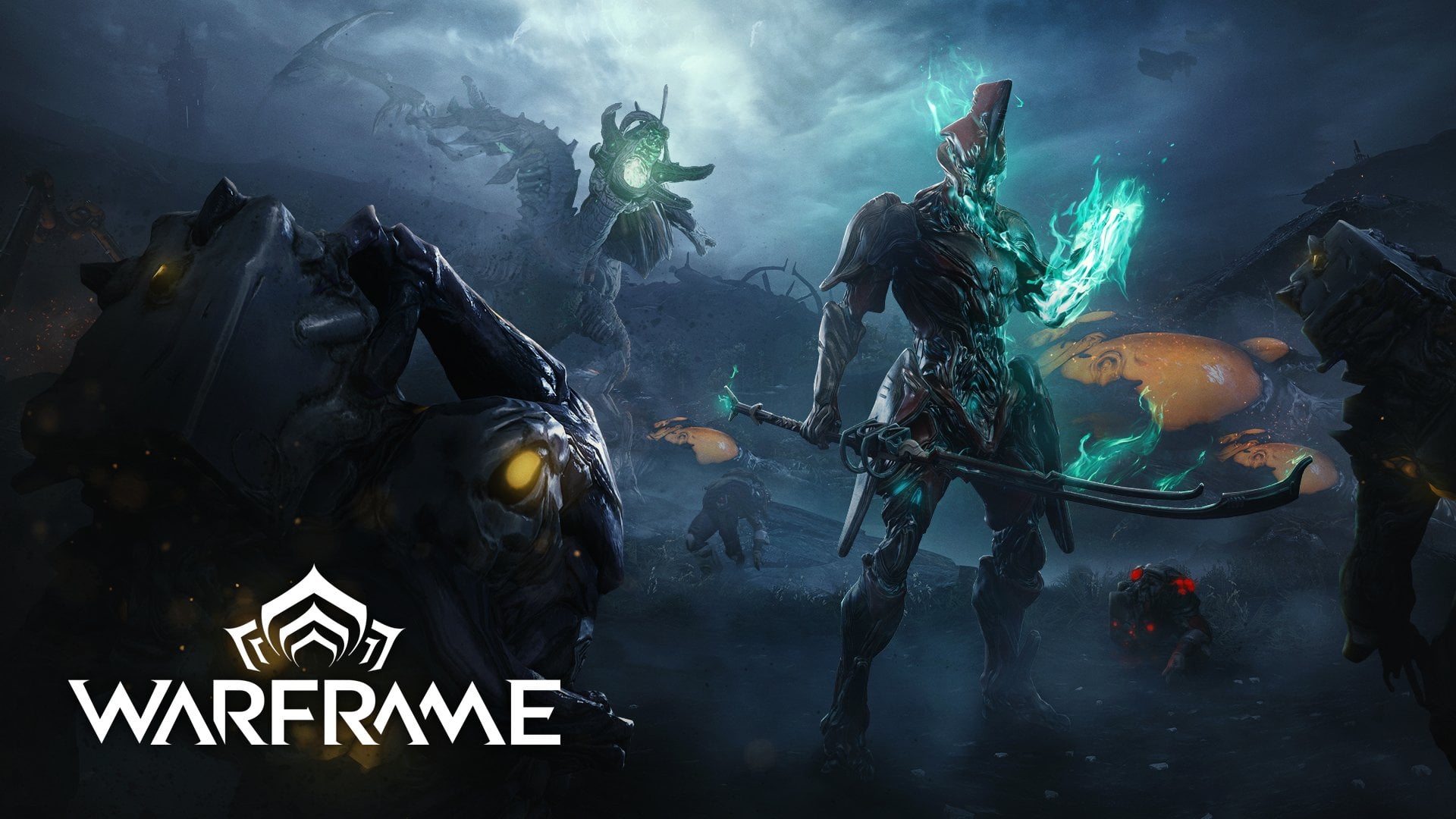
Launching Warframe on Switch 2 on the same day as The Shadowgrapher update is a smart move because it keeps everyone on the same page. Nobody wants to start on a new platform and immediately feel like they’re arriving at yesterday’s party, especially in a live game where updates shape the whole mood. By tying these together, we’re not stepping into a separate lane or a delayed version, we’re stepping into the same moment as everyone else. It also gives the launch a stronger identity, because “Warframe on Switch 2” is not just a platform note, it’s a platform note plus a major update beat. That combo tends to pull more players back in at once, which means busier matchmaking, more chatter, and more people experimenting with the new tools at the same time. And yes, it also means the first impression on Switch 2 is anchored to a big update day energy, not a quiet mid-season drop.
Why syncing the launch with a major update matters
When a platform launch syncs with a major update, it sets expectations in a healthy way: we’re arriving into a living ecosystem that’s actively moving forward. That reduces confusion, because we aren’t juggling a “Switch 2 version” roadmap that trails behind other platforms, and we aren’t forced into awkward questions like “so when do we get the same features?” It also helps returning players because it creates a clean re-entry point. If you’ve been away for a while, a big update day is the easiest time to jump back in because everyone is learning or re-learning together. For new players, the benefit is even simpler: the build you download is the build the community is talking about. No mixed messages, no “oh, that feature isn’t here yet,” and no feeling like you picked the wrong time to start.
What “native” Switch 2 support changes for daily play
“Native” can sound like a dry technical label, but in daily play it usually translates into one thing: fewer compromises that you feel minute to minute. We’re talking about how quickly we can get from powering on the system to being in a mission, how stable motion feels when the screen gets busy, and whether the game looks crisp enough that we aren’t constantly second-guessing what we’re seeing. Warframe is fast, cluttered in the fun way, and full of tiny decisions, so the platform experience matters. A native build also tends to be where platform-specific features show up cleanly, and Joy-Con 2 Mouse Mode is the perfect example. Instead of mapping everything through a controller-only lens, we get an input option that’s tailored to what the hardware can do. If the promise holds, Switch 2 becomes less “portable Warframe with trade-offs” and more “Warframe that happens to be portable.”
Faster boot, faster loads, less waiting around
Improved load times sound boring until you’ve lived with slow ones, and then they become the best quality-of-life change you didn’t know you needed. Warframe has a lot of small transitions: loading into hubs, jumping into missions, returning to orbiters, swapping tilesets, and bouncing between menus while you tweak gear. When those moments speed up, the whole game feels more responsive, like it’s keeping up with your brain instead of dragging your brain behind it. It also changes social play because squads spend less time waiting for the slowest load and more time actually playing. If you’ve ever been the person apologizing because you’re still loading in while your friends are already bullet jumping into the objective, faster loads feel like being let out of a traffic jam.
Performance targets: 60 FPS and 1080p in handheld and docked
Digital Extremes has outlined targets of 60 FPS and 1080p resolution in both handheld and docked modes for Warframe on Switch 2, and that pairing is the heart of the pitch. The numbers matter, but the feel matters more. A steady 60 FPS makes movement feel predictable, which is a big deal in a game built around momentum, quick turns, and split-second shots. 1080p helps with clarity, especially when the screen is full of enemies, effects, and teammates doing their best impression of a fireworks factory. The combination is basically the difference between “I think I hit that” and “I know I hit that,” which is a small shift that changes everything over time. And because the target applies to both handheld and docked, we aren’t being told to expect a great experience only when we’re parked on the couch.
What that means for feel, not just numbers
In practice, 60 FPS is like switching from a slightly sticky steering wheel to one that turns exactly when you tell it to. Bullet jumps, slides, and mid-air adjustments become easier to time, and aiming feels less like pushing through syrup. If you’re the kind of player who loves precision weapons, fast melee swaps, or movement-heavy builds, smoother performance makes your input feel more directly connected to the outcome. 1080p also helps in ways that aren’t flashy but are constantly useful: spotting threats at a distance, reading UI elements quickly, and keeping the scene readable when effects pile up. You might not point at the screen and say “ah yes, that’s 1080p,” but you will feel less eye strain and fewer moments of visual confusion. It’s like cleaning a smudged window: the view doesn’t change, but suddenly you can actually see what’s been there the whole time.
Visual upgrades: textures, shaders, lighting, and overall clarity
Beyond performance, Warframe’s Switch 2 notes call out improved textures and higher shader quality, plus additional visual upgrades such as volumetric lighting and other enhancements that can make the world feel less flat. This is where we get that “new hardware” payoff that isn’t just raw speed. Better textures help surfaces hold up when you’re close, while higher shader quality tends to improve how materials react to light, which matters a lot in Warframe’s sleek sci-fi look. Lighting upgrades can also help readability, because shadows and highlights do real work in showing depth and shape. The goal here is not to turn Warframe into a different game visually, it’s to make the existing style land with more confidence and less fuzz. If Warframe is a concert, these changes are the difference between standing near the speakers and hearing each instrument clearly versus hearing a slightly mashed-together wall of sound.
How to spot the improvements in real missions
The easiest way to notice visual upgrades is to visit areas you already know well, because your brain has a built-in “this is what it usually looks like” reference. Pay attention to metallic surfaces, cloth-like materials, and anything that reflects or scatters light, because those are the places where shader quality shows up fast. Watch how shadows sit under objects and how lighting behaves in motion, especially when you’re moving quickly through rooms. Also keep an eye on fine details like patterns on armor pieces, surface wear, and environmental texture sharpness. The changes might not scream at you, but they add up, and that “adds up” feeling is important in Warframe because we spend hours in these spaces. When the baseline looks cleaner and holds steady while we move, our brain relaxes and we can focus on play instead of visual noise.
Joy-Con 2 Mouse Mode: menus, aiming, and muscle memory
Joy-Con 2 Mouse Mode support is the Switch 2 feature that feels tailor-made for Warframe, because this is a game full of quick aim corrections and constant menu interaction. We’re not just shooting, we’re swapping weapons, checking mods, tweaking loadouts, and hopping between mission nodes. Mouse Mode offers a different kind of precision than sticks, and even if you don’t plan to use it for every second of combat, it can still be a huge quality-of-life upgrade for navigation. The best part is that it doesn’t force a single play style. We can treat it like a tool in the toolbox: use it when it helps, ignore it when it doesn’t, and build muscle memory over time. If the idea sounds odd, think of it like having a fast lane at the grocery store. You don’t have to use it every time, but when you need it, you’re glad it exists.
Menu navigation that finally feels like it keeps up
Menus are where a lot of games quietly waste your time, and Warframe has enough systems that menu speed matters. Mouse Mode can make it easier to move through lists, select small UI elements, and handle fiddly mod management without overshooting your target. That’s not a glamorous feature, but it’s the kind that changes how often you actually engage with the deeper systems. When menus feel less like a chore, we’re more likely to experiment, compare builds, and adjust gear between missions instead of saying “forget it, I’ll do it later.” It also helps new players because early learning involves lots of reading and clicking through options. Anything that makes that process smoother reduces friction, and friction is the thing that makes people bounce off complicated games.
Aiming down sights with more control
Aiming is where Mouse Mode could be a game-changer, especially for players who love rifles, bows, and anything that rewards accurate weak-point shots. Warframe’s combat is fast, but it still has plenty of moments where precision matters, like picking targets out of a crowd or landing shots while moving. Mouse-like control can make micro-adjustments easier, and that can translate into fewer missed shots and less wasted ammo. It can also help when you’re trying to line up shots quickly after a bullet jump or a slide, because the motion-to-aim transition can feel more direct. If you’ve ever felt like you were fighting the stick sensitivity curve, Mouse Mode is basically offering a different curve entirely. It’s not “better” for everyone, but it’s a strong option for anyone who wants more control without changing the pace of play.
Quick tweaks to try first
When you first test Mouse Mode, start simple: try it in menus and in a low-stakes mission where you can focus on feel rather than survival. If the cursor or aim feels too fast, reduce sensitivity in small steps instead of making huge jumps, because your hands adapt quickly when changes are gradual. Make sure you test both handheld and docked play, since your posture and distance from the screen can change what feels natural. If you use a mix of inputs, decide ahead of time when you’ll swap, like “Mouse Mode for menus and aiming, sticks for movement,” so your brain doesn’t feel like it’s juggling chaos. Also, give yourself a handful of missions before judging it. New input methods always feel weird at first, like wearing a new pair of shoes, and the first impression isn’t the final impression.
The Ambimanus Pack: login window and what you get
To celebrate the Switch 2 launch, Digital Extremes is offering the Ambimanus Pack to players who log into Warframe on Nintendo Switch 2 between March 25 and April 15, 2026. This is the kind of reward window that’s easy to miss if you’re busy, so it’s worth putting it in your calendar if you care about exclusive items. The pack includes the Vericres Warfan weapon, the Akomeogi Warfan weapon skin, the Slicing Feathers Stance Mod, plus additional cosmetics and Affinity and Credit boosters. Even if you’re not a die-hard collector, boosters are the kind of practical bonus that can make your early sessions feel more rewarding. And if you are a collector, you already know the rule: limited-time items have a way of becoming the one thing you regret skipping later.
What the Warfan items and extras mean in practice
Warframe rewards momentum, and melee tools like Warfans fit neatly into that flow because they encourage close-range engagement without slowing you down. A new weapon and a skin are fun on their own, but the real value for many players is the way a pack like this nudges you to try something different. The stance mod is also important because stances shape how melee feels, and a new stance can change the rhythm of your attacks in a way that makes a weapon click. The cosmetics are the icing, and boosters are the fuel. Affinity boosters help you level gear faster, and Credit boosters make routine grinding feel less like a second job. If you’re starting fresh or returning after a break, these little boosts can smooth out the early hump where you’re rebuilding your roster and reacquainting yourself with your loadouts.
Your first night plan: a simple Switch 2 launch checklist
Launch day excitement is fun, but it can also turn into aimless wandering if you don’t give yourself a quick plan. The good news is that Warframe doesn’t need a complicated setup to feel great. Start by logging in within the Ambimanus window so you lock in the reward, then spend a few minutes checking settings, controls, and performance feel. After that, jump into a mission you know well, because familiar environments make it easier to notice improvements like frame pacing, clarity, and load times. If you’re returning after a break, consider using the first session as a “relearning lap,” where the goal is simply to move, shoot, and remember what your gear does. The point is to build confidence fast, because confidence is what turns “I’ll try it” into “okay, one more mission.”
Settings, controls, and small choices that save time
Start with controls first, because controls shape everything else. If you’re testing Mouse Mode, decide whether you want it primarily for menus, aiming, or both, then adjust sensitivity until it feels stable. Next, pay attention to visual clarity settings and how they interact with readability, because in Warframe readability is survival. Then do a quick pass through audio settings, because better audio quality is part of the Switch 2 feature list and it can help with situational awareness. Finally, check your loadout and choose something comfortable for your first hour. Launch day is not the time to run an experimental build that you barely understand, unless chaos is your hobby. Small choices like these keep you playing instead of troubleshooting, and that’s the whole point of a new platform version that’s designed to feel smoother.
Who this version is perfect for
Warframe on Switch 2 makes sense for a few different types of players, and the key is that it doesn’t ask you to fit into one box. If you’re a returning Tenno who loves the idea of better performance and cleaner visuals on a Nintendo system, this is an easy reason to come back. If you’re new and you want a portable-friendly way to sink into a huge co-op game, Switch 2 is being positioned as a strong starting point, especially with clearer performance targets and modern control options. And if you’re someone who already plays Warframe elsewhere, the Switch 2 version becomes another place to drop in, run missions, and keep your routine going when you’re away from your main setup. The best part is that the pitch is grounded in practical upgrades: smoother play, sharper look, faster loads, and an input option that can genuinely change how the game feels.
Returning Tenno, fresh Tenno, and everyone in between
Returning players tend to care most about feel and friction, because they already know the game’s strengths and they remember the parts that used to annoy them. Switch 2’s focus on performance, loading, and control precision speaks directly to that. New players care about accessibility and momentum, because early impressions decide whether the game becomes a hobby or gets uninstalled after an hour. A smoother baseline and easier navigation can make that early experience friendlier, even if Warframe is still Warframe and still full of systems. And for players in the middle, the ones who play casually but consistently, this version is about convenience. Being able to pick up the system, load quickly, and jump into a mission with solid performance is the difference between playing often and playing rarely. Warframe thrives when it becomes part of your routine, and Switch 2 is clearly aiming to make that routine easier to maintain.
Conclusion
Warframe’s Nintendo Switch 2 launch on March 25, 2026 is set up to feel like a real arrival, not a delayed side note, and that’s the most important takeaway. We’re getting a version that targets 60 FPS and 1080p in both handheld and docked play, paired with improved load times and a set of visual upgrades that should make the game look cleaner and feel more responsive. Joy-Con 2 Mouse Mode is the feature that could quietly become the favorite, because Warframe is all about speed and precision, and that input option fits the game’s personality like it was made for it. Add in the fact that The Shadowgrapher update lands on the same day, plus a limited-time Ambimanus Pack reward window running from March 25 to April 15, 2026, and the launch has a nice “everything lines up” vibe. If you’ve been waiting for Warframe on a Nintendo platform to feel less compromised and more confident, this is the moment that’s designed to deliver exactly that.
FAQs
- When does Warframe launch on Nintendo Switch 2?
- Warframe launches on Nintendo Switch 2 on March 25, 2026.
- What performance targets are listed for Warframe on Switch 2?
- The listed targets include 60 FPS and 1080p resolution in both handheld and docked modes, alongside improved load times and upgraded visual quality features.
- How does Joy-Con 2 Mouse Mode work in Warframe?
- Joy-Con 2 Mouse Mode is intended to help with quick menu navigation and more precise aiming, including aiming down weapon sights for ranged weapons.
- How do we get the Ambimanus Pack on Switch 2?
- Log into Warframe on a Nintendo Switch 2 console between March 25 and April 15, 2026 to receive the Ambimanus Pack.
- What’s included in the Ambimanus Pack?
- The pack includes the Vericres Warfan weapon, the Akomeogi Warfan weapon skin, the Slicing Feathers Stance Mod, plus additional cosmetics and Affinity and Credit boosters.
Sources
- Warframe on Switch 2 Arrives March 25, Warframe.com, February 27, 2026
- The Shadowgrapher Coming March 25, Warframe.com, February 27, 2026
- February Warframe Devstream Highlights, Digital Extremes, February 26, 2026
- Warframe’s Switch 2 Version Launches Alongside Its Next Major Update In March, Nintendo Life, February 28, 2026
- Warframe sets March release date for Shadowgrapher update and Switch 2 launch, Shacknews, February 27, 2026