

Summary:
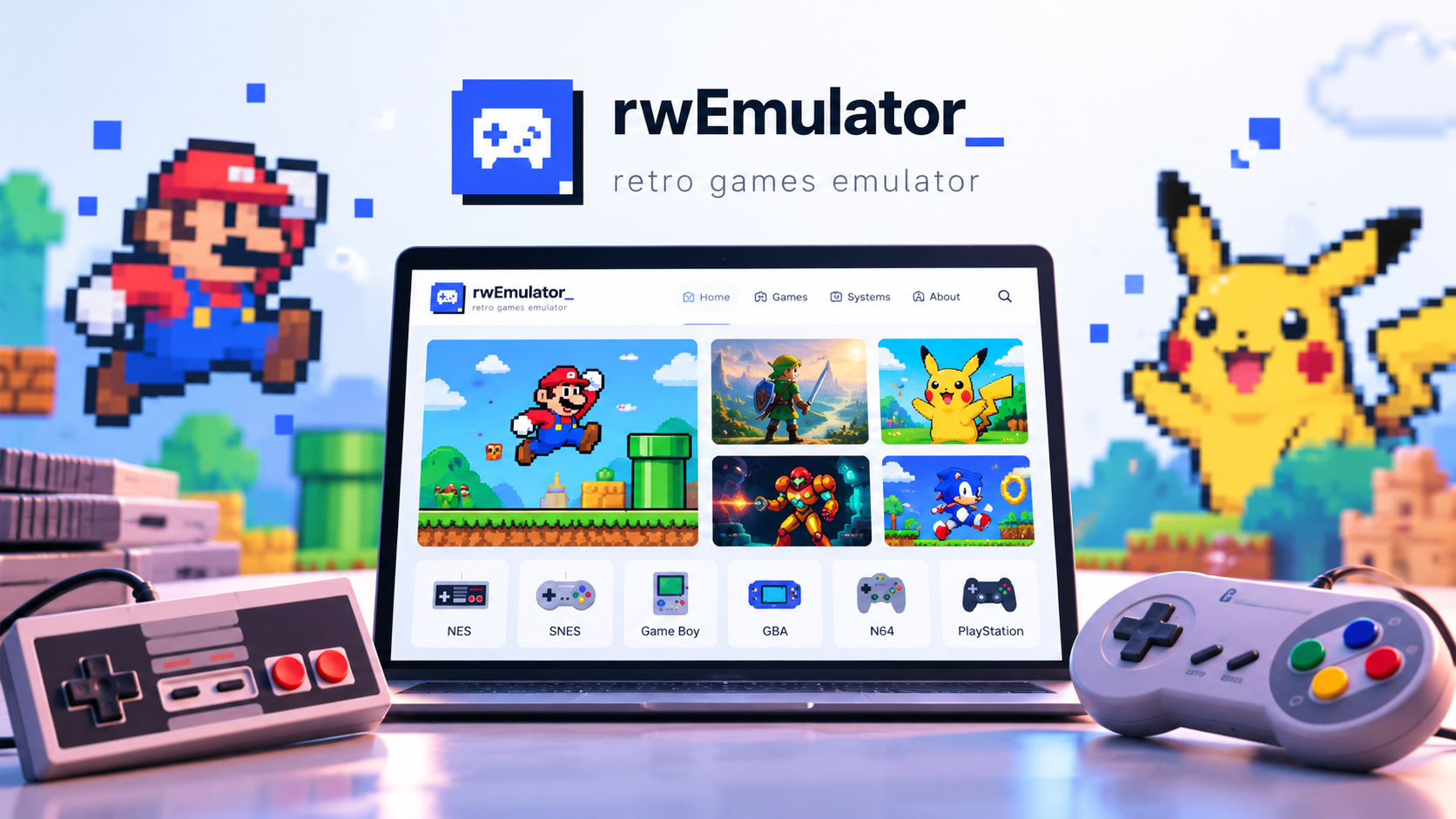
RW Emulator is a browser-first discovery hub built for people who want fast access to classic Nintendo releases without wrestling with native emulators. Developed independently by retro gaming enthusiast Ethan Liang, the project aims to make classic games more accessible by combining game information, platform-based discovery and browser-based emulation in one place. Visitors can explore familiar childhood favorites, discover overlooked titles and enjoy retro games without complicated emulator setups. For NintendoReporters readers who care about specific cartridge revisions, translations or music differences, RW Emulator offers a convenient way to explore classic releases and revisit gaming history.
What RW Emulator is and why Nintendo fans should care
RW Emulator is a curated, browser-first registry and player that groups retro titles by system, edition and in-game language. For Nintendo fans this reduces a lot of friction: instead of hunting forum threads to figure out which Super Nintendo release contains the original Japanese text or a later bugfixed revision, you can read edition notes and see language flags before you play. The emphasis is on discoverability and quick verification rather than replacing deep emulation setups – think of RW Emulator as a clean index and a sandboxed test-run environment. If you want to confirm a control layout, compare music between regional builds, or just jump into a short play session, the site is designed around those micro-moments so you spend less time configuring and more time playing.
That straightforward approach reflects the original motivation behind the project. Ethan Liang, the developer behind RW Emulator, has long been interested in classic video games and emulation technology. He started developing the website with a particular audience in mind: people who want to revisit childhood favorites without having to understand the technical details of configuring traditional emulators. By bringing game discovery and browser-based play together, he hopes to make retro gaming more approachable for newcomers and longtime enthusiasts alike.
How RW Emulator organizes titles by platform and language
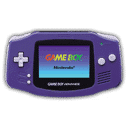
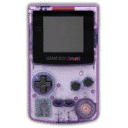
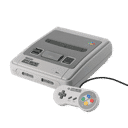
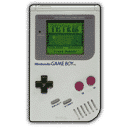
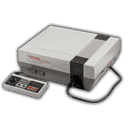
The site groups games by console family and exposes language, revision and edition metadata on each entry so you can filter precisely. Platform pages let you focus on one system at a time: for NES browsing check the Nintendo Entertainment System page, and for SNES picks use the Super Nintendo section. Handheld fans get dedicated views for systems such as the Game Boy and Game Boy Advance. Each edition record lists available in-game languages, revision tags and short editorial notes so you can immediately tell whether an entry is the Japanese original, a later English revision, or a region-specific variation. That saves time and avoids surprises like launching a version with the wrong text or altered stages when you just wanted the original experience.
Playing games in the browser – player features and behaviour
Games run inside an isolated player frame that only loads after you choose Play so the rest of the site stays responsive and sandboxed. The player uses well-known browser emulation engines and supports controller and keyboard remapping, on-screen touch controls for mobile, fast-forward, pause, and a multi-slot save manager that stores save-states locally in your browser storage. Battery-backed saves are emulated where the edition supports them, and the help pages document which engine cores are in use for specific systems. Keep in mind saves live in local storage and do not sync between devices unless you export them, so clearing site data or using private browsing can remove progress.
The overall behaviour aims for convenience and simplicity: map a controller, check the edition notes, and jump in. This focus on reducing technical barriers is central to Liang’s vision for RW Emulator. Rather than requiring visitors to install separate software or navigate unfamiliar emulator configurations, the website brings the essential parts of the retro gaming experience together in a single, accessible environment.
Edition details – how the site helps you compare regional and revision differences
One of RW Emulator’s strongest features is edition-level metadata that makes side-by-side comparison straightforward. Each playable build shows the revision code, release year and available language tracks so collectors and researchers can spot the differences between a US cartridge, a European release, or a Japanese original without guessing. Editorial notes and tags flag known changes like text differences, alternate music tracks, or bugfix revisions so you know what to expect before pressing Play. That practical clarity is useful when you care about authentic translations, want to check which revision fixed a particular glitch, or are hunting for a music variant that only exists in a specific regional edition.
The developer behind RW Emulator and the project’s origins
Behind RW Emulator is Ethan Liang, an independent developer whose interest in classic gaming and emulation technology led him to create a more accessible way of experiencing retro games. His motivation was not simply to build another emulation website, but to address a familiar challenge among retro gaming enthusiasts: the amount of preparation sometimes required just to enjoy an older title.
Traditional emulation can involve installing software, locating compatible files, adjusting settings and troubleshooting technical issues. While experienced users may be comfortable with that process, it can discourage people whose main goal is simply to revisit a game they enjoyed growing up. Liang wanted RW Emulator to offer a more convenient starting point, particularly for visitors who might otherwise find the technical side of emulation overwhelming.
The concept behind the project is deliberately straightforward: bring classic games, useful game information and browser-based emulation together in one place. Beyond providing access to familiar titles, RW Emulator also encourages exploration. Visitors can browse different platforms, learn more about individual games and discover releases they may have missed during their original commercial lifetimes.
RW Emulator remains an independent project that Liang has been developing and refining over time. Its continuing development reflects his interest in creating a useful resource for the retro gaming community rather than simply expanding the number of systems available.
What’s next for RW Emulator?
Although retro gaming covers an enormous range of consoles and handheld systems, adding more platforms is not currently part of Liang’s development plans. Instead, his priorities are centered on improving what RW Emulator already offers.
That includes refining the existing browsing and playing experience, expanding the information available about individual games, and making the website more useful and accessible to retro gaming enthusiasts around the world. These improvements are intended to help visitors find relevant titles more easily, discover more about the games they enjoy and navigate the platform with fewer obstacles.
For Nintendo fans, this emphasis on improving the existing experience could be particularly valuable. Detailed game information, straightforward navigation and accessible browser-based emulation can make revisiting familiar classics or researching lesser-known releases more enjoyable without requiring additional console support.
Liang’s current direction suggests that RW Emulator’s development will focus primarily on the quality and usefulness of its existing features, rather than expansion for its own sake.
Platforms covered and where to start exploring RW Emulator
RW Emulator focuses on classic console families that matter to Nintendo fans, so platform lists are central to the browsing experience. You can jump to a system overview and see curated lists of popular and recently added titles for each platform. If you want to scan the NES roster use the Nintendo Entertainment System portal, for Super Nintendo picks visit the Super Nintendo page, and handheld fans can start at the Game Boy and Game Boy Advance listings. Each platform view highlights tags, languages and editorial notes so you can zero in on regional variants or unusual revisions quickly. That structure makes firsthand comparisons and quick testing a lot less fiddly when you just want to check a detail or relive a short chunk of a favourite game.
While familiar Nintendo platforms are an obvious starting point for many visitors, the wider goal is to encourage exploration across different generations of classic gaming. This discovery-oriented approach is part of what Liang wants RW Emulator to offer: a place where returning players can reconnect with childhood memories while newcomers encounter games they might never have played before.
Search, filters and practical tips for finding rare versions
To find rare or region-specific editions start by picking the platform, then layer language and genre filters to narrow results. Keyword searches accept shorthand like revision codes or release years, and the site tags common variants so you can spot uncommon builds faster. If a playable edition fails to load, try another listed edition for the same game – often an alternate build will work while a specific revision might have compatibility quirks. Use the edition notes to confirm in-game language and revision details before you press Play, and when reporting player bugs include the edition name, page URL and your browser version so the operator can reproduce the issue. Small habits like mapping your controller and saving often go a long way.
Legal and ethical considerations for Nintendo fans
Browser-based emulation and hosted playable builds live in a complicated legal and ethical space. Emulation has clear value for preservation and access, a point explored by digital preservation groups, but copyright and hosting law vary by jurisdiction. If you use RW Emulator consider the ethics of playing builds you do not own and prefer editions that rights holders or legal distributors make available. For editors and researchers it is also worth consulting preservation literature for context on emulation as a method for keeping older software accessible while respecting intellectual property. The practical takeaway is to treat browser emulation as a convenience for short tests and research rather than a substitute for legally acquiring titles where possible.
Tips for using RW Emulator safely and getting the most from it
Save-states live in your browser so avoid private browsing when you want persistence and back up your storage if you rely on long-term progress. Map a controller for comfort, use the player’s save manager regularly, and check edition metadata before launching to avoid unwanted language or revision surprises. If the player exhibits broken behaviour follow the troubleshooting steps on the help pages and include detailed reproduction info when contacting the operator. Community feedback and editorial submissions help keep edition metadata accurate, so if you spot an omission or mistake use the site’s contact channels – NintendoReporters also welcomes tips related to retro resources and preservation projects that matter to our readers.
Conclusion
RW Emulator brings quick editorial context and browser playability together so Nintendo fans can find, compare and test classic releases with minimal fuss. The combination of platform-based catalogues, language filters and edition metadata reduces the guesswork that often comes with regional variants. Use platform lists to start exploring, consult edition notes before you play, and rely on the player’s local save-states for short sessions and testing.
What makes the project particularly interesting is the motivation behind it. Ethan Liang created RW Emulator out of a personal interest in classic games and a desire to make retro gaming more accessible to people who simply want to enjoy their favorite titles without technical complications. As an independent developer, he continues to refine the website with an emphasis on usability, richer game information and accessibility rather than adding more platforms.
For Nintendo enthusiasts, collectors and curious newcomers, RW Emulator offers a convenient way to reconnect with gaming history, explore unfamiliar releases and discover why so many classic games continue to attract players decades after their original launches.
FAQs
- Who developed RW Emulator?
- RW Emulator was created by Ethan Liang, an independent developer with a longstanding interest in classic video games and emulation technology. He developed the project to make retro gaming more accessible, particularly for people who want to revisit childhood favorites without complicated emulator setups.
- What is the main purpose of RW Emulator?
- RW Emulator aims to combine classic games, useful game information and browser-based emulation in one convenient place. Visitors can explore different gaming platforms, discover unfamiliar titles and enjoy retro games directly through their browsers.
- Can I save my progress when playing on RW Emulator?
- The player offers multiple local save-state slots and battery save support where applicable; saves remain in browser storage and do not sync automatically across devices.
- Which Nintendo platforms are supported?
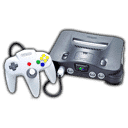
- RW Emulator lists many classic Nintendo systems including NES, SNES, Game Boy, Game Boy Color, GBA, N64 and NDS, with platform-specific catalogue views to help you browse.
- Are more gaming platforms planned for RW Emulator?
- According to developer Ethan Liang, there are currently no plans to add additional gaming platforms. His focus is on improving the existing experience, expanding game information and making RW Emulator more useful and accessible to retro gaming enthusiasts worldwide.
- How do I pick the correct regional version or language?
- Open the game’s edition list and check the in-game language tags and revision notes before you press Play so you launch the edition you intended.
- Is running games in the browser legal?
- Legal status depends on how game data is obtained and hosted. Emulation aids preservation, but copyright law and hosting practices vary, so prefer legally distributed editions when possible.
- How can I report a broken player or request an edition be added?
- Use the site’s contact or feedback links and include the page URL, edition details and your browser/device info so the operator can reproduce and address the issue.
Sources
- RW Emulator – Showcase Project, SideProjectors, October 24, 2026
- Releases · EmulatorJS/EmulatorJS, GitHub, May 17, 2026
- An Overview of Emulation as a Preservation Method, CLIR, July 2025
- RW Emulator — ブラウザでレトロゲームを探して遊べるWebサイト, IDEAVALU, October 29, 2026
- Additional developer information provided directly by Ethan Liang, developer of RW Emulator, November 2026.