














Summary:
The Oblivion Remastered Nintendo Switch 2 release saw a recent maintenance update – Patch 1.1 – intended to fix crashes and gameplay bugs, but many players now report visibly worse image quality. Complaints focus on increased blurriness, ghosting or trailing during camera movement, lowered sharpness and occasional flicker. Bethesda has acknowledged reports and opened a support notice while the company investigates, but no corrective patch or rollback has been published yet. For Switch 2 owners, the safest approach is to avoid updating if you haven’t already, and if you have updated, to document issues and follow Bethesda’s support guidance. NintendoReporters is tracking community reports and official updates and will share clear steps players can take to protect save data and report bugs effectively.
What happened with Oblivion Remastered on Nintendo Switch 2?
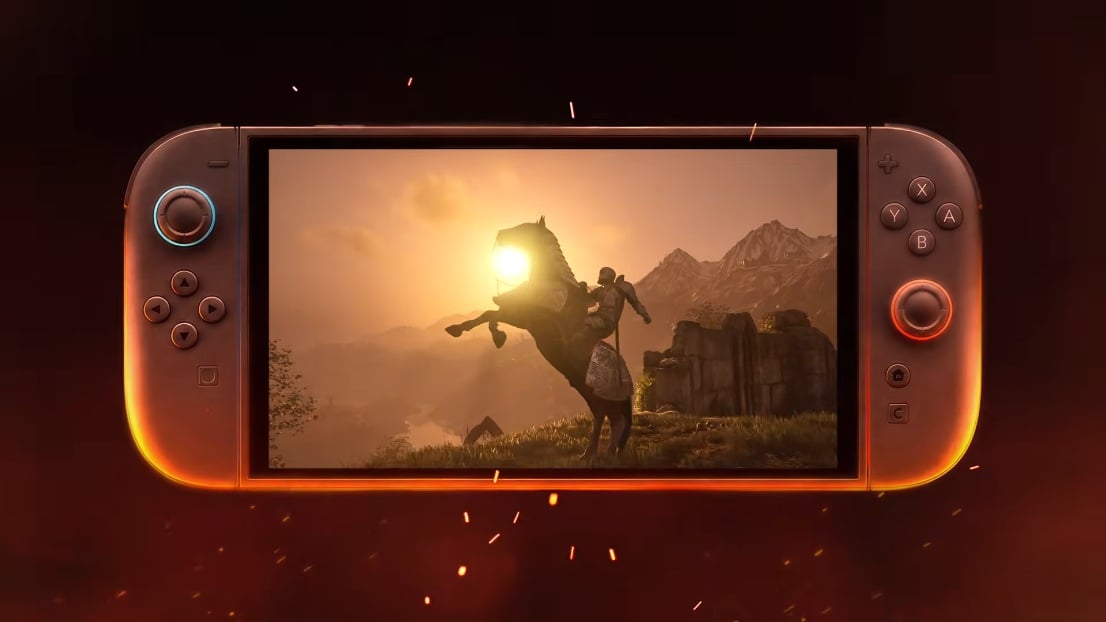
On September 17, 2026 Bethesda released Patch 1.1 for The Elder Scrolls IV: Oblivion Remastered on Nintendo Switch 2. The update listed a number of stability and gameplay fixes aimed at improving crashes and small visual hiccups, but a wave of community reports soon followed saying the update introduced new graphical problems. Players have posted comparison screenshots and clips showing a softer, more muddied image and visible image trails when the camera moves. Those reports quickly drew developer attention and Bethesda Support posted a notice confirming it is investigating claims of increased image blurring, ghosting and reduced visual quality. If you want background information on the system itself, see the Nintendo Switch 2 overview here: Nintendo Switch 2.
What players are reporting – symptoms and examples
The most common complaints describe an across-the-board drop in sharpness and clarity. Grass, distant scenery and fine environmental detail that once read clearly now appear soft or smeared, and some users report a distinct ghosting effect where motion leaves faint afterimages or trails behind moving objects and the camera. Others mention visual flickering or instability in certain scenes and odd lines or artifacting in the image. These effects have been reported in both docked and handheld modes, though severity appears to vary between setups. Players have shared side-by-side images and video on social forums which make the differences easier to spot, and that community evidence is what prompted the formal acknowledgement from Bethesda Support.
Bethesda’s acknowledgement and official response
Bethesda has publicly acknowledged the influx of reports and opened a support article that notes players are seeing increased blurring, ghosting and reduced visual quality after installing Update 1.1. The company confirmed it is investigating and will update the support article when more information is available. Patch 1.1 itself lists a number of fixed crashes and gameplay issues on Bethesda’s news page dated September 17, 2026, but the patch notes do not list blur or ghosting as resolved items. That gap between patch notes and community experience is the heart of the present concern; players want clarity about cause and a clear timetable for a corrective update, while Bethesda’s support channel stands as the official place to check for progress.
Which versions and platforms are affected
At the moment the reports are specific to the Nintendo Switch 2 build of Oblivion Remastered after installing Patch 1.1. Official patch notes and support items reference the Switch 2 release and the community evidence has largely come from Switch 2 players. There is no verified indication that other platforms received the same visual regression in this particular update, and Bethesda has not stated that other systems are affected. Because ports and platform builds can use different rendering paths, it’s possible a Switch 2-specific change to upscaling, temporal processing or rendering parameters triggered the visible differences. For now, players on other systems should follow their own patch notes and support guidance, while Switch 2 owners monitor Bethesda’s support notice for updates.
Possible technical causes behind the blur and ghosting
From a technical perspective several systems might explain the symptoms players are seeing. Upscaling and temporal anti-aliasing techniques reconstruct detail over multiple frames and are sensitive to timing and reconstruction parameters. If a rendering parameter was altered inadvertently – for example base render resolution, temporal accumulation settings, or an AI upscaler profile – the result can be a softer image and more pronounced motion trails. Similarly, motion blur, exposure or post-processing changes can also make a scene look less crisp even when raw texture detail is unchanged. Because the Switch 2 port likely uses a tailored pipeline for performance and image reconstruction, a small change in those systems can disproportionately affect perceived clarity.
Why DLSS or upscaling theories are circulating
The community has floated theories about DLSS-like upscaling, temporal reconstruction or other image reconstruction systems being involved because the reported ghosting and smear resemble problems that can occur when multi-frame upscalers misalign or lose temporal data. Switch 2 ports may rely on platform-specific upscaling or performance features and if those were toggled, misconfigured or broken in the update, players would notice reduced sharpness and trailing artifacts. It’s important to stress that, as of the Bethesda acknowledgement, no single technical cause has been confirmed publicly. That means the DLSS/upscaling hypothesis remains plausible but unproven until developer notes or a follow-up patch clarifies what changed.
How this compares to past Bethesda Switch issues
Bethesda has a long history of patches that fix some problems while revealing or introducing others, particularly on console ports where engine, middleware and platform features interact in complex ways. Past Switch and other console launches have shown that performance and rendering behavior can be surprisingly sensitive to small tweaks. What makes this case notable is the visual nature of the regression – instead of a rare crash or a quest bug, the whole image can look different, which immediately affects every player’s experience. That public and visible impact naturally draws more attention and stronger reactions from the community than a less obvious issue might.
Community reaction, workarounds and pitfalls
The reaction has been quick and vocal – players are weighing options like disabling auto-updates, documenting differences with screenshots, or attempting offline reinstalls from physical cartridges to revert to prior versions. Some of those workarounds can help avoid the problematic update, but they carry risks: reinstalling or deleting data can lead to save corruption if not done carefully, and console update systems don’t always provide safe rollback paths. Bethesda Support has warned that reinstalling to revert updates could risk saves in some cases, so players should prioritize backing up save data where possible and follow official support instructions rather than relying on risky community tricks.
What you should do now – practical steps for players
If you haven’t updated yet and prefer the pre-1.1 visuals, the simplest immediate step is to disable automatic updates on your console and avoid connecting the system online until Bethesda releases a fix. For players who already installed Patch 1.1, document the issue: capture screenshots or short video clips showing the ghosting, blur, and the location and mode (handheld or docked), and include system settings when you contact support. Submit a ticket to Bethesda Support and subscribe to the support article for updates. Protecting save data is essential – where the console allows, make a backup before attempting any reinstall or offline workaround. These steps lower risk and give Bethesda useful reproduction details to help them diagnose the problem faster.
If you already updated – rollback, saves and reporting
Physical cartridge owners sometimes have an advantage because a cartridge can let you reinstall the original build without downloading the newer patch, but that route only works if you can keep the console offline and avoid forcing the update later. Reinstalling the game in hopes of returning to a previous build is not a guaranteed or supported fix and may risk save data. If you’ve updated, the right path is to collect objective evidence – same-location comparisons, timestamps, and whether the issue appears in handheld and docked modes – then submit that information to Bethesda Support. The more reproducible detail you provide, the faster the developer can test and confirm a fix.
Conclusion
Patch 1.1 for Oblivion Remastered on Nintendo Switch 2 fixed a number of stability issues but also created an unexpected visual regression for some players, triggering reports of blur, ghosting and reduced image quality. Bethesda has acknowledged the reports and opened an investigation via its support channels, and multiple outlets and community posts have traced the issue back to the Switch 2 update. If you own the game on Switch 2 and haven’t updated, consider pausing updates until Bethesda posts a corrective patch. If you updated, back up saves where possible, gather documentation and report the issue to Bethesda Support. NintendoReporters will keep monitoring official updates and community findings and share clear guidance as the situation develops.
FAQs
- Is my copy of Oblivion Remastered permanently damaged by Patch 1.1?
- No – the reported problems affect the game’s visuals after the update, but they do not necessarily corrupt game data. That said, attempting unsupported rollbacks or reinstalling can risk save data, so follow official support guidance.
- Has Bethesda confirmed a date for a fix?
- Not yet – Bethesda has said it is investigating and will update its support article when it has more information. Keep an eye on Bethesda’s news and support pages for official updates.
- Should I avoid updating if I haven’t already?
- If you prefer the game’s pre-1.1 presentation, disabling automatic updates and staying offline until a fix is available is a reasonable precaution.
- Can I revert to the previous version if I updated?
- Reverting may be possible for some physical cartridge owners who reinstall offline, but it carries risks and is not officially supported. Back up saves and consult Bethesda Support before trying any rollback method.
- Where can I report the issue and subscribe for updates?
- Report issues through Bethesda Support and subscribe to the specific support article for notifications. Providing screenshots, system details and whether the problem appears docked or handheld helps the developer reproduce the bug.
Sources
- The Elder Scrolls IV: Oblivion Remastered Patch 1.1 (Nintendo Switch 2), Bethesda Game Studios, September 17, 2026
- Oblivion Remastered Update Seems To Have Borked The Visuals, Nintendo Life, September 21, 2026
- Oblivion Remastered Switch 2 Update Draws Complaints Over Blur and Visual Artifacts, GamersExtra, September 21, 2026
- Oblivion Remastered Switch 2 Update 1.1: fixes and blur reports, TheDashDouble, September 19, 2026