




Summary:
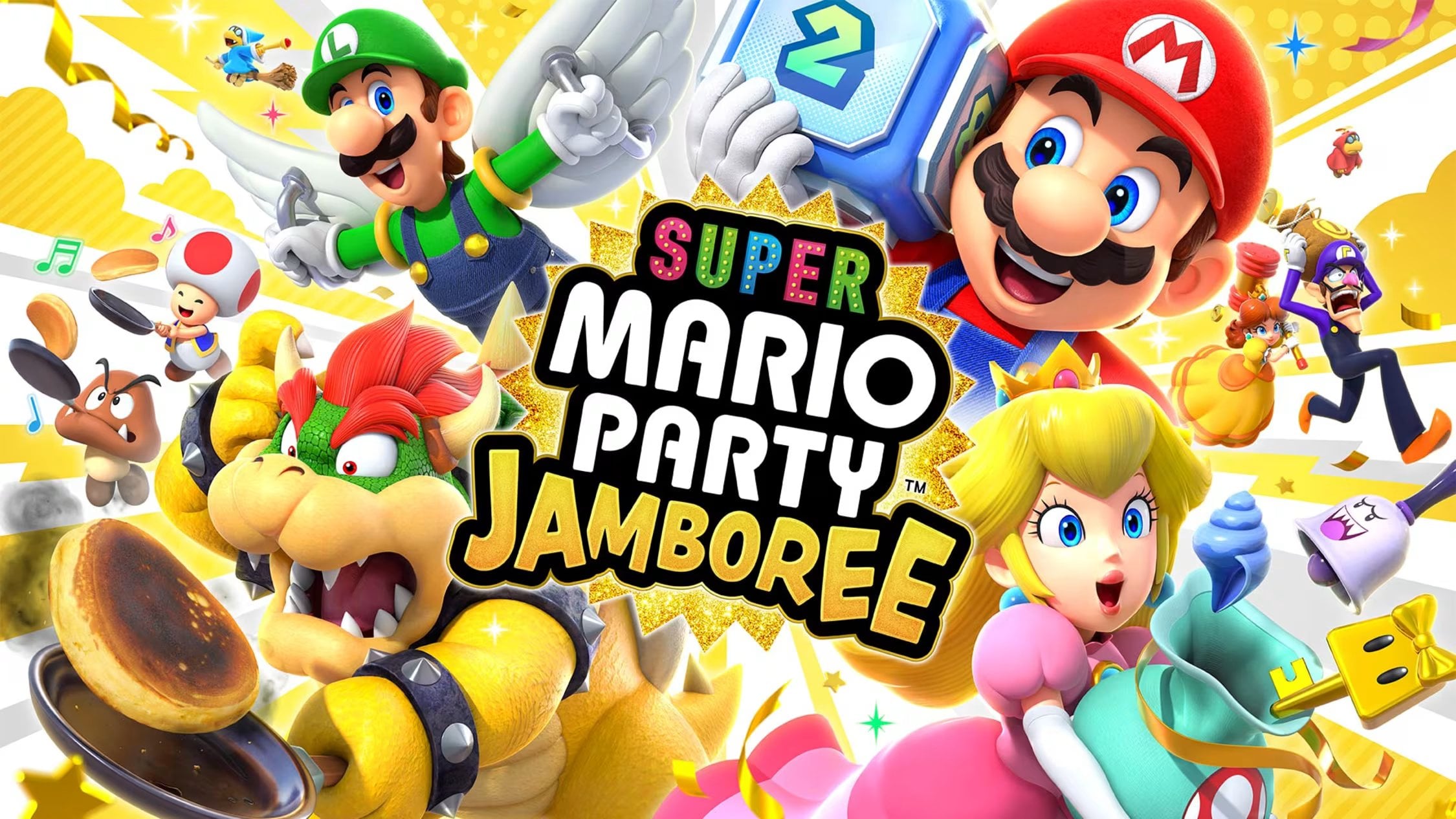
Super Mario Party Jamboree version 2.4.0 brings an important online convenience for Switch 2 owners – GameShare using GameChat – allowing friends to join your party even if they do not own the game. This update also adds maps and rules as shareable options when using GameShare on the Nintendo Switch 2 Edition, and applies unspecified fixes to improve gameplay on both Nintendo Switch and Nintendo Switch 2. If you like hosting remote game nights or want to introduce friends to Jamboree without making them buy it, this patch makes group sessions easier to arrange. Read on for how GameShare via GameChat works, who benefits most, limitations to watch for, and quick steps to download the update and get a game night going.
What the Super Mario Party Jamboree 2.4.0 update actually adds
The headline of version 2.4.0 is straightforward – GameShare using GameChat is now available for the Nintendo Switch 2 Edition of Super Mario Party Jamboree. That means a Switch 2 player who owns the Jamboree – Nintendo Switch 2 Edition can invite friends to join the same session through GameChat, and those friends can play along even if they do not own the game. On top of that, Nintendo added maps and rules as selectable options when using GameShare in the Switch 2 Edition, which gives hosts more control over the shared session. For both Nintendo Switch 2 and Nintendo Switch, the update also notes that other issues have been fixed to improve the gameplay experience. These are the kinds of quality-of-life and connectivity improvements that make multiplayer nights smoother and less fiddly for everyone involved.
How GameShare via GameChat works in practice
Using GameShare through GameChat is designed to be simple: from the Jamboree title screen you select GameShare, and the new option Friends via GameChat appears for Switch 2 users. That path connects the host’s session with friends over the GameChat system so up to four players can participate even if only one person owns the game. The flow aims to recreate the couch-party feeling online – one console hosts the session while others join in remotely, seeing the board and minigames streamed through the GameChat-enabled share. To use this, you will want a decent internet connection and the GameChat app or system feature active on your Switch 2. Expect short setup steps the first time – granting permissions, confirming who joins, and picking which map and rules to use for the shared party.
Maps and rules as new GameShare options
Previously GameShare sessions could feel limited in choice, but version 2.4.0 expands the host’s options by adding maps and rules to the list of settings you can share. This means the host can choose the specific board and party-style rules before launching the shared session, tailoring the experience to the group – more chaotic boards, longer matches, or particular minigame mixes. For hosts who rotate groups or run themed nights, this is a welcome addition: you can now preset the kind of match you want and have everyone join with the same expectations rather than improvising after the session starts. The feature also helps when teaching newcomers – you can choose a simpler board and relaxed rules so first-time players get comfortable before stepping up to competitive nights.
Bug fixes and stability improvements across Switch and Switch 2
The patch notes list generic fixes to improve gameplay experience on both Nintendo Switch and Nintendo Switch 2, which usually covers a range of under-the-hood tweaks – stability fixes, minor latency improvements, matchmaking reliability, and other small issues that impact session quality. While Nintendo did not itemize every single fix in the public patch text, the mention means both platforms receive maintenance updates to keep Jamboree running smoothly. For players who noticed odd disconnects or small bugs in minigames or menus, this update is intended to reduce those interruptions. If you still encounter problems after updating, it is worth restarting consoles and checking your network settings – sometimes local connection tweaks make the difference even after a patch is applied.
Who benefits most from this update
The primary winners here are Switch 2 owners who host multiplayer nights and want to bring friends into the game without asking them to buy a copy. GameShare via GameChat effectively lowers the barrier to entry for casual players you want to introduce to Jamboree. Competitive groups that mix Switch and Switch 2 players will also notice the convenience, since the update explicitly supports the new GameChat pathway. Streamers and content creators who like to demo games with friends may find the feature handy for quick trials. Meanwhile, Switch owners still benefit from the general fixes that improve the overall experience. If you host a lot of online parties or coordinate across multiple households, this takes a lot of setup friction out of the process.
Limitations, tips and best practices
GameShare is powerful, but not infinite; expect limits such as certain minigames or board features not being available for share sessions, and keep an eye on performance if participants have variable internet speeds. Hosts should choose a stable Wi-Fi connection, ideally with minimal other traffic, and consider using wired internet if they have a docked Switch 2 and want maximum stability. Communicate rules and any map selections ahead of time so players know what to expect when joining via GameChat. If someone has trouble joining, confirm the host is running the latest system firmware and that the GameChat feature is granted the necessary permissions. Lastly, plan for short breaks between matches to let everyone rejoin or adjust settings before the next game starts.
How to download and install the 2.4.0 update
Updating is straightforward: connect your Nintendo Switch or Nintendo Switch 2 to the internet, highlight the Super Mario Party Jamboree icon on the HOME menu without starting the game, press the + or – button to view software version details, then choose Update and Internet. If you prefer automatic updates, make sure the console is set to download updates automatically while connected to the internet. After installation, boot the Switch 2 Edition and look for the GameShare option on the title screen – it should now include the Friends via GameChat path. If the update does not appear, check your console’s system firmware and retry the update steps, or restart the console to force a fresh check for updates.
Conclusion
Version 2.4.0 for Super Mario Party Jamboree is a welcome update for anyone who hosts multiplayer nights on Nintendo Switch 2. GameShare via GameChat and the addition of maps and rules to shareable options cut down on setup time and make shared sessions feel more deliberate. Combined with general fixes on both Switch and Switch 2, the patch improves reliability and convenience. If you haven’t already, download the update, gather some friends, and try hosting a GameShare session to see how it changes your online party nights.
FAQs
- Do players who join via GameShare need to own Super Mario Party Jamboree?
- No – friends can join GameShare sessions via GameChat even if they do not own the game, provided the host is using the Nintendo Switch 2 Edition and the GameShare via GameChat path.
- Which consoles is the 2.4.0 update for?
- The update applies to both Nintendo Switch and Nintendo Switch 2, with GameShare via GameChat specifically enabled for the Nintendo Switch 2 Edition while both platforms receive general fixes.
- How do I select specific maps and rules for a GameShare session?
- After selecting GameShare on the title screen in the Switch 2 Edition, choose the new options to set maps and party rules before inviting friends via GameChat so everyone joins under the same settings.
- What should I do if someone cannot join my GameShare session?
- Check that the host and joining players have the latest software and system firmware, confirm GameChat permissions, and ensure stable internet connections. Restarting consoles often resolves lingering connection issues.
- Where can I find the official patch notes?
- Nintendo’s support pages list the full patch notes for version 2.4.0; news outlets also summarised the update when it released on November 9, 2026.
Sources
- Super Mario Party Jamboree version 2.4.0 update now available, adds GameShare using GameChat on Switch 2, Gematsu, November 9, 2026
- Cómo actualizar Super Mario Party Jamboree – Ver. 2.4.0, Nintendo Support, November 9, 2026
- Super Mario Party Jamboree 2.4.0 update out now, patch notes – GameShare using GameChat and more, NintendoEverything, November 9, 2026