














Summary:
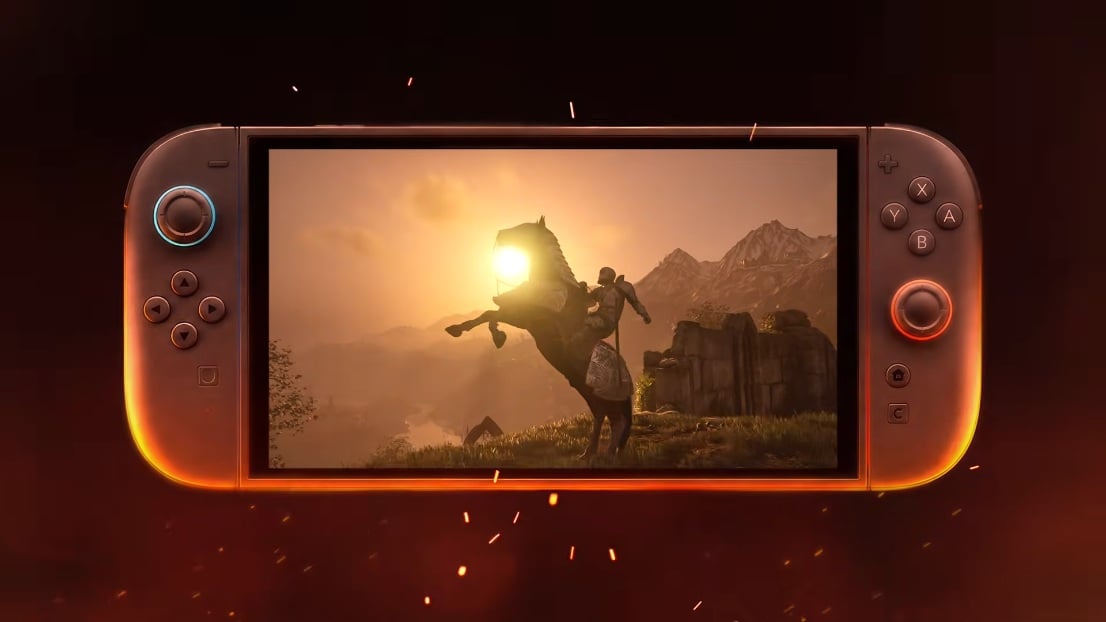
The recent Patch 1.1 for The Elder Scrolls IV: Oblivion Remastered on Nintendo Switch 2 was meant to fix crashes and gameplay issues, but many players are reporting a noticeable drop in visual quality after installing it. Reports describe increased blurriness, visible ghosting or trailing when the camera moves, reduced sharpness in distant detail, and occasional flicker in certain scenes. Bethesda has acknowledged the problem via its support channel and confirmed it is investigating reports tied to the Switch 2 build. While a formal corrective patch has not yet been published, the safest short-term approach for players who prefer the original visuals is to delay updates and follow Bethesda Support’s guidance for reporting issues and protecting save data.
What happened withthe The Elder Scrolls IV: Oblivion Remastered Patch 1.1 on Nintendo Switch 2?
On September 17, 2026 Bethesda released Patch 1.1 for Oblivion Remastered on Nintendo Switch 2 with a list of crash fixes and gameplay corrections. Instead of broadly improving the experience for everyone, a wave of community reports emerged showing that some players now see softer, muddier visuals and motion-related ghosting after installing the update. The issue seems concentrated on the Switch 2 build and was quickly noticed because visual regressions affect every scene and are easy to demonstrate with side-by-side screenshots or short clips. Because the problem is visible immediately, the community response has been fast, prompting Bethesda to open a support notice and say it is investigating. If you want background on the hardware and how it handles ports, check the Nintendo Switch 2 overview on our site to better understand why a platform-specific change could affect image reconstruction and perceived sharpness.
What did the patch actually change according to the notes?
Patch 1.1 officially lists a series of crash fixes and several gameplay adjustments intended to make Oblivion Remastered more stable on Nintendo Switch 2. The notes call out fixes for crashes that occurred in specific quests and menu operations, plus adjustments to a few visual animations that were missing in rare cases. Importantly, the patch notes do not list blur, ghosting or global image-quality regressions as items that were changed or intended to be fixed. That mismatch between the documented patch intent and the community-observed outcome is what has raised alarm: the update clearly addressed stability issues, but for some players it also coincided with an unexpected change in rendering behavior. Bethesda’s own news and patch pages remain the best official record of the fixes included in 1.1, and people are watching for a follow-up note that clarifies what changed under the hood.
How players describe the visual regression
Players reporting problems describe a handful of consistent symptoms: an overall softening of textures and distant detail, visible trailing or afterimages when the camera pans, occasional flicker or instability in particular scenes, and a general reduction in perceived sharpness. Many have posted side-by-side comparisons showing pre- and post-patch frames so the difference is obvious even at a glance. The ghosting appears most noticeable during motion – fast camera pans, running through foliage or quickly rotating the camera – which suggests something in the frame-to-frame reconstruction or temporal upscaling pipeline changed. Not everyone sees the problem equally; severity varies based on display, docked versus handheld mode, and individual system settings. Those variations are why clear documentation from affected players helps developers reproduce and diagnose the issue faster.
Bethesda’s official response and support advice
Bethesda has publicly acknowledged an influx of reports and opened a support article confirming that some players on Nintendo Switch 2 are seeing increased image blurring, ghosting, and reduced visual quality after installing Update 1.1. The company says it is investigating the reports and will update the support article when there is more information. Bethesda’s support page also gives players a practical channel to report their specific experience and offers the option to subscribe to the article for updates. Until the developer provides a patch or a technical explanation, the support page is the primary source for official guidance and the best place to document your system details and screenshots so developers can reproduce the issue.
How to tell if you are affected
First, compare your game before and after patching if you can. If you still have screenshots, video clips or saved footage showing the pre-1.1 visuals, make side-by-side comparisons in the same location and lighting to see whether sharpness and detail have changed. If you don’t have direct comparisons, capture short clips or screenshots now that clearly show the blur, ghosting, or flicker and include whether you were in handheld or docked mode, your resolution setting, any motion blur toggle, and the exact build number shown on the title screen. Documenting the circumstances helps Bethesda reproduce the issue. If the visual changes only appear under certain conditions – for example, while moving or in specific environments – note that precisely, because reproduction steps are the fastest path to a developer fix.
What you should do now – practical steps
If you haven’t updated yet and prefer the original presentation, disable automatic updates on your console and avoid connecting the system to the internet until a fix is available. For players who already installed Patch 1.1, collect objective evidence: take screenshots or short video clips showing the issue, record whether it appears docked or handheld, and note any console or in-game graphics settings you used. Submit a ticket to Bethesda Support and subscribe to their support article so you get notified when more information or a corrective patch is posted. Back up your saves where possible before attempting any risky workaround. These steps help protect your progress and give developers the information they need to track down and resolve the problem quickly.
Community workarounds and the risks involved
The community has suggested several workarounds, including disabling auto-updates, staying offline, or attempting to reinstall from a physical cartridge to restore a pre-patch build. Those options can work in narrow circumstances, but they carry real risks. Reinstalling or attempting unsupported rollback methods may lead to save data issues or other unintended consequences, and console update systems are not always designed for safe version rollback. Some players have posted anecdotal instructions on forums, but Bethesda Support explicitly recommends following official guidance because developer-provided steps are the safest. If you do try a community workaround, make a local backup of your saves first and understand the possible trade-offs before proceeding.
Why this matters for Switch 2 owners and the wider community
Visual regressions are different from crash or quest fixes because they affect how the entire game looks and feels to every player, straight away. A change to temporal upscaling, motion blur or image reconstruction may preserve performance metrics while altering perceived fidelity, which is why patches that appear neutral on paper can still provoke strong reactions. For Switch 2 owners this is particularly relevant because ports often use platform-specific rendering paths or performance tricks that don’t map exactly to other hardware. That means a patch intended to stabilize or optimize can unintentionally change image reconstruction on a specific console build. Transparency from developers and clear channels for reporting are essential in these cases, which is exactly why Bethesda’s support article and player reports matter: they create the feedback loop needed for a targeted fix. If you want to keep following updates from NintendoReporters, our Nintendo News hub will link to further coverage and official developments.
Conclusion
Patch 1.1 fixed a set of stability and gameplay issues for The Elder Scrolls IV: Oblivion Remastered on Nintendo Switch 2 but, for some players, introduced an unwanted visual regression marked by blur and ghosting. Bethesda has acknowledged the reports and opened an investigation through its support channels; until a corrective update arrives, the safest approach is to delay updating if you haven’t already, document any problems thoroughly, back up saves where possible, and submit detailed reports to Bethesda Support. We at NintendoReporters will keep tracking official updates and community findings and share straightforward steps so Switch 2 owners can protect their games and save files while a fix is prepared.
FAQs
- Is my save data at risk if I installed Patch 1.1?
- Save data is not necessarily corrupted by the visual regression itself, but attempting unsupported rollbacks or reinstall methods can risk damage. Back up saves before trying any workaround and follow Bethesda Support’s guidance.
- Has Bethesda released a fix or given a date for one?
- Bethesda has confirmed it is investigating and will update the support article when there is more information. No corrective patch date has been announced yet.
- Should I avoid installing the update if I haven’t done so?
- If you prefer the game’s pre-1.1 visuals, disabling automatic updates and staying offline until a fix is available is a reasonable precaution.
- Can I revert to the previous version if I updated?
- Reverting may be possible in some cases through offline reinstallation from a physical cartridge, but it’s not guaranteed or officially supported and can carry risks. Contact Bethesda Support for advice before attempting a rollback.
- Where do I report the issue and get notified of updates?
- Report issues via Bethesda Support’s article for Oblivion Remastered and use the “Subscribe to Article” option to receive updates. Providing screenshots, system details and whether the issue is docked or handheld helps the investigation.
Sources
- Why does The Elder Scrolls IV: Oblivion Remastered look blurry or have ghosting effects on Nintendo Switch 2?, Bethesda Support, October 13, 2026
- The Elder Scrolls IV: Oblivion Remastered Switch 2 Update 1.1 Now Live, Here Are The Full Patch Notes, Nintendo Life, September 19, 2026