




Summary:
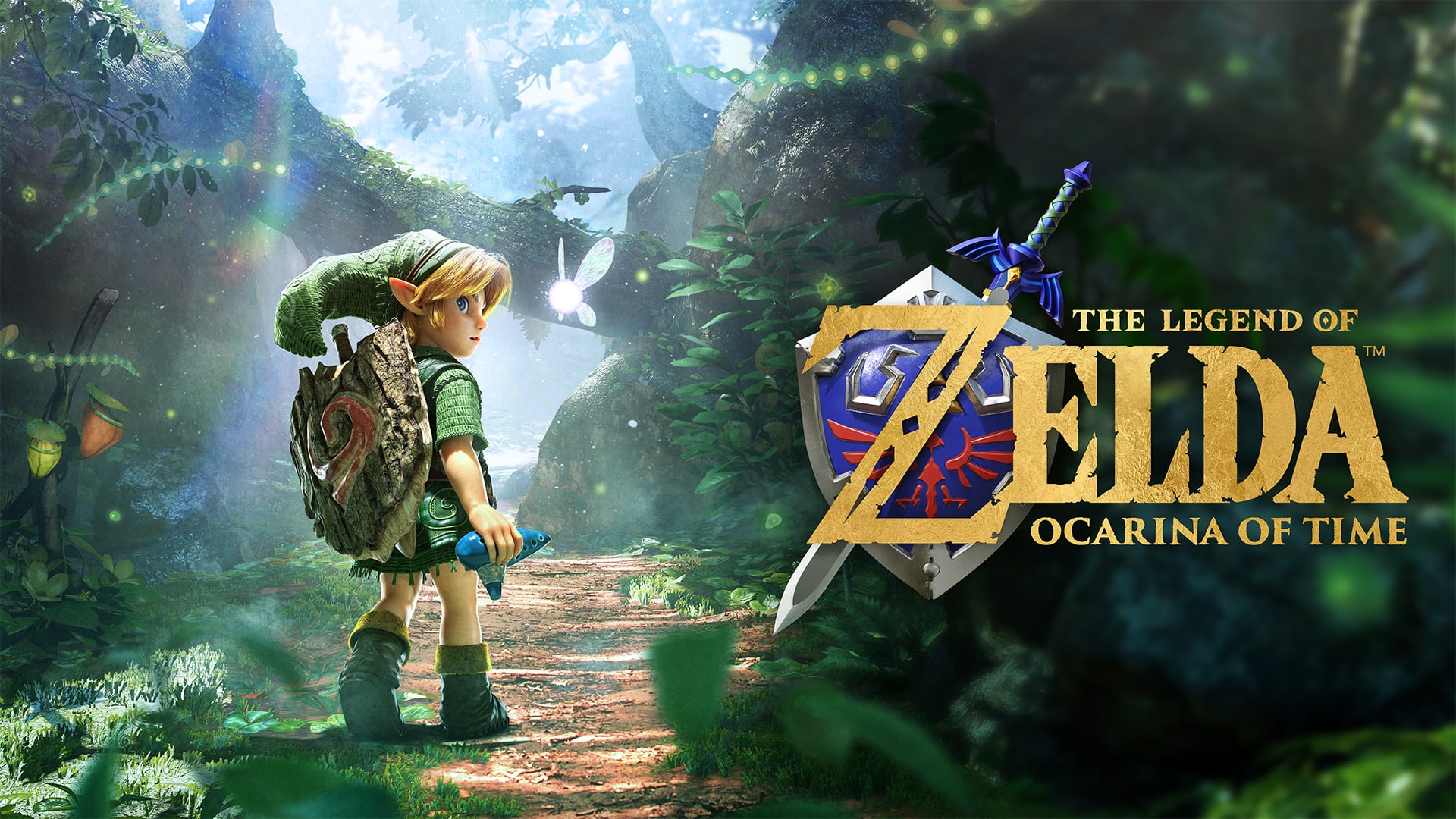
The Legend of Zelda: Ocarina of Time has received update version 1.1.1, a launch-day patch that adds official compatibility with the Zelda Notes feature and delivers various gameplay fixes. Nintendo’s support listing confirms the update and instructs players to follow on-screen prompts after updating to configure Zelda Notes. Third-party reports note the patch landed before the November 5, 2026 launch on Nintendo Switch 2 and that the download brings stability improvements alongside the companion-app integration. Whether you grabbed an early copy or are lining up a Switch 2 on launch day, the update is small but important for connecting the game to the Zelda Notes companion tools and smoothing the experience.
What the 1.1.1 Update Adds to The Legend of Zelda – Ocarina of Time
The 1.1.1 update is best described as a launch-day activation that officially enables support for the Zelda Notes feature and includes a handful of unspecified fixes to improve gameplay. Nintendo’s support page lists “ZELDA NOTES” support in the patch details, which means the game can now interface with the companion features tied to the Nintendo Switch app. The patch is intended to ensure that when players use the Zelda Notes companion tools, the game and the app communicate properly. Beyond enabling Zelda Notes, the update notes mention several fixes aimed at improving the overall gameplay experience, though Nintendo’s statement keeps those details high-level rather than listing individual bug fixes.
Zelda Notes Explained
Zelda Notes is a companion feature accessible through the Nintendo Switch app that offers extras related to The Legend of Zelda title family. With 1.1.1 adding compatibility, players can expect the game to exchange data with the app for things like note-taking, companion activities, and other linked features. Third-party outlets that covered the update reported that the companion experience may include quizzes and interactive elements designed to extend engagement beyond the console, though the official patch notes focus on enabling the connection itself rather than spelling out every app-based feature. In short, enabling Zelda Notes bridges the in-game experience with the mobile-side utilities Nintendo is rolling out for the release.
How to Apply the Update and Configure Zelda Notes
Applying the 1.1.1 update is the same as any system update on Nintendo Switch 2 – download the patch from Nintendo’s servers and launch the game. After updating the game, follow the on-screen instructions that appear when you first start the title; those prompts will walk you through configuring Zelda Notes and pairing the game with the companion app. If you need background on the new console itself, visit our Nintendo Switch 2 hub for more details on pairing and setup. Remember to keep your Nintendo Switch app updated on your phone or tablet so the companion features will be detected and configured without hiccups.
Bug Fixes and Gameplay Improvements
The official notes for 1.1.1 state simply that several issues were fixed to improve the gameplay experience. Nintendo does not enumerate each fix in the support listing, which is common for day-one patches that target a range of stability and polish issues discovered during final testing and early distribution. Independent outlets observed that the update improves stability and addresses minor glitches, and players should notice smoother performance and fewer interruptions. While the patch doesn’t change core gameplay or content, these behind-the-scenes adjustments help make the initial experience more stable for everyone at launch and in the days immediately after.
Why a Launch-Day Patch Makes Sense
Launch-day patches are normal for modern releases, especially for a high-profile Zelda remake that shipped to reviewers and early buyers prior to mass availability. With early copies in circulation, Nintendo often waits to enable online-linked features like companion app support until the official release window to ensure players connect at the same time and servers are ready. The 1.1.1 update acts as that switch: it activates Zelda Notes compatibility and squashes last-minute problems without altering the shipped physical build. This approach avoids exposing online functionality to people who received copies early and lets Nintendo coordinate any server-side activations cleanly at launch.
Download Size and Installation Tips
Third-party reporting suggests the patch is modest in size, and it should download quickly on most home connections; one independent outlet reported a roughly 343MB day-one patch. If you’re short on space, check your console’s available storage and remove unneeded demos or smaller titles to make room before attempting the update. For players using a microSD card, ensure it’s inserted and recognized by the system so the patch can install properly. Finally, keep your Nintendo Switch app updated on your mobile device and be ready to accept pairing prompts when launching the game; following the on-screen guidance after updating is the simplest way to get Zelda Notes configured correctly.
Early Copies, Online Functionality, and Launch Timing
Because some people received early copies of the remake ahead of the official street date of November 5, 2026, Nintendo’s staggered approach to enabling companion features makes sense. 1.1.1 acts as the gate for Zelda Notes and likely other online-linked conveniences, so early players who update will gain the same functionality as those who buy on launch day. This protects the rollout from uneven experiences caused by staggered access and ensures that any server-side features are enabled at the same time for the broad player base. The patch gives Nintendo a controlled way to open online-linked features while addressing last-minute fixes discovered during distribution.
Where to Go for Help and Contact
If you run into trouble updating or configuring Zelda Notes, Nintendo’s official support page provides the authoritative instructions and details for the 1.1.1 update. You can also reach out to our team if you want talk about the update or need pointers; check the NintendoReporters contact page for questions or feedback. Community discussions and social channels are also valuable for troubleshooting; often other players share quick fixes for small issues like pairing failures or download hiccups. Keep your system and the Nintendo Switch app up to date, and consult the support links if anything seems off during or after installation.
Conclusion
The 1.1.1 update for The Legend of Zelda: Ocarina of Time is a small but important launch-day patch that enables Zelda Notes support and applies several gameplay fixes. It smooths initial play and connects the game to companion features through the Nintendo Switch app, and players should follow the on-screen prompts after updating to configure the service. Whether you picked up an early copy or are joining everyone on November 5, 2026, installing 1.1.1 ensures you have the intended experience from the moment you start the game.
FAQs
- How do I enable Zelda Notes after updating?
- Launch the game after installing update 1.1.1 and follow the on-screen instructions to pair with the Nintendo Switch app and configure Zelda Notes.
- Do I need to update my Nintendo Switch app for Zelda Notes?
- Yes, make sure the Nintendo Switch app on your phone or tablet is updated so it can detect and work with Zelda Notes features.
- Will the patch change the game’s core content?
- No major content changes were announced; 1.1.1 focuses on companion app support and fixes to improve stability and gameplay experience.
- How large is the 1.1.1 update?
- Independent reporting places the download at a few hundred megabytes; actual size may vary by region and platform configuration.
- Where can I find official patch notes?
- Visit Nintendo’s official support page for the game to see the official 1.1.1 update listing and any setup guidance.
Sources
- ゼルダの伝説 時のオカリナ 更新データVer. 1.1.1|Nintendo Switch 2 サポート, Nintendo Support, November 4, 2026
- The Legend of Zelda: Ocarina of Time update 1.1.1 patch notes, Shacknews, November 4, 2026
- Zelda: Ocarina of Time gets a day-one patch on Switch 2, adding Zelda Notes support, Notebookcheck, November 4, 2026
- The Legend of Zelda Ocarina of Time 1.1.1 update out now, patch notes, NintendoEverything, November 4, 2026