














Summary:
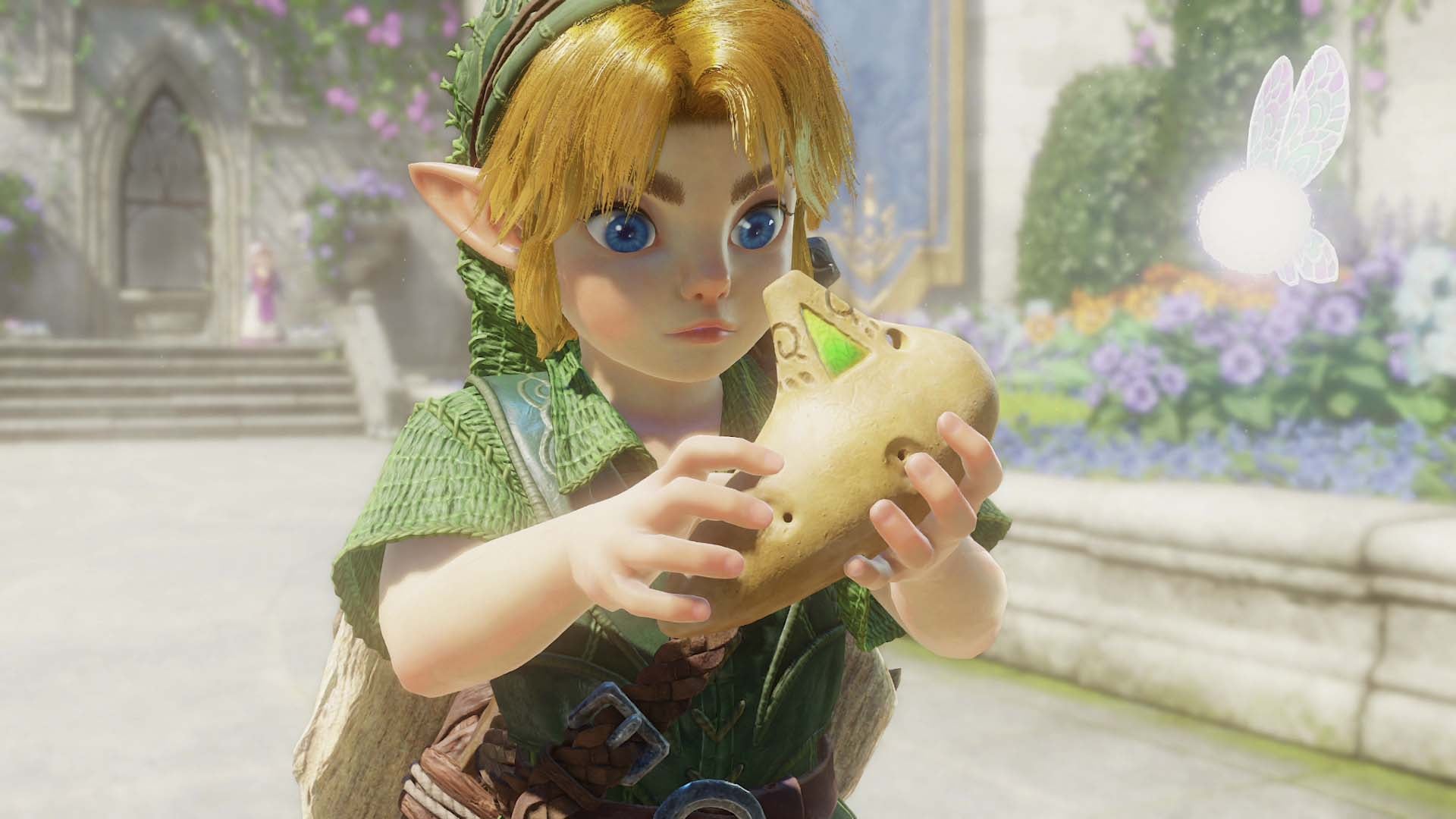
The official Nintendo store listing for The Legend of Zelda: Ocarina of Time on Nintendo Switch 2 now confirms HDR and VRR output when played in TV mode, matching a recent system update that added docked VRR support in firmware version 23.0.0. That switch-level update arrived in early September 2026 and requires a dock firmware update plus a TV and software that support variable refresh rate. In practice this means the remake could run more smoothly on compatible sets when frame pacing fluctuates, and visuals can look cleaner with HDR enabled. We explain what was announced, how the system update ties in, what you need to use docked VRR, and what to test when the game launches on November 5, 2026.
Zelda: Ocarina of Time for Switch 2 confirms docked VRR and HDR on Nintendo’s store page
Nintendo’s official product page now lists both HDR output and VRR output as features available on compatible TVs for the Switch 2 edition of The Legend of Zelda: Ocarina of Time. That listing gives us one of the clearest technical signals so far about how Nintendo expects the remake to behave on a TV – not just handheld. Seeing VRR explicitly listed is important because it means the game can send a variable refresh rate signal when the TV supports it, instead of being locked to a single refresh rate. If you want the exact page yourself, Nintendo’s store includes the supported features section for the game. For background on the console itself and ongoing Switch 2 news, check our Nintendo Switch 2 overview here.
How the recent system update ties into the game listing
In early September 2026, Nintendo released system firmware version 23.0.0 for Switch 2 which added support for VRR in TV mode – a change that explicitly notes a dock update is required to enable the feature. That same update also added full Switch 2-to-Switch 2 data transfers and some GameChat and Mii quality-of-life changes, but VRR is the part that matters for frame-rate-sensitive games. With the system now capable of sending VRR over HDMI when paired with an updated dock, it makes sense to see first-party titles starting to advertise VRR output. In short, the store page and the firmware update fit together – the system can now output VRR in docked mode and the game page signals the developers plan to support it at launch.
What VRR support means for Switch 2 players and TVs
Variable refresh rate (VRR) is a display feature that lets compatible TVs and monitors match their refresh rate to the frame rate a console is producing at any given moment. For a game like Ocarina of Time that may have demanding or variable scenes, VRR reduces judder and tearing by allowing the display to adapt instead of forcing a mismatch. Practically, that means smoother motion during tricky sections and fewer visual stutters when the game dips below the TV’s native refresh rate. Remember that VRR only helps when the game and TV both support it – one without the other won’t deliver the benefit. Also the dock needs the firmware update Nintendo specified in the system notes to enable docked VRR output.
Requirements to use docked VRR – dock firmware, TV compatibility, and game support
To actually get docked VRR working you need three things lined up: the Switch 2 must be updated to the firmware that enables TV-mode VRR, the Switch 2 dock needs its separate firmware update (Nintendo noted the dock update requirement in their patch notes), and your TV must support VRR over HDMI. On top of that the game itself has to advertise VRR output, which the official Ocarina of Time store listing now does. If any single piece is missing – handheld firmware only, an unupdated dock, or a TV that lacks VRR – the variable refresh benefit won’t appear. Some third-party docks or adapters may not pass VRR signals properly, so owners using non-Nintendo docks should be prepared to check manufacturer support or update tools for the dock hardware as well.
Will VRR and HDR noticeably change the remake’s visuals and performance?
Yes and no – it depends on what you care about. HDR mostly affects color range and contrast, letting scenes pop more on compatible displays. VRR affects motion and frame pacing, which is most noticeable when a game has variable frame rates through intense moments. For players who are sensitive to microstutter or screen tearing, docked VRR can make the experience feel smoother and more responsive. That said, VRR won’t magically increase raw frame rates or fix major performance issues; it simply gives the display more flexibility to match rendered frames. HDR will improve image depth on TVs that handle HDR well, but results vary by panel and calibration. Combined, HDR plus VRR can make the remake look both richer and feel cleaner when everything is enabled correctly.
Docked versus handheld – when to play which way
Switch 2’s handheld screen already supports a variable refresh experience, and many players will still prefer handheld for convenience or that native panel look. Docked play, however, gives you the option of a much larger display and the potential for HDR plus VRR when connected to a compatible TV. Which mode you choose comes down to priorities – portability and the system’s own handheld pixel quality, or the cinematic look and smoother TV playback that docked VRR and HDR can provide. If you usually play with competitive or fast-paced settings, VRR can reduce distracting judder on a big screen. If you want the easiest route to the best visuals without fiddling, handheld still has its strengths – and it does not require a dock firmware update or specific HDMI features.
What to test at launch – practical checks for players and reviewers
When Ocarina of Time lands on November 5, 2026, try these tests if you want to confirm VRR and HDR are working: first, update your Switch 2 system and dock firmware, then boot the game in TV mode on a VRR-capable TV and check the TV’s on-screen info to see if VRR engages. Look for smoother camera pans and fewer frame drops during dense scenes. Toggle HDR in the TV or system settings to compare color and contrast, and try switching between docked VRR-on and VRR-off if the game exposes that option. If you have a capture device, record the same scene in handheld and docked modes to compare motion and color differences. Also bear in mind that early patches or options menus may be added after launch to tweak VRR behavior, so keep an eye on game updates.
Developer considerations – why not every game may adopt VRR right away
Implementing VRR is not always a simple flip of a switch – developers need to test how the rendering pipeline behaves when the display refresh rate varies. Some engines or older code paths may assume a fixed refresh time and require tweaks to avoid subtle timing bugs. Also the team needs to make design decisions about how to handle frame pacing, vsync behavior, and how variable refresh interacts with internal motion blur or interpolation systems. For a remake built from the ground up for Switch 2, the team might prioritize visual upgrades and stability first and roll out VRR support where it makes sense. That said, seeing VRR listed on Nintendo’s page suggests the developers have implemented and tested it for the release version, even if other titles take more time to add support post-launch.
Conclusion
Nintendo’s store page confirmation that The Legend of Zelda: Ocarina of Time for Nintendo Switch 2 supports HDR and VRR output in TV mode, combined with the Switch 2 system update 23.0.0 which enabled docked VRR, points to a promising launch experience for TV players who have compatible hardware. Getting the benefits will require updating the console and its dock firmware, and using a TV that accepts VRR over HDMI – but if your setup checks those boxes, you should notice smoother motion and richer color during certain moments. Whether you prefer handheld for portability or docked for that big-screen feel, the remake now has both visual features listed that can improve the play experience when everything is configured correctly. NintendoReporters will be watching player reports and patch notes after November 5, 2026 to see how widely VRR is adopted across Switch 2 releases.
FAQs
- Does Ocarina of Time on Switch 2 actually support VRR when docked?
- Yes – Nintendo’s official store listing for the game lists VRR Output among the features available on compatible TVs. That aligns with the Switch 2 system update that added docked VRR support in version 23.0.0.
- What do I need to enable VRR on my Switch 2?
- You need to update to system firmware 23.0.0 (or later), apply the dock firmware update Nintendo mentions, use a VRR-capable TV, and run the version of the game that advertises VRR output. Third-party docks or adapters might not pass VRR correctly.
- Will enabling VRR make the game run at higher frame rates?
- Not directly. VRR helps the TV match its refresh rate to the game’s frame rate, reducing tearing and stutter during drops. It doesn’t increase the maximum frame rate the game renders, but it can make variable frame-rate behaviour feel smoother.
- Is HDR required to use VRR?
- No – HDR and VRR are separate features. The store listing shows the game supports both on compatible TVs, but you can use VRR without HDR if your TV or preferences don’t include HDR.
- What if my TV supports VRR but VRR doesn’t seem to turn on?
- Check that your Switch 2 system and dock are fully updated, confirm the TV’s VRR setting is enabled, and try the official Welcome Tour demo or an in-game VRR option if available. If you use a third-party dock or HDMI adapter, confirm the device supports VRR passthrough.
Sources
- System Update Information for Nintendo Switch 2, Nintendo Support, September 9, 2026
- The Legend of Zelda: Ocarina of Time for Nintendo Switch 2, Nintendo, Release Date: November 5, 2026
- Zelda: Ocarina Of Time On Switch 2 Will Support VRR In Docked Mode, Nintendo Life, September 17, 2026
- Switch 2 system update adds VRR support when docked, Switch 2 to Switch 2 system transfer and more, VGC, September 10, 2026