





Summary:
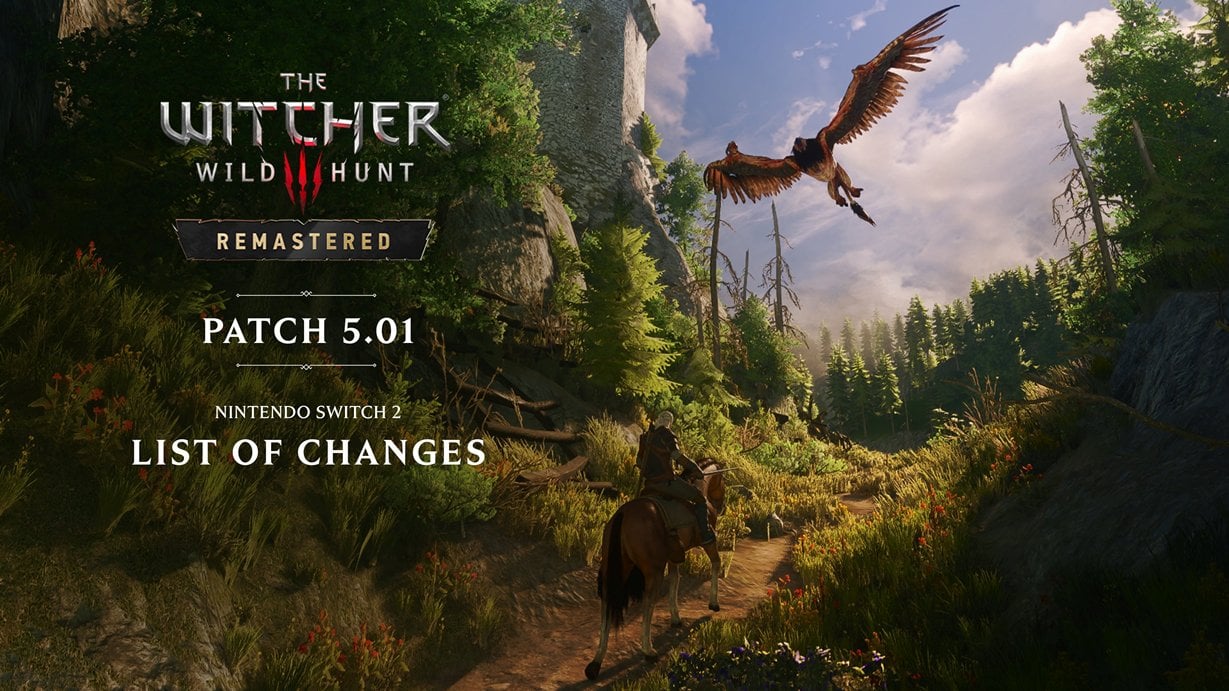
The Witcher 3: Wild Hunt – Remastered has received a 5.0.1 update for Nintendo Switch 2 that focuses on performance, visual clarity, and a range of bug fixes that make the game feel smoother and more stable. CD PROJEKT RED rolled out platform-wide gameplay fixes – from automatic blade oil behavior to ladder animations – while also adding new graphics options such as Bloom, Light Shafts, and Depth of Field. Switch 2 players get platform-specific improvements to image sharpening, resolution handling, cache optimizations for mod support, and several rare crash fixes. This update also addresses UI quirks, audio inconsistencies, and issues affecting save data and rewards. If you play on Nintendo Switch 2, installing version 5.0.1 should help improve visual fidelity and game stability, and it’s worth checking the new graphics toggles to tailor visuals and performance to your preference.
What the 5.0.1 update brings to The Witcher 3 Remastered on Nintendo Switch 2
Patch 5.0.1 is an incremental but meaningful update that bundles gameplay fixes, UI corrections, visual and audio improvements, plus a handful of Nintendo Switch 2-specific tweaks. Players will notice both small quality-of-life adjustments and changes that directly affect how the game looks and runs. The update addresses issues reported since Remastered launched, including problems with automatic blade oils, errant boat movement, and animations that felt off. On the systems side, the team targeted image sharpening and resolution to produce a clearer picture on the Switch 2’s display. The update also introduces more graphics options so you can disable or tune visual effects like Bloom and Depth of Field if you prefer smoother frame pacing. Overall, this is the kind of patch that tightens up loose ends and makes the experience feel more polished without changing core systems or balance dramatically.
Gameplay fixes and stability improvements
Several gameplay bugs that could break immersion or cause frustration have been fixed in this release. The update corrects how the Automatically Apply Blade Oils feature behaves across sessions, so you won’t have to re-enable it each time. Boats that could sometimes move uncontrollably or ignore terrain collisions were fixed, which should prevent unexpected swims or lost progress during river navigation. Ladder interactions and dodging responsiveness have been smoothed out to reduce awkward moments in combat or traversal. The team also fixed odd collisions with defeated enemies after using certain finishes, added damage reflection to the Exploding Shield skill, and corrected display values for the Synergy skill bonus. All these changes together reduce jank and restore expected behavior in both combat and exploration scenarios.
UI and quality-of-life fixes
The update cleans up several user interface oddities that could interrupt the flow of play. Notification pop-ups like the ability point prompt are now prevented from getting stuck on-screen, and input hints no longer flash unexpectedly on the meditation screen. The Potions tutorial will appear correctly when you open the Consumables tab, and some misaligned progress bars have been corrected so menus look consistent. Additionally, fixes around My Rewards and Twitch/Bilibili Drops ensure those items appear in chests properly; players might notice duplicate items appear once because older issues were corrected, so treat that as an unexpected bonus. These fixes help reduce head-scratching moments and make the menus feel more reliable during long play sessions.
Visuals and performance options added for Remastered
Remastered’s visual overhaul continues to be refined in 5.0.1. The patch applies a range of visual adjustments – improvements to Bloom, tone mapping, character lighting, and the ray- and path-tracing subsystems where applicable. New toggles for Bloom, Light Shafts, and Depth of Field have been added to the graphics settings, giving you direct control over those effects. The update also addresses artifacts caused by Dynamic Resolution Scaling in certain setups, and includes optimizations aimed at better performance across the board. If you want crisper visuals or prefer steadier frame pacing, try toggling Bloom and Depth of Field to find the balance that suits your Switch 2. The added options give you the flexibility to prioritise image clarity or smoother performance based on playstyle and display.
Nintendo Switch 2-specific changes and improvements
Nintendo Switch 2 players get a set of targeted fixes meant to leverage the console’s hardware while solving platform-specific problems. The patch adjusts image sharpening and resolution behavior to improve overall clarity and visual fidelity on the Switch 2. A rare crash that happened when changing between in-game regions has been fixed, along with optimized cache handling for Cross-Platform Mod Support to reduce load hiccups. There was also a fix for HD Rumble that previously only triggered in the left Joy-Con when climbing ladders; haptic feedback should now feel consistent. Map pin placement on the map black bars was patched, and Ukrainian text localization has been enabled across regions. If you’d like more background on Switch 2 features and support, check NintendoReporters’ Switch 2 coverage at Nintendo Switch 2 for tips and testing impressions.
Audio fixes and save data integrity measures
The update includes audio fixes that address voiceover levels becoming quieter compared to other in-game sound after navigating certain pause menu tabs – this fix is now applied on consoles as well. The team also implemented measures to address an issue that could affect save file data; the patch adds recovery steps for saves that may already have been affected and reduces the chance of future corruption. That makes installing 5.0.1 especially recommended for players who have experienced instability or odd behavior related to saving. Between the audio corrections and the save safeguards, the update prioritises preserving your time investment and ensuring the game sounds as it should during story beats and dialogue-heavy moments.
How to get the update and what to check after installing
Version 5.0.1 is rolling out via normal platform updates and should become available in most regions immediately, with Japan following certification shortly after the global rollout. To download the update, check your Nintendo Switch 2 system’s software update menu or simply launch the eShop version and allow updates to download automatically. After installing, open the graphics settings to see the new toggles for Bloom, Light Shafts, and Depth of Field and experiment with them to find the right visual-performance mix. Also verify your haptics, check the map pin behavior, and confirm that any My Rewards or drops appear correctly in chests in Vizima. If you notice save issues or duplicated items due to fixes, the patch notes explain the expected behavior, and it’s a good idea to back up important saves before making major changes.
Tips for players after installing update 5.0.1
After updating, expect smoother interactions and improved visuals in many areas, but also take a moment to tweak settings for your ideal experience. If you want the clearest image, enable image sharpening and try turning Bloom off; if you prefer fluid motion, reduce or disable Depth of Field and other post-processing options. Test HD Rumble during ladder sections to confirm both Joy-Cons respond correctly. If you use mods, observe whether cross-platform mod cache handling has improved loading times or stability. Finally, keep an eye on official channels for follow-up hotfixes and community reports – developers often follow up quickly if a new patch creates unintended side effects. For ongoing Nintendo Switch 2 coverage and hands-on notes, NintendoReporters will monitor changes and report noteworthy fixes and tips in the days after release.
Conclusion
Patch 5.0.1 for The Witcher 3: Wild Hunt – Remastered on Nintendo Switch 2 focuses on polishing the experience rather than introducing sweeping changes. With a mix of gameplay fixes, UI corrections, visual options, and platform-specific stability improvements, it aims to make Remastered feel more consistent and visually refined on Switch 2 hardware. Players who value image clarity or who experienced issues at launch should install this update and try the new graphics toggles to personalise the experience. NintendoReporters recommends checking your settings and save backups after updating, and watching for any follow-up fixes that refine the experience further.
FAQs
- Is the 5.0.1 update available worldwide on Nintendo Switch 2?
- The update is rolling out in most regions as of October 19, 2026, with the Japanese release following once certification completes; availability can vary slightly by region and store certification times.
- Does 5.0.1 add new graphics settings for Switch 2?
- Yes – the patch adds options such as Bloom, Light Shafts, and Depth of Field so you can toggle or tune these effects to balance visual fidelity and performance.
- Will this update fix crashes and save issues I experienced?
- The patch includes fixes and safeguards for certain save file problems and rare crashes; if you had corrupted saves, the update introduces measures to address affected files, but backing up saves first is always recommended.
- Do I need the original Switch cartridge to get the Remastered upgrade?
- Remastered was offered as a free upgrade to owners of the original Nintendo Switch version in the Switch 2 ecosystem; instructions and eligibility are outlined by CD PROJEKT RED and Nintendo storefront details.
- Where can I read the full official patch notes?
- CD PROJEKT RED published the full 5.0.1 notes on the official The Witcher website; NintendoReporters links to and summarises those notes in our Switch 2 coverage for quick reading.
Sources
- Patch 5.01 out now for the Nintendo Switch 2 version of The Witcher 3: Wild Hunt — Remastered, CD PROJEKT RED, October 19, 2026
- The Witcher 3 Remastered 5.0.1 update out now on Nintendo Switch 2, patch notes – performance improvements new graphics settings, more, Nintendo Everything, October 19, 2026
- The Witcher 3 Remastered’s Latest Update Is Now Live, Here Are The Full Patch Notes, Nintendo Life, October 19, 2026
- The Witcher 3 Remastered patch targets graphics issues and boats moving “uncontrollably”, GamesRadar, October 8, 2026